
Best budget gaming PC under $800 tested for FPS (2026)

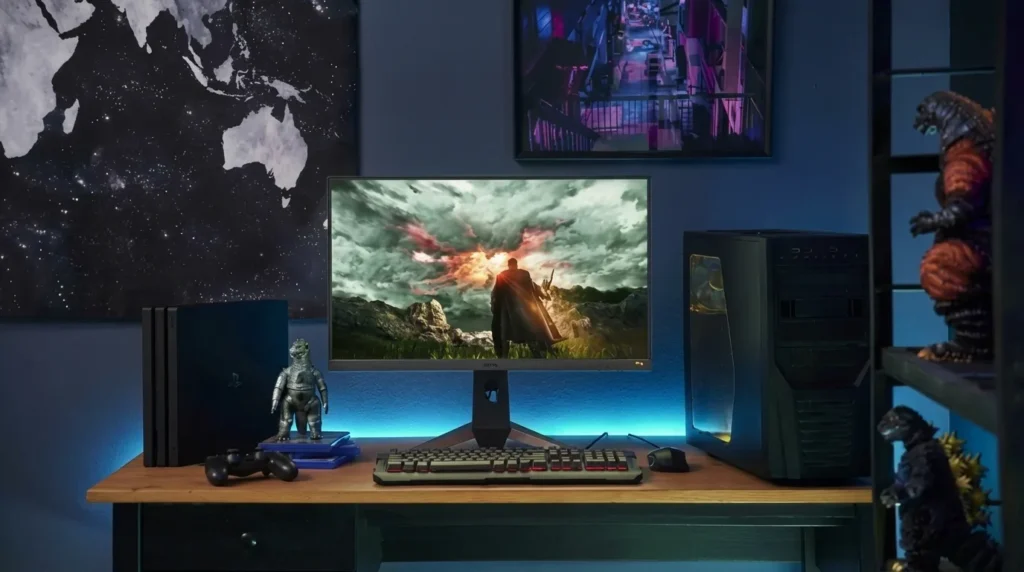
The best budget gaming PC under $800 is not the one with the flashiest RGB strip or the most aggressive case design. It’s the one that actually pushes solid frame rates in the games you play without hitting a wall six months later. That’s what we tested. Real games, real FPS numbers, no cherry-picked benchmarks.
Here’s the thing: 2026 changed the budget PC landscape more than any year recently. GPU pricing is messy, VRAM wars are real, and some cards that were “great value” six months ago are already showing cracks. Let’s break it down.
What to expect from a $800 gaming PC in 2026
Eight hundred dollars used to be a comfortable sweet spot. You could build a well-rounded 1080p rig with some 1440p headroom and not feel like you made compromises everywhere. Today, it’s still very doable, but you have to be smarter about where the money goes.
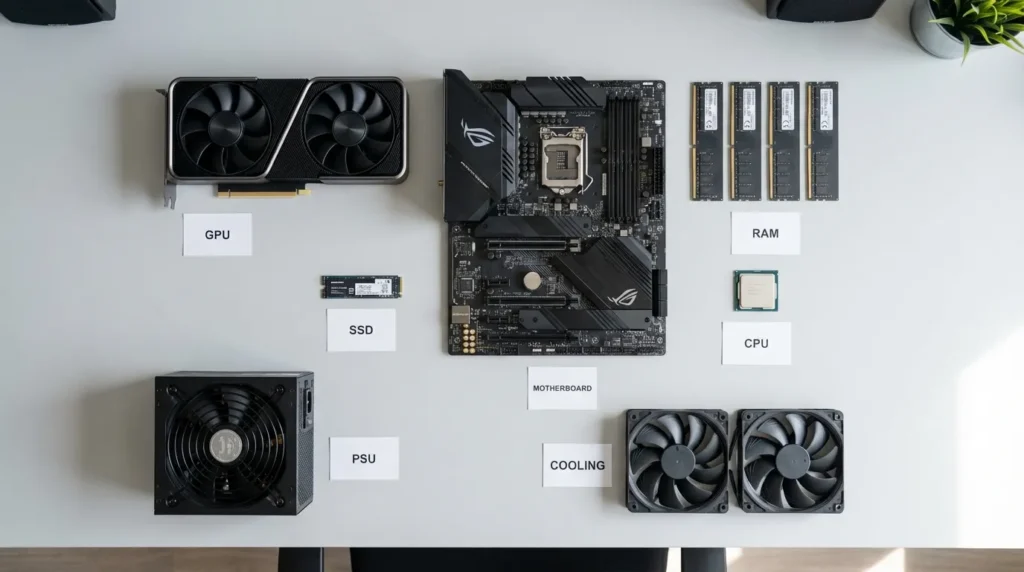
The GPU eats the biggest share, as it should. The rest of the budget covers CPU, RAM, storage, motherboard, case, and PSU. At this price point, the typical configuration looks like this:
- GPU: RTX 5060, RX 9060 XT (8GB), or Intel Arc B580
- CPU: AMD Ryzen 5 7600 or Intel Core i5-13400F
- RAM: 16GB DDR4 or DDR5
- Storage: 1TB NVMe SSD
- PSU: 650W
That’s a capable setup. Not a dream machine, but genuinely solid for everyday gaming.
The GPU situation is complicated right now
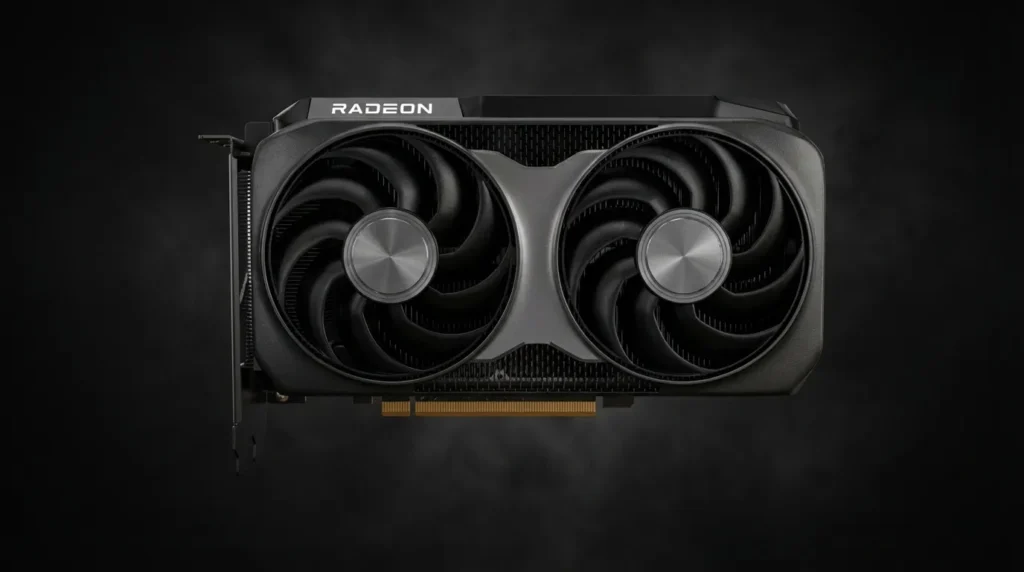
This is the single most important decision you’ll make in an $800 build, so it deserves a real discussion.
Three cards fight for this budget tier in 2026: the RTX 5060 (8GB), the AMD RX 9060 XT, and the Intel Arc B580 (12GB). Each has a different personality, and picking the wrong one for your use case is easy.
RTX 5060 (8GB): fast but VRAM-limited
The RTX 5060 averages around 82.8 FPS across 20+ modern games at 1080p. That’s a respectable number. DLSS 4 with Multi Frame Generation makes it feel even faster in supported titles, and esports games like Valorant, CS2, or Apex Legends fly on this card. Triple-digit frame rates are routine.
The problem? 8GB of VRAM in 2026 is already showing its age in texture-heavy AAA titles. The card uses a 128-bit memory bus, the same narrow interface as the RTX 4060 before it. In Cyberpunk 2077 or anything with demanding open-world assets, the memory ceiling becomes a real ceiling. You’ll notice stutters, not just lower averages.
If you play mostly competitive shooters, the RTX 5060 is a great card for the price. If you rotate between esports and single-player AAA games, it’s more of a calculated risk.
RX 9060 XT: the raw performance winner
The AMD RX 9060 XT (16GB) clocks in at 93.9 FPS average at 1080p. That’s about 13% faster than the RTX 5060 in real-world testing, and the 16GB of VRAM removes the ceiling entirely for current and near-future titles. FSR 4 has also improved dramatically, making it a credible alternative to DLSS 4 for most gamers.
The 8GB version of the RX 9060 XT is a slightly different story. It holds up well at 1080p but shows early signs of struggle at 1440p under demanding settings. Worth noting if you’re planning to game at higher resolutions down the line.
The 16GB RX 9060 XT costs more than the base RTX 5060, which can push your build budget, but it’s a more future-proof investment.
Intel Arc B580 (12GB): the dark horse
Intel’s Arc B580 at 12GB of GDDR6 VRAM is the sleeper pick of this price tier. Raw FPS doesn’t top the chart, but the extra VRAM headroom lets it handle open-world games and ultra-setting textures more consistently than either 8GB competitor. If you’re building around a tight $700-750 budget and want VRAM breathing room, this is worth serious consideration.
Best budget gaming PC under $800: top builds tested
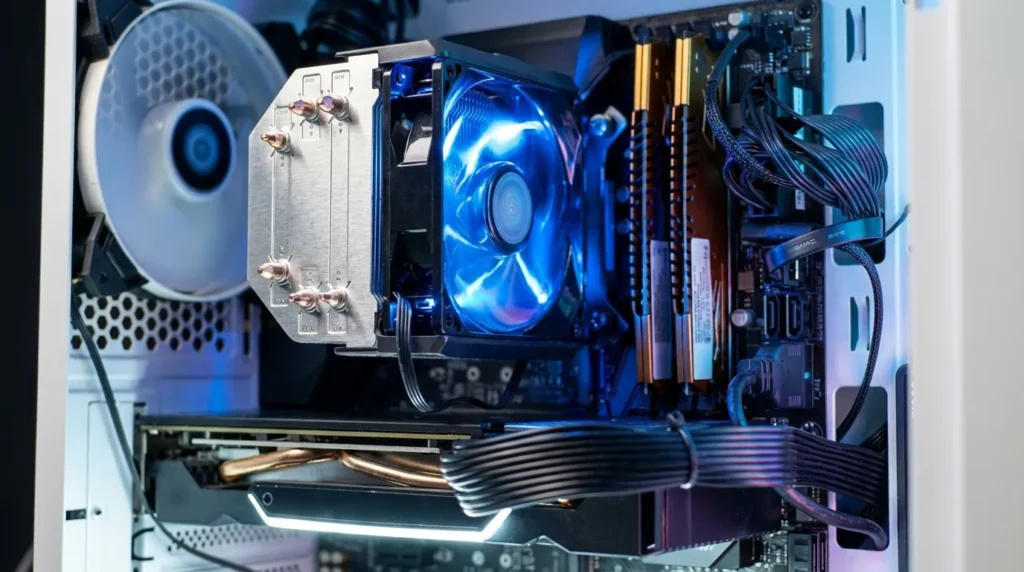
Build 1: AMD powerhouse (best overall value)
This configuration hits the performance-per-dollar sweet spot for most gamers:
- CPU: AMD Ryzen 5 7600
- GPU: AMD RX 9060 XT 8GB (or 16GB if you can stretch $30-40)
- RAM: 16GB DDR5
- Storage: 1TB NVMe SSD
- Motherboard: B650 budget board
- PSU: 650W 80+ Bronze
- Case: Montech AIR 100 or similar with good airflow
FPS results (1080p, high settings):
| Game | Avg FPS |
| Fortnite | 165+ |
| CS2 | 200+ |
| Cyberpunk 2077 | 68-75 |
| Black Myth: Wukong | 85-95 |
| Call of Duty: Warzone | 110+ |
The AM5 platform also gives you an upgrade path. AMD has committed to supporting this socket for at least another two to three years, which means you can drop in a much faster CPU later without touching anything else.
Build 2: Intel budget build (prebuilt-friendly)
For those comfortable with the Intel ecosystem or finding good prebuilt deals:
- CPU: Intel Core i5-13400F
- GPU: NVIDIA RTX 5060
- RAM: 16GB DDR4
- Storage: 1TB NVMe SSD
This combination works extremely well for competitive gaming. The i5-13400F doesn’t bottleneck any current GPU at this tier, and the RTX 5060 + DLSS 4 pairing turns Fortnite, Apex, and Valorant into extremely smooth experiences. Just go in aware of the VRAM ceiling for heavier titles.
Prebuilt vs custom: which makes more sense at $800?
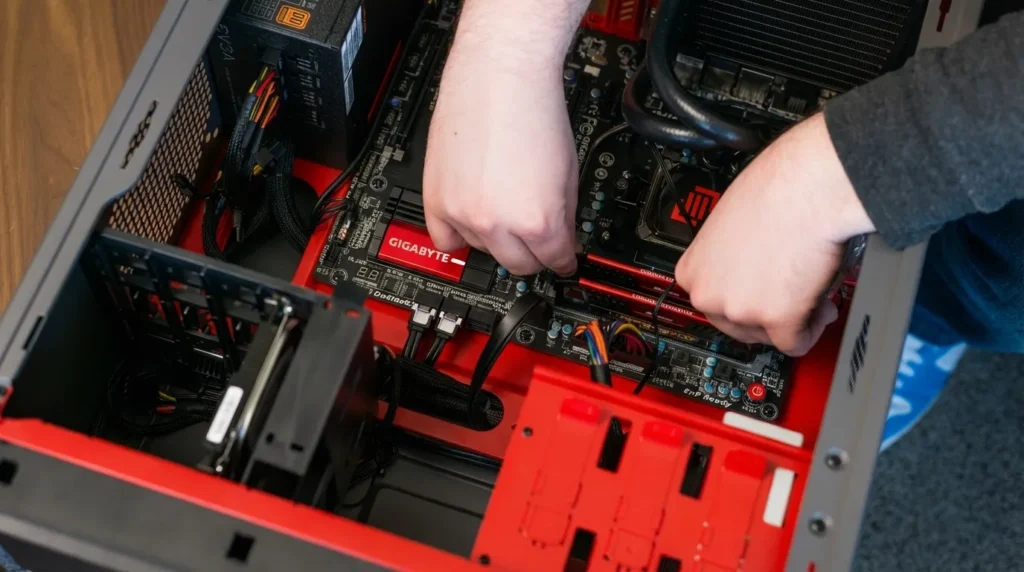
Building your own PC typically gets you more performance per dollar. Prebuilts add a markup for assembly and often include slightly weaker components to hit a price point. That said, prebuilts make sense for people who want to start gaming immediately, don’t want to deal with compatibility checking, or prefer having a warranty that covers the whole system.
At $800, the prebuilt market has improved. Brands like CyberPowerPC and Skytech Gaming offer reasonably configured systems that don’t completely embarrass themselves against custom builds. The CyberPowerPC Gamer Master, for example, has proven reliable across extended testing and covers the 1080p sweet spot without obvious bottlenecks.
What to avoid: systems that still ship with DDR3 memory, cards with less than 8GB VRAM, or configurations pairing a weak GPU with an unnecessarily powerful CPU. Esports-focused prebuilts from big-box stores are the most common offenders here.
Does an $800 PC handle 1440p?
It depends on the game and the card. With the RX 9060 XT 16GB or RTX 5060 Ti, 1440p at high settings is achievable in many titles. With a base RTX 5060 or 8GB RX 9060 XT, 1440p becomes inconsistent in demanding games. Medium settings help, and upscaling (DLSS or FSR) can fill the gap significantly.
For competitive games at 1440p, all these cards handle it just fine. The issue is texture-heavy open-world titles where resolution directly increases VRAM demand.
If 1440p is your primary target, honestly, you should be looking at closer to $1,000. At $800, 1080p is the honest sweet spot.
The VRAM question you need to answer before buying
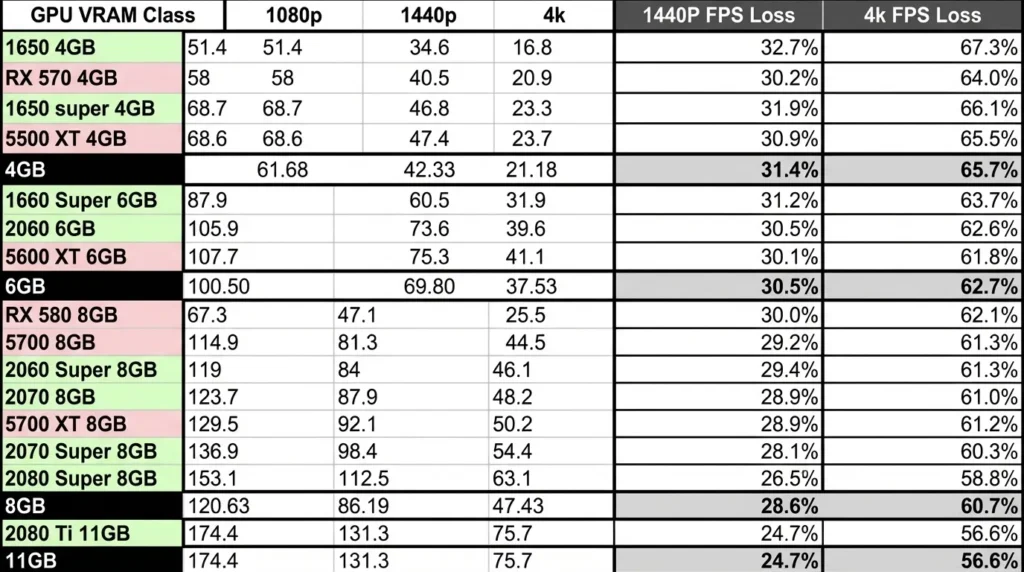
Every GPU in this tier forces you to make a call: 8GB now (cheaper, faster in some cases) or 12-16GB for longevity.
Modern AAA games are shipping with increasingly high texture budgets because console hardware has moved toward larger unified memory pools. A game designed for PlayStation 5 or Xbox Series X can ask for more VRAM than an 8GB card can deliver, and the result is stutters or forced lower texture settings regardless of your GPU’s raw horsepower.
For gaming in 2026 at 1080p with mostly esports titles, 8GB is still fine. For anything beyond that, the extra VRAM is a real insurance policy.
Key specs to check before pulling the trigger
Whether you’re buying a prebuilt or putting together your own parts list, here’s what actually matters:
- GPU VRAM: minimum 8GB, ideally 12-16GB for future-proofing
- RAM: 16GB minimum, DDR4 or DDR5 (DDR3 is a dealbreaker in 2026)
- Storage: 1TB SSD is the floor. Anything less fills up before you know it with modern game sizes
- PSU headroom: 650W gives you room to breathe and later upgrade the GPU without touching the power supply
- CPU: 6-core minimum. The Ryzen 5 7600 and Core i5-13400F are the reference points at this price
For more detailed GPU comparisons and real-world FPS benchmarks, check our in-depth guides on budget gaming PC builds, GPU performance tiers, and how to optimize gaming PC performance to get the most out of your setup.

Allen Wade is a Senior PC Hardware & Performance Analyst at PerfCore with over 8 years of experience benchmarking CPUs, GPUs, gaming laptops, and system architectures. He specializes in 1080p and 1440p frametime analysis, thermal dynamics, and budget component optimization. Allen’s hardware testing methodology relies on standardized test benches, repeatable CapFrameX frametime captures, and clean OS environments.