Raid: Shadow Legends beginner guide: how to start, progress, and not quit

Starting Raid: Shadow Legends in 2026 can feel overwhelming. With over 800 champions, complex gear mechanics, and multiple dungeon modes, this Raid Shadow Legends beginner guide provides the exact roadmap you need to build a powerful account without wasting resources or quitting early.
Whether you play on PC using the official Plarium Play launcher or on mobile, the core progression mechanics remain identical. Follow this step-by-step Raid Shadow Legends beginner guide to master starter picks, optimal gearing, and early-game efficiency.
Table of Contents
What kind of game is Raid: Shadow Legends?
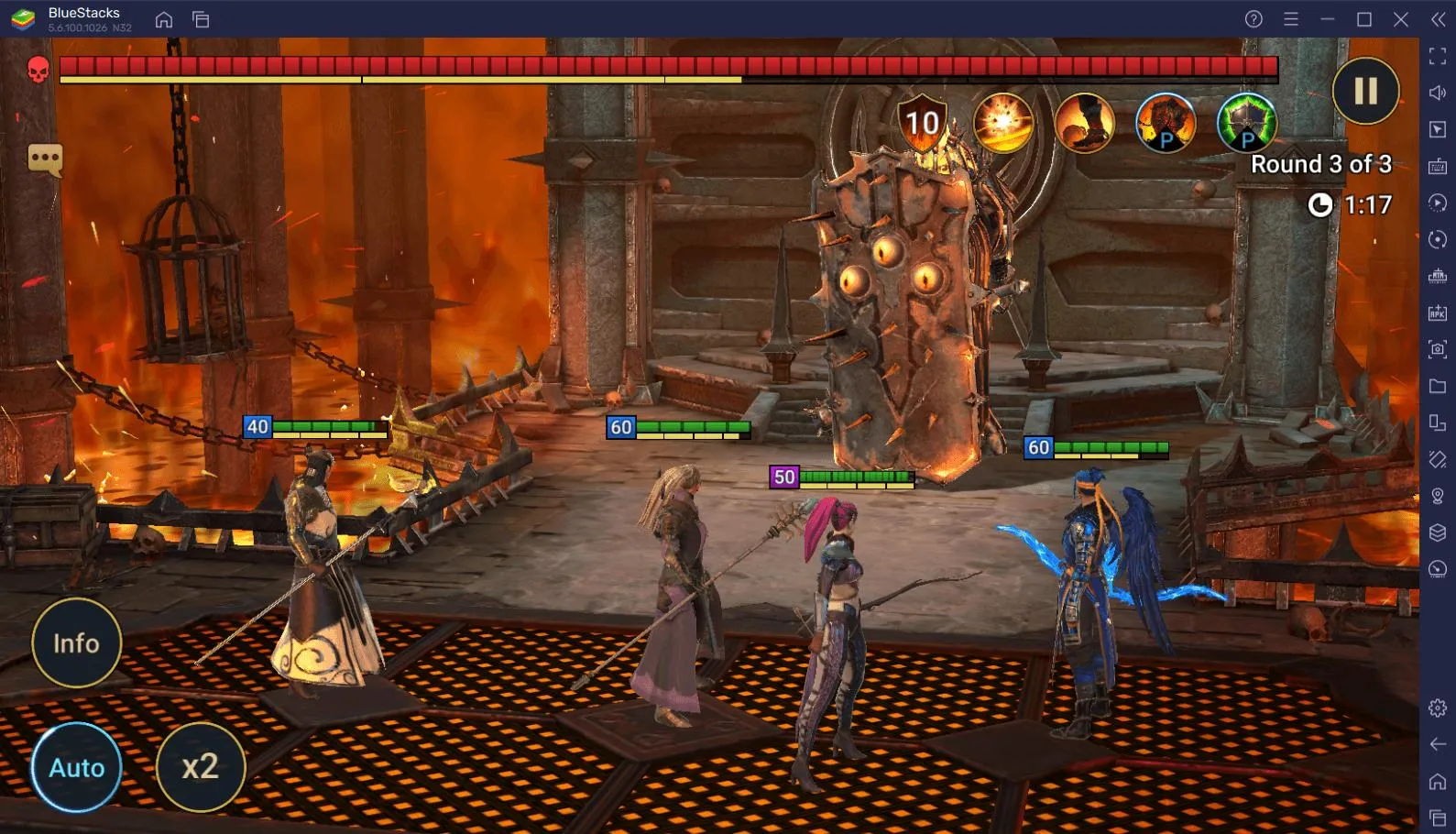
Raid is a turn-based RPG gacha game developed by Plarium. The core gameplay loop revolves around summoning champions from shards, leveling them up, equipping gear sets, and tackling campaign stages and dungeon bosses.
While the game features microtransactions, free-to-play players can unlock all content by managing daily energy and saving summoning shards for bonus events.
How to set up your account correctly
Before completing the tutorial, link your game to a Plarium ID immediately. This ensures your progress syncs cross-platform between PC and mobile and prevents account loss during app reinstallations.
Always redeem active new-player promo codes (such as MONKEYKING) during your first login session. Check official creator portals or community hubs like HellHades to grab active starter codes before initiating your account.
Pick your starter champion wisely in this Raid Shadow Legends beginner guide
At character creation, you select from four starters: Kael, Galek, Elhain, and Athel. Kael remains the best starter pick in 2026 due to his area-of-effect damage and high Poison debuff output, which excels in early Clan Boss battles.
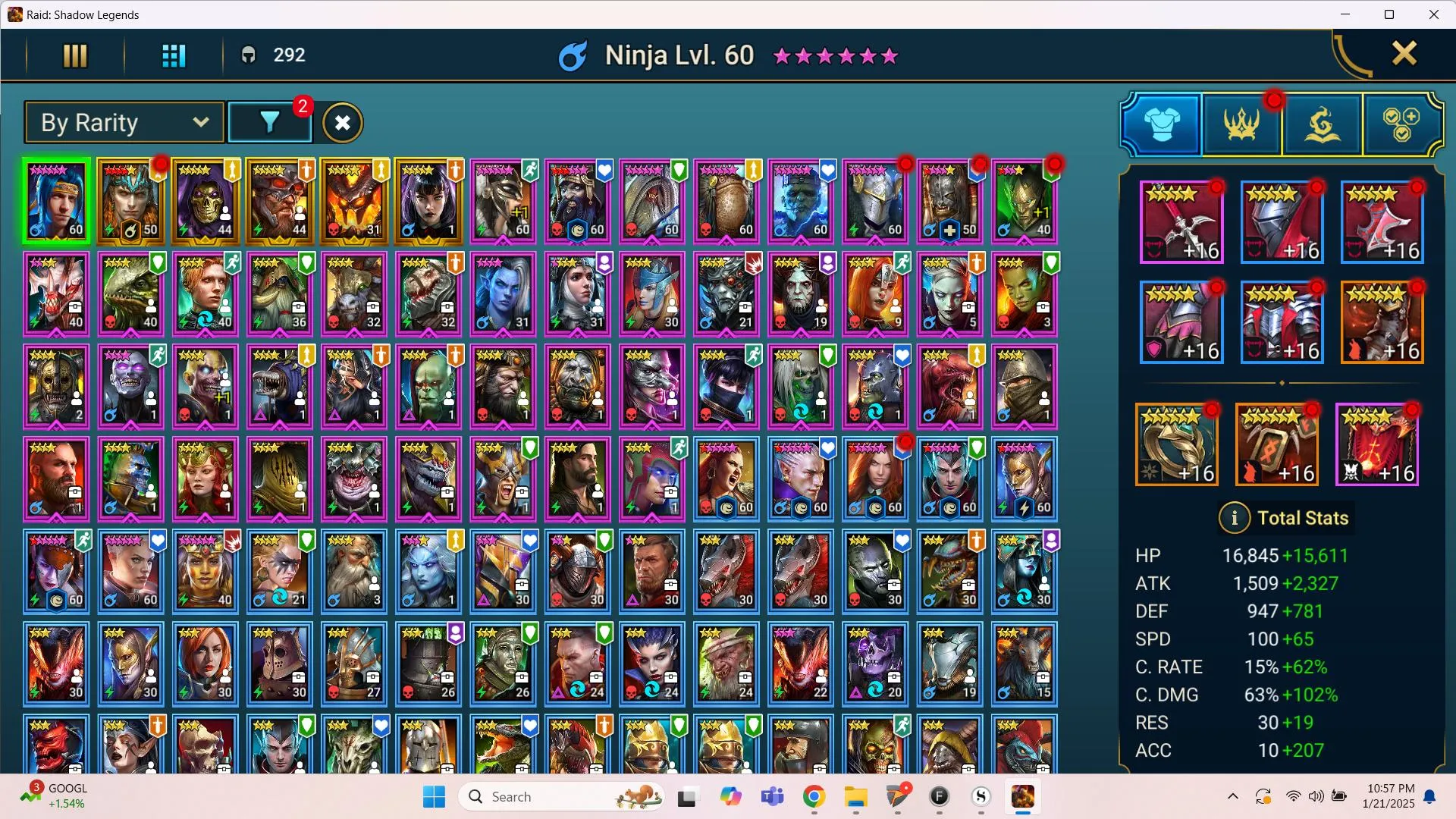
Your top priority is taking your starter champion to Level 60 (6 Stars) as fast as possible. A single Level 60 starter acts as a campaign farmer, clearing Stage 12-3 to level up food champions for your entire roster.
Your first week: tactical combat and focus areas
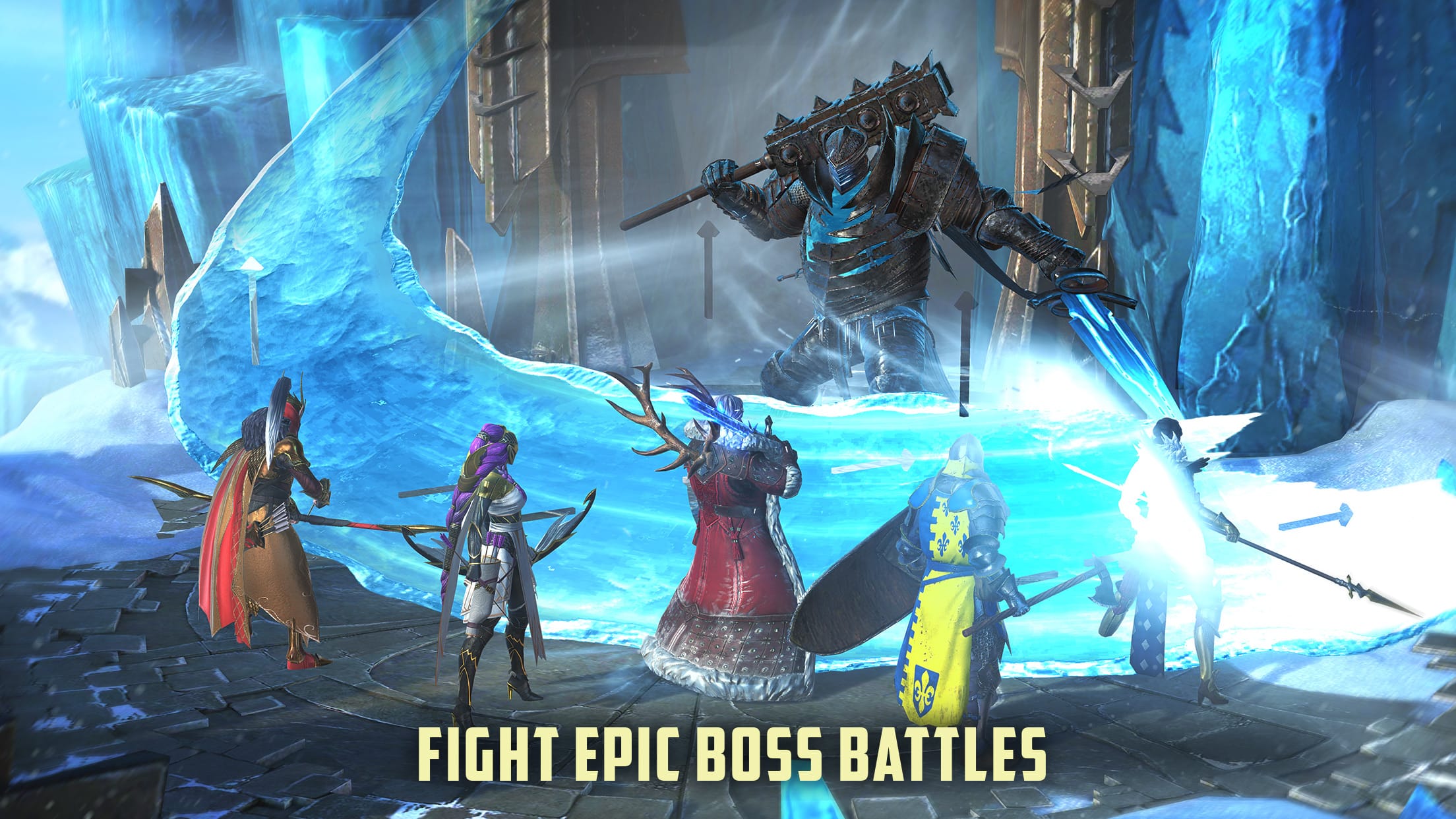
During week one, focus exclusively on campaign progression, daily quest completions, and unlocking the Clan Boss:
- Complete daily, weekly, and monthly quests consistently for free energy and gems.
- Push Campaign stages to unlock Clan Boss access on Normal difficulty.
- Use your daily Clan Boss keys every day; the chest rewards provide essential skill tomes and shards.
- Save all Ancient, Sacred, and Void Shards for 2x Summoning Events to maximize legendary drop rates.
Gear basics: stat priorities over set bonuses
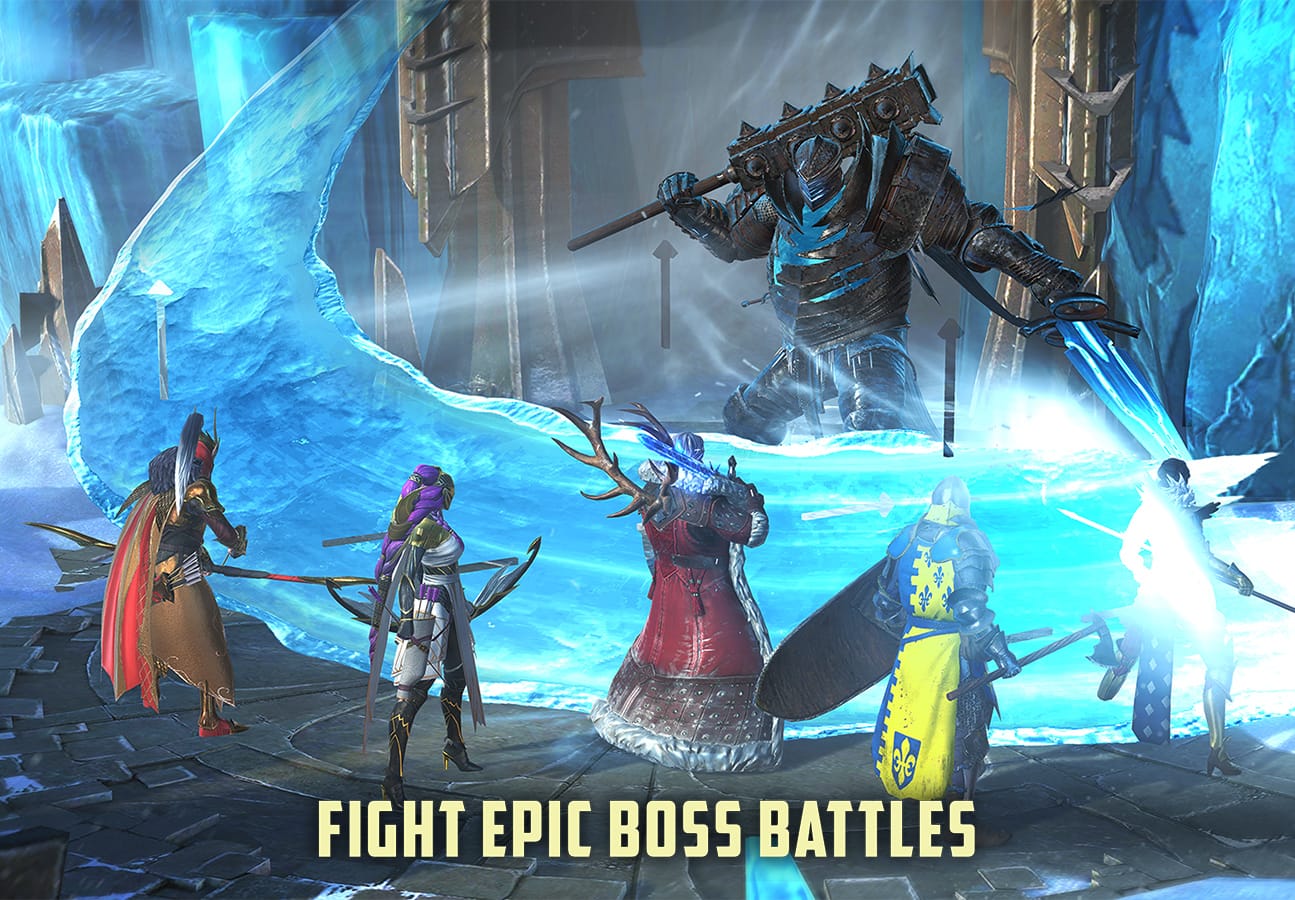
In early-game gearing, primary stats and substats are far more valuable than set bonuses. Aim for these core target stats on your primary team:
- Speed: Target 160–180+ Speed on your support champions and debuffers.
- Critical Rate: Reach 100% Critical Rate on primary damage dealers.
- Accuracy: Maintain 10+ Accuracy per dungeon stage level (e.g., 160+ Accuracy for Stage 16).
Speed dictates turn frequency. High Speed allows your team to apply debuffs and shields before enemies attack.
Common beginner mistakes to avoid
Avoid these common traps that stall account progression:
- Spreading experience across too many champions: Maximize one champion to 60 before building another.
- Opening shards without bonus events: Hold shards for 2x multiplier events.
- Over-upgrading low-tier gear: Do not upgrade 3-star or 4-star gear beyond Level 8 or 12.
Progression timeline and long-term goals
Consistent daily play yields steady progression over time:
- Weeks 1–2: Level 60 Starter Champion, Campaign Hard/Brutal clear, Normal Clan Boss.
- Month 1: Dragon 16 auto-farm, Arena Silver tier, first Epic support built.
- Months 2–3: Nightmare Clan Boss team, Spider 16+ gear farming, Doom Tower entry.
For a detailed analysis of graphics performance, control options, and PC launcher features, read our comprehensive Raid: Shadow Legends PC review.

Allen Wade is a Senior PC Hardware & Performance Analyst at PerfCore with over 8 years of experience benchmarking CPUs, GPUs, gaming laptops, and system architectures. He specializes in 1080p and 1440p frametime analysis, thermal dynamics, and budget component optimization. Allen’s hardware testing methodology relies on standardized test benches, repeatable CapFrameX frametime captures, and clean OS environments.