State of Survival PC and Mac: Download, Requirements & 2026 Review

Zombie strategy games are everywhere on phones, but very few have stuck around as long as State of Survival. FunPlus launched it on mobile back in 2019, and it has kept millions of players building bases, training troops, and fighting off the infected ever since. The catch is that a game this busy, with timers, alliance chats, and huge rally battles, can feel cramped on a small screen. That is exactly why so many players move it to a computer. In this guide to State of Survival PC and Mac, we cover how to install it on Windows, how Mac users can join in, what the game is really like in 2026, and whether it is worth your time.
Table of Contents
What is State of Survival?
State of Survival is a free-to-play zombie apocalypse strategy RPG developed and published by FunPlus International AG. The story kicks off six months after a virus has overrun the cities. You take charge of a small settlement, gather resources, recruit heroes, and slowly turn a handful of survivors into a fortified stronghold that can push back against the zombie hordes and rival players.
At its core, it mixes classic base-building strategy with light RPG elements. You upgrade buildings, research technology, train infantry, riders, and hunters, and lead heroes on missions across a shared world map. It is the kind of game you check in on several times a day rather than play in one long session, and that rhythm is a big part of why it suits a PC that is already open on your desk.
State of Survival PC system requirements
The Windows version available on Steam is extremely light. If your computer can browse the web and stream video, it can almost certainly run State of Survival. Here is what the official listing asks for:
| Component | Minimum (Windows) |
|---|---|
| OS | Windows 7 SP1 or newer (64-bit required) |
| Processor | Intel Core 2 Duo E6400 / AMD Athlon x64 4000+ |
| RAM | 4 GB |
| Graphics card | NVIDIA GeForce GTX 460 / Radeon HD 4400 or better |
| DirectX | Version 10 |
| Network | Broadband internet connection |
| Storage | 8 GB available space |
Those specs are modest enough for almost any laptop sold in the last decade. If you are shopping for a new machine anyway and want one that handles strategy games and heavier titles, our guide on how to choose a gaming laptop walks through what actually matters.
How to download State of Survival on Windows
Getting the game running on Windows takes only a few minutes, and it costs nothing to start. Here is the quick path:
- Click the State of Survival free download link to grab the game for your PC.
- Run the installer and let it download the game files, roughly 8 GB in total.
- Log in with the same account you use on mobile if you want to keep your existing progress. Linking your account in the in-game settings first is the safest approach.
- Pick a server, finish the short tutorial, and start building your settlement.
Because State of Survival is an always-online game, your progress is tied to your account rather than to one device. That means you can play on your PC at home and pick things back up on your phone when you are out, which is a huge convenience for a game built around timers.
How to play State of Survival on Mac
Here is the honest part for Mac owners: there is currently no native macOS version on Steam, which only lists Windows. That does not lock you out, though. Most Mac players use one of these routes:
- Android app player: tools like BlueStacks support macOS and let you run the mobile version of the game in a window, with keyboard and mouse controls.
- Cloud or Windows setup: if you already run Windows on your Mac through a virtual machine or another device, you can install the Windows version as normal.
- Download page: use the download button in this article to find the current installation options for your device.
Whichever route you choose, log in with the same account so your settlement follows you. Apple Silicon Macs handle the game comfortably, since it is a light 2D strategy title rather than a demanding 3D shooter.
Building your settlement and heroes
The early hours are all about building. You start with a modest headquarters and a few survivors, then expand with farms, sawmills, power plants, hospitals, and training grounds. Each upgrade takes time, so a big part of the strategy is planning which buildings to boost first and which timers to run overnight.
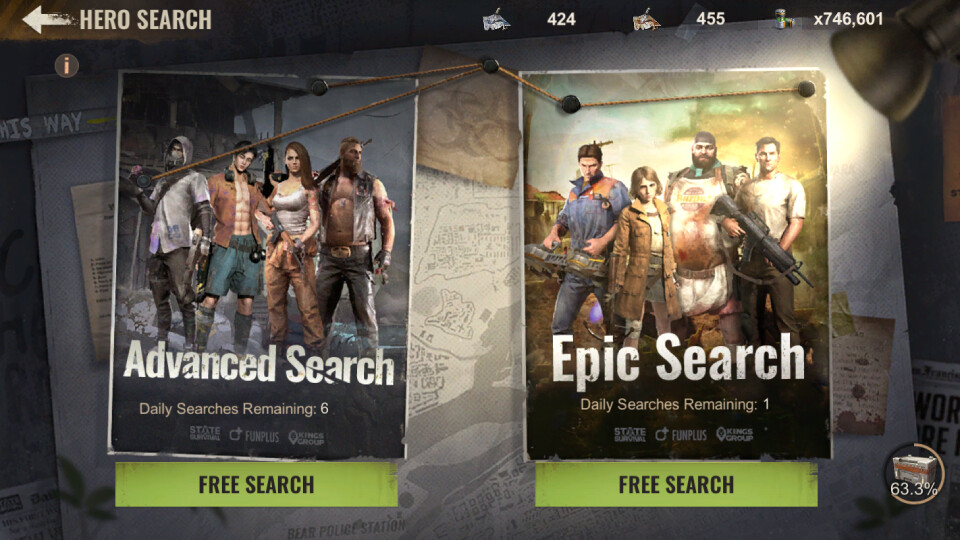
Heroes add the RPG layer. You recruit characters with different skills, level them up, and equip them with gear to lead your troops. Pairing the right hero with the right troop type, whether that is infantry, riders, or hunters, makes a noticeable difference in combat. Collecting and upgrading heroes is also where most of the long-term progression lives.
Alliances, PvP, and events

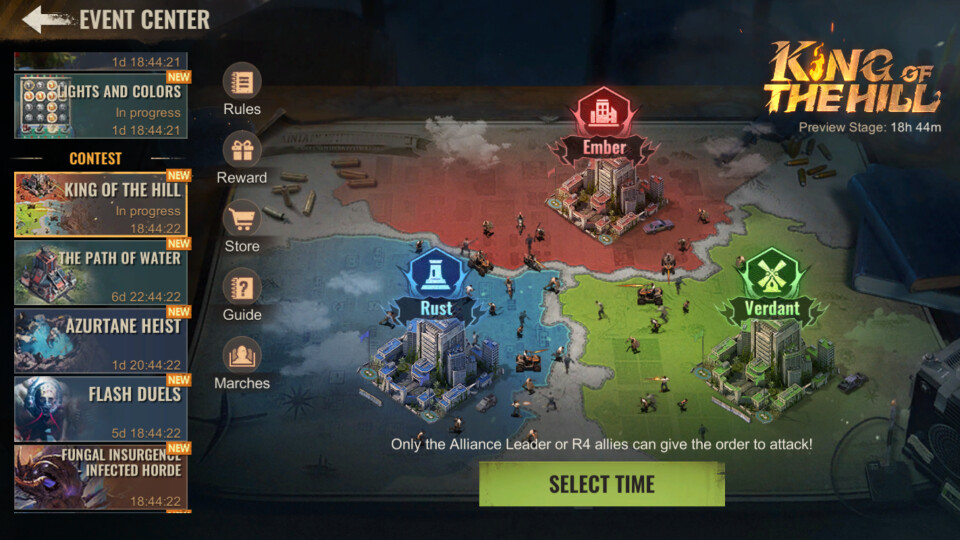
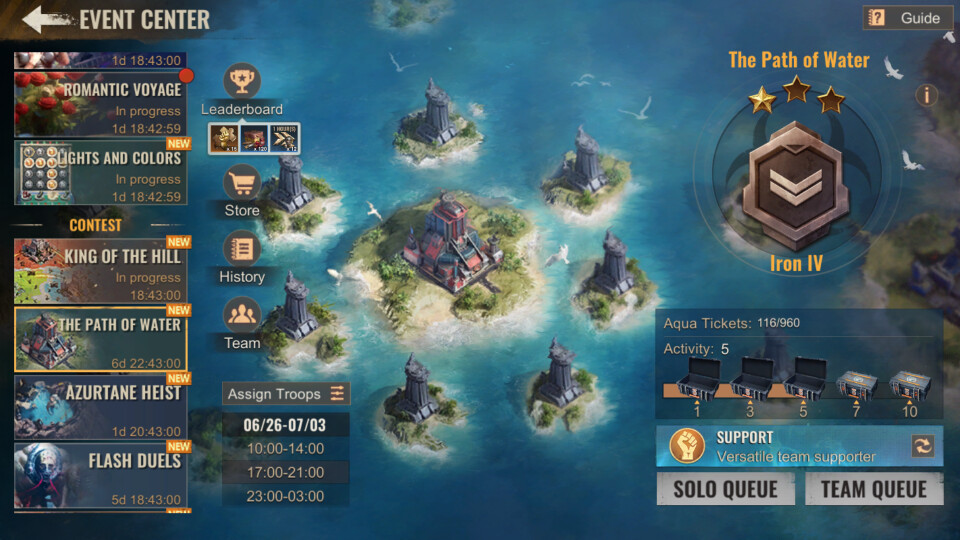
State of Survival really comes alive once you join an alliance. Allies can speed up each other’s construction, share resources, and launch rallies against powerful infected bosses or enemy settlements. Coordinating with a good alliance turns a slow building game into a social strategy experience, and the chat on PC is far easier to keep up with than on a phone.
PvP is a major part of the endgame. Server events, territory wars, and state-versus-state battles reward players who stay active and organized. If you are spending a lot of time clicking around the world map during these events, a comfortable mouse helps more than you would think, and our list of the best gaming mice has options for every budget.
Why play on PC instead of mobile

The biggest benefit of playing State of Survival on a computer is simple: more screen space. Menus, alliance chat, and the world map are much easier to read on a monitor, and managing troops with a mouse is quicker than tapping tiny buttons. You also avoid battery drain and phone overheating during long event sessions.
Many players also keep the game open in the background while working or browsing. If you do that, it helps to keep your browser from eating all your system memory. Our test of the Opera GX RAM and CPU limiter shows one easy way to keep both running smoothly on a modest PC.
Where State of Survival falls short
State of Survival is free to play, but it is not shy about monetization. Packs, speed-ups, and hero upgrades are pushed constantly, and players who spend money can progress much faster, especially in competitive PvP. If you hate seeing offers pop up, this will test your patience.
The pacing is also slow by design. Upgrade timers stretch into hours and then days as you progress, which means the game rewards regular check-ins more than long sessions. Finally, the lack of a native Mac version means Mac players need an extra step to get started.
Final verdict: State of Survival PC and Mac
So, is State of Survival on PC and Mac worth playing in 2026?
If you enjoy base-building strategy games, like the idea of teaming up with an alliance, and want a zombie game you can dip into a few times a day, yes. Playing on a computer makes the menus, map, and chat far more comfortable, and the Windows version runs on almost anything.
If you want a fast, story-driven zombie shooter or you dislike free-to-play monetization, it may not be for you. But since it costs nothing to try, there is very little risk. You can download it for free through the card below.
State of Survival
FREE TO PLAYFunPlus’ zombie apocalypse strategy RPG. Build your settlement, recruit heroes, join an alliance, and fight the infected on a bigger screen.

Allen Wade is a Senior PC Hardware & Performance Analyst at PerfCore with over 8 years of experience benchmarking CPUs, GPUs, gaming laptops, and system architectures. He specializes in 1080p and 1440p frametime analysis, thermal dynamics, and budget component optimization. Allen’s hardware testing methodology relies on standardized test benches, repeatable CapFrameX frametime captures, and clean OS environments.