
How to prepare your pc for the next 5 years
Learn how to prepare your pc for the next 5–7 years by choosing the right components, avoiding early obsolescence, and investing in hardware that lasts longer and saves money over time

When building a computer, there are several factors to keep in mind. One of them is the durability offered by each component. It is not only important to know whether the parts are good quality, but also to understand whether they will be able to handle generational changes. That is why there is always a clear order of priority when choosing pc components.
The biggest problem many users face when choosing a computer lies in the life cycle of its components. It is common to find prebuilt models with hardware that is already outdated, while other parts that seem current can become obsolete barely two years later.
For this reason, some components should take priority over others when it comes to investing money. There are parts whose function is basic, but which last much longer and ultimately result in savings over time.
Contents
show
Components that tend to change very frequently
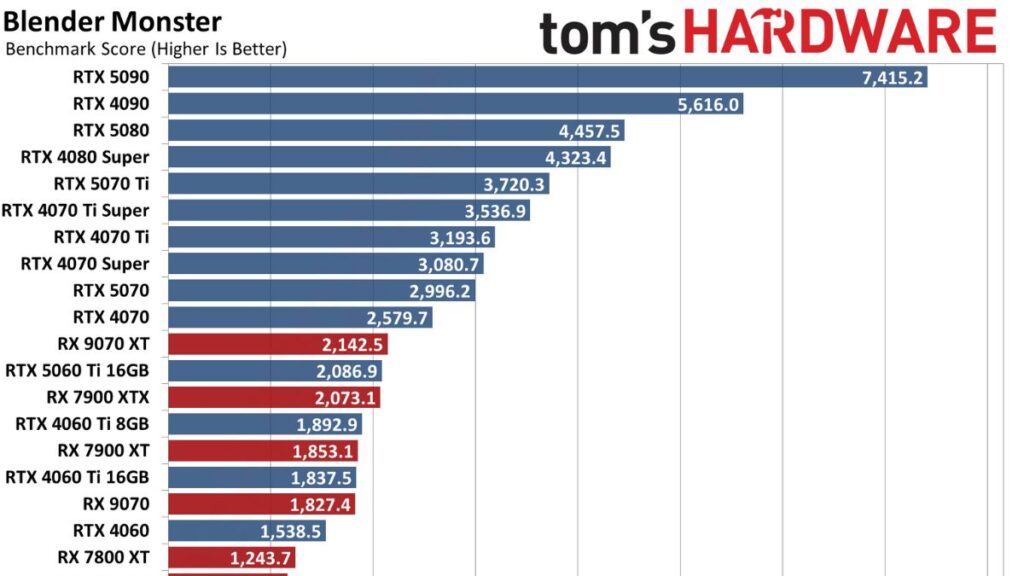
You have probably seen many times how the power of a specific component affects a computer’s performance. In some cases, the processor is the most important factor to consider. In other situations, the graphics card becomes far more important.
These two components are the ones that undergo generational changes most often, since new families are released roughly every two years. As you can imagine, this means that older models of this type of hardware tend to become obsolete more frequently than other components.
For example, choosing a low end graphics card thinking it will last many years is a big mistake. But even when selecting a mid range or high end model, generational shifts can mean that after four years it no longer delivers the optimal performance it should.
These are the components you should prioritize
As mentioned earlier, some components have a much longer life cycle than others. That is why the recommendation is not to cut corners on these parts, since they may be the only ones you end up reusing in a new computer. The idea is to give them far more headroom than other components.
If we talk about priority, the order would be as follows.
Case
Choosing a good case from the very beginning is a key aspect of building a pc. Not only can it last for many years, but a large part of your components’ thermal performance will depend on it. A chassis with good airflow allows for better performance and higher durability for the rest of the parts.
Psu
The power supply is one of the most overlooked components when configuring a pc. Many people opt for cheap models, but a high quality power supply can last for decades. The main factor to consider is wattage. If you want to upgrade your pc so it keeps up with generational standards, you need to choose a model with the power requirements that hardware may demand five to seven years from now in mind.
Ssd
The storage drive is one of the components most often reused in a computer. One of the biggest advantages of newer formats is their compatibility. Choosing an advanced ssd with higher capacity and optimal speed, starting at around 5,000 mb per second, will allow you to store data reliably for many years.
Cooling
Cooling systems should really be tied to the case you choose when it comes to fans. If they have good airflow, they can last many years as long as you remember to clean them. Cooling is especially important because of cpu coolers. Aio models or even air coolers depend heavily on the processor, so if you change your cpu you need to make sure the cooler can handle the temperatures it produces.
Motherboard
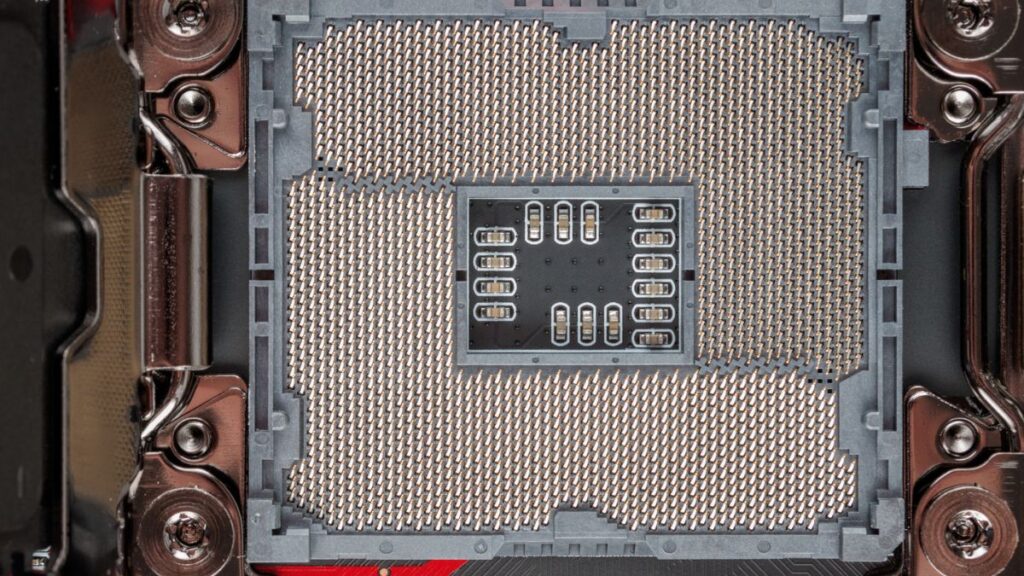
Among the components that experience the most changes in a computer, the motherboard stands out. While choosing a latest generation model can allow it to last many years, this depends on the manufacturer. If one of the major processor manufacturers, amd or intel, decides to change the socket, you will need a new motherboard for the processor. Even so, there are ways to choose one that will last quite a long time, especially when it comes to the most current models compatible with amd chips.
Ram
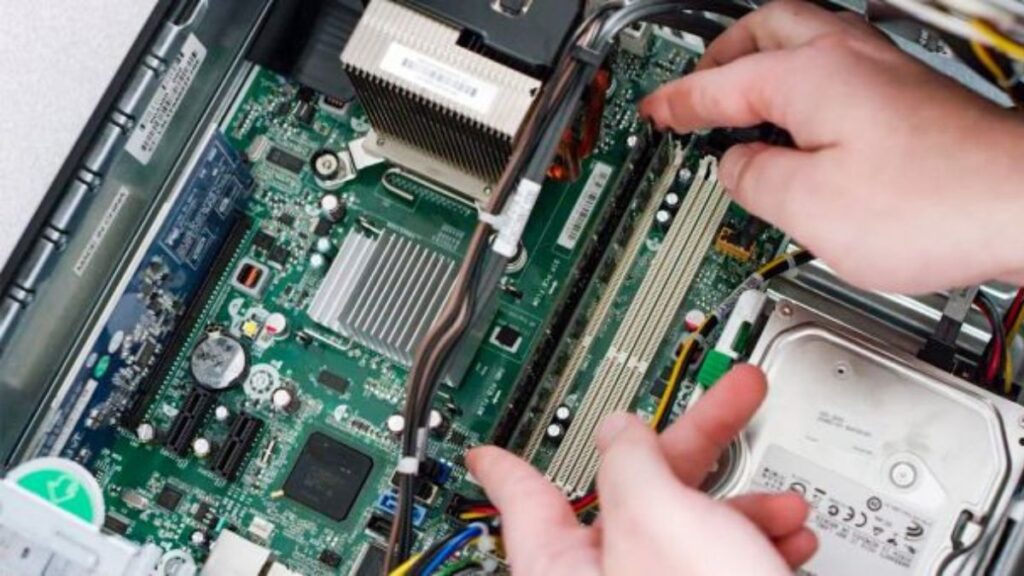
Ram is one of the components that can be upgraded most frequently in a computer. Historically, it has not caused many issues because its cost was quite affordable. With the rise of ai, prices have increased significantly, but in essence it remains the same. Applications require more and more memory to run, and these requirements increase every few years.
final note: planning your build the right way
Preparing your pc for the next 5–7 years starts long before you power it on. Smart component choices not only improve performance and longevity, but also make the entire building process smoother and faster. If you are wondering how much time each step really takes, from planning and parts selection to full assembly and setup, check out our complete guide on How long does it take to build a pc , to get a clear and realistic breakdown before you start.

I haven’t been working in the IT industry for very long, but ever since I was a kid I knew this was what I wanted to do. I started studying and tinkering with hardware when I was around 10 years old, although I had been using computers long before that , I used my first mouse at just 3 years old.
My studies focused on computer science topics, mainly cybersecurity. Over time, I discovered how much I enjoyed sharing hardware-related news and information with others.
Like many professionals in the industry, video games were one of my main motivations for getting into tech. They’re still a big part of my daily life, and I’m always keeping an eye on the latest announcements.
I’ve been working at PerfCore for a while now as a writer, and little by little I’m gaining experience in other roles as well such as doing in-depth product reviews and developing a more critical, analytical approach to hardware.