
Desktop vs Laptop Power Settings: Which Is Best for Gaming ?

Gaming requires a delicate balance between hardware capabilities and power management , The right power plan can significantly enhance gaming performance, whether you’re using a desktop or laptop.
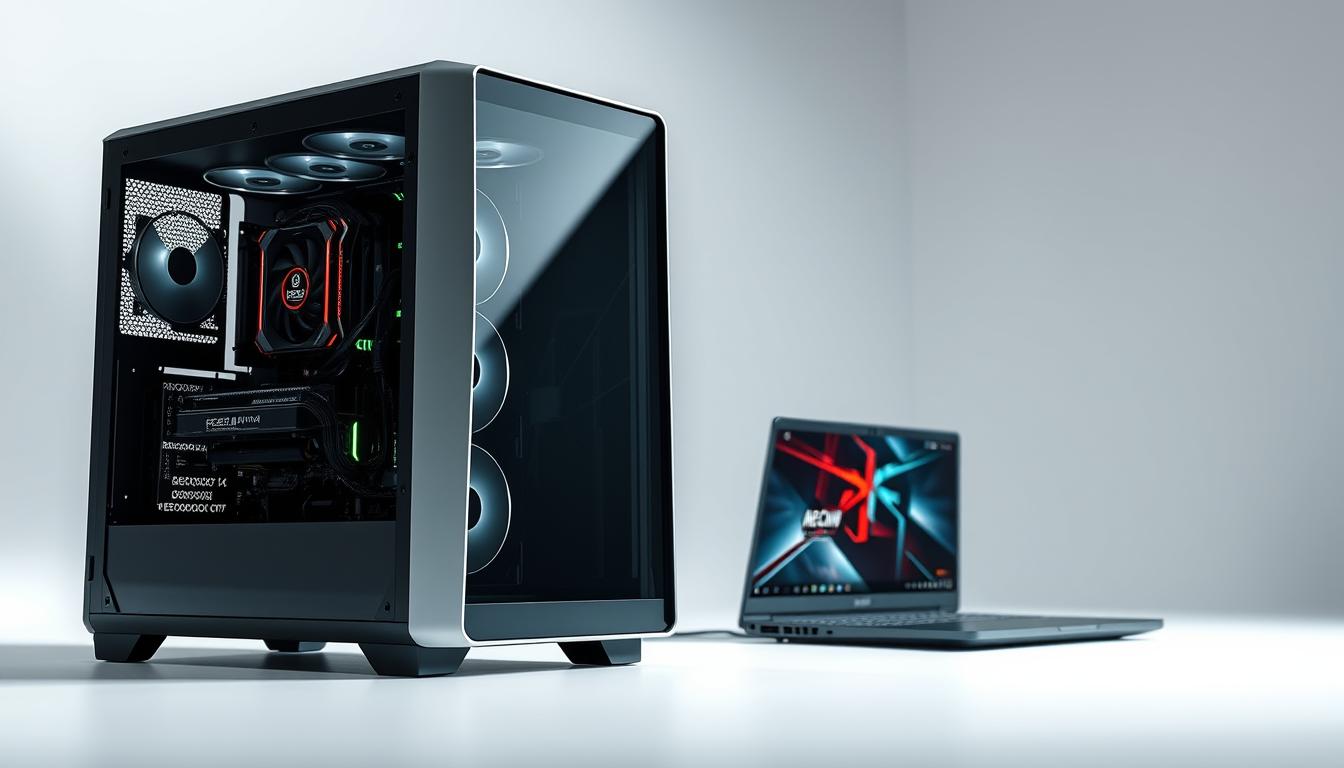
The distinction between desktop and laptop power configurations is crucial, as each has unique demands and limitations, Understanding these differences is key to optimizing your gaming experience.
Choosing the right power plan can make a substantial difference in gaming performance, This article will explore the importance of power plans for gaming and provide insights into optimizing your desktop or laptop for the best gaming experience.
Contents
show
Key takeaways
- Understanding the differences between desktop and laptop power configurations is crucial for gaming performance.
- The right power plan can significantly enhance gaming performance.
- Optimizing power settings can make a substantial difference in gaming experience.
- Desktop and laptop power configurations have unique demands and limitations.
- Choosing the right power plan is essential for optimal gaming performance.
Understanding power plans and their impact on gaming performance
To achieve the best gaming performance, it’s essential to understand how power plans work and their effect on your gaming rig Power plans, also known as power schemes, are predefined settings on your computer that manage how it consumes power, These settings can significantly impact your gaming experience, affecting everything from frame rates to hardware longevity.
What are power plans and how do they work?
Power plans are configurations that determine how your computer’s hardware uses power,, They can be adjusted to prioritize performance, battery life, or a balance between the two, For gaming, these plans are crucial as they dictate how much power is allocated to the CPU, GPU, and other components.
Key components affected by power plans include:
- CPU and GPU performance levels
- Power consumption during idle and load
- Cooling system operation
The relationship between power settings and gaming performance
The power settings on your computer directly influence gaming performance, For instance, a high-performance power plan can boost your GPU and CPU performance, leading to smoother gameplay and higher frame rates, Conversely, a power-saving plan might reduce performance to conserve energy.
“The right power plan can make a significant difference in gaming performance, especially in demanding games.”
Key power plan settings that affect gaming
Several power plan settings can impact gaming performance, including:
- Minimum and maximum processor state
- PCI Express power management
- Graphics power management
Adjusting these settings can help optimize your gaming experience, For example, setting the minimum processor state to 100% can ensure that your CPU is always ready to handle demanding tasks.
Best power Plans for gaming desktops
The right power plan can significantly enhance the gaming experience on desktop computers, Gaming desktops, with their powerful hardware, require optimized power settings to deliver the best performance, In this section, we’ll explore the best power plans for gaming desktops, including high performance and ultimate performance plans, as well as custom configurations.
High performance power plan for desktop gaming
The High Performance power plan is designed to prioritize performance over energy efficiency, making it ideal for gaming desktops, By adjusting settings such as processor performance and graphics quality, this plan ensures that your desktop delivers the best possible gaming experience, Key features include:
- Increased CPU and GPU performance
- Enhanced graphics rendering
- Optimized system responsiveness
Ultimate performance power plan for maximum gaming potential
For those seeking the absolute best performance, the Ultimate Performance power plan is the way to go, This plan is designed to push your hardware to its limits, providing the highest level of performance available, It’s particularly beneficial for:
- High-end gaming rigs
- Overclocking scenarios
- Demanding games and applications
As noted by a leading hardware manufacturer, “The Ultimate Performance plan is a game-changer for serious gamers, offering unparalleled performance and responsiveness.”
“The Ultimate Performance plan is a game-changer for serious gamers, offering unparalleled performance and responsiveness.”
Hardware Expert
Custom power plans for desktop gaming optimization
Custom power plans offer the flexibility to tailor your power settings to specific gaming needs, By adjusting individual components, gamers can optimize their desktop’s performance, Key areas to customize include:
CPU power management settings
Adjusting CPU power management settings can significantly impact gaming performance, Options to consider include minimum and maximum processor state settings.
GPU power settings
GPU power settings are crucial for gaming performance , Tweaking these settings can enhance graphics rendering and overall gaming experience.
Hard drive and USB power options
Optimizing hard drive and USB power options can help reduce power consumption without impacting gaming performance, Settings such as turning off unnecessary USB devices can be beneficial.
By understanding and adjusting these settings, gamers can create a custom power plan that meets their specific needs, balancing performance and power efficiency.
Best power plans for gaming laptops
Gaming laptops require a delicate balance between performance and power consumption to ensure a seamless gaming experience on the go, The right power plan can significantly impact gaming performance, battery life, and overall user experience.
Balanced power plan for gaming on the go
A balanced power plan for gaming laptops is designed to optimize both performance and battery life, This plan typically adjusts settings such as screen brightness, processor performance, and network connectivity to achieve a balance between gaming demands and power conservation.
Key Features of a Balanced Power Plan:
- Adjusts CPU performance to balance between high performance and power saving
- Optimizes GPU settings for gaming performance while controlling power draw
- Manages screen brightness and timeout settings to conserve battery
High performance vs battery life considerations
Gaming laptops often face a trade-off between high performance and battery life, High-performance settings can drain the battery quickly, while prioritizing battery life may compromise gaming performance.
“The key to optimizing gaming on laptops is finding the right balance between performance and power management.” –
Gaming Expert
Considerations for Balancing Performance and Battery Life:
| Setting | High Performance Impact | Battery Life Impact |
|---|---|---|
| CPU Turbo Boost | Increases performance by up to 20% | Reduces battery life by up to 30% |
| GPU Overdrive | Enhances gaming performance by up to 15% | Consumes more power, reducing battery life |
| Screen Brightness | No direct impact on gaming performance | Reducing brightness can extend battery life by up to 40% |
Manufacturer-specific gaming power profiles
Several gaming laptop manufacturers offer proprietary power management profiles tailored to their hardware. These profiles can enhance gaming performance, adjust fan speeds, and optimize battery life.
ASUS armoury crate and rog gaming profiles
ASUS Armoury Crate offers customizable profiles for ROG gaming laptops, allowing users to select from various performance modes, including a silent mode for quiet operation and an overclocking mode for maximum performance.
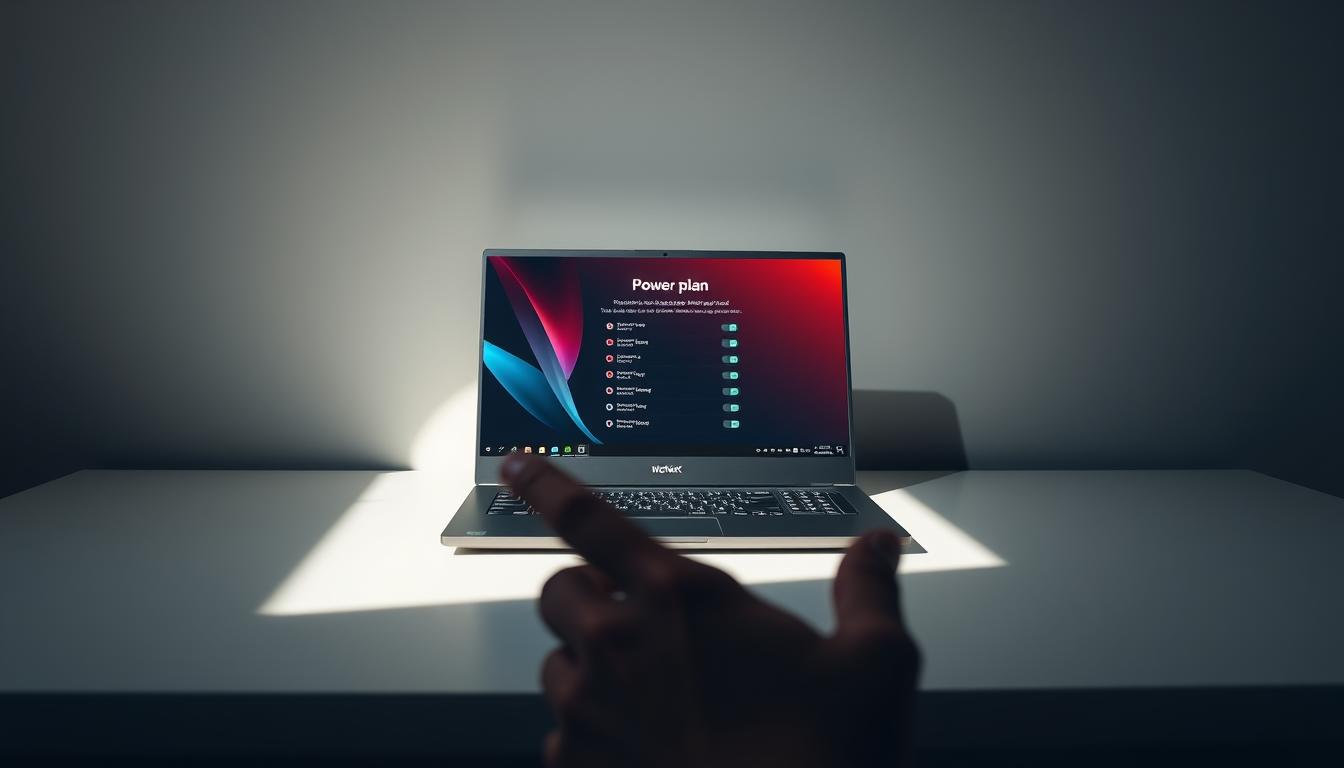
MSI’s Dragon Center provides a range of power plans, including a “Super Battery” mode that extends battery life by adjusting system settings. It also offers a “Performance” mode that prioritizes gaming performance.
Lenovo vantage and legion edge
Lenovo’s Vantage software and Legion Edge utility offer customizable power plans for Legion gaming laptops, allowing users to balance performance and battery life according to their needs.
By understanding and leveraging these manufacturer-specific power profiles, gamers can optimize their laptop’s performance for the best gaming experience on the go.
Comparing the best power plans for gaming (desktop vs laptop)
When it comes to gaming, the choice between desktop and laptop power plans can significantly impact performance, Both types of devices have unique power management needs due to their design and functionality differences.
Performance differences
Gaming desktops generally have more powerful hardware and better cooling systems than laptops, allowing for more flexible power plan settings, Desktops can often run at higher performance levels without significant thermal throttling, whereas laptops must balance performance with power consumption and heat dissipation to prevent overheating.

Thermal considerations and power limits
Thermal considerations play a crucial role in determining the appropriate power plan for gaming devices. Laptops, due to their compact design, are more prone to thermal throttling, which can limit performance, Desktops, with their more robust cooling systems, can usually maintain higher performance levels for longer periods.
recommended power plan configurations
Different gaming scenarios need tialored power plan configs
Here are some recomendations
Competitive gaming settings
For competitive gaming a High Performance power plan is recomended for desktops to boost CPU and GPU perf
Laptops should use a Balanced plan to avoid overheat while keeping good perf
Casual gaming settings
Casual gamers can use a Balanced power plan on desktops and laptops as it gives a good balance betwen perf and power use
Gaming while unplugged
For laptops a Power Saver plan is adviced when gaming unplugged to save battery life though this may slighty lower perf
| Gaming Scenario | Desktop Power Plan | Laptop Power Plan |
|---|---|---|
| Competitive Gaming | High Performance | Balanced |
| Casual Gaming | Balanced | Balanced |
| Gaming While Unplugged | N/A | Power Saver |

I haven’t been working in the IT industry for very long, but ever since I was a kid I knew this was what I wanted to do. I started studying and tinkering with hardware when I was around 10 years old, although I had been using computers long before that , I used my first mouse at just 3 years old.
My studies focused on computer science topics, mainly cybersecurity. Over time, I discovered how much I enjoyed sharing hardware-related news and information with others.
Like many professionals in the industry, video games were one of my main motivations for getting into tech. They’re still a big part of my daily life, and I’m always keeping an eye on the latest announcements.
I’ve been working at PerfCore for a while now as a writer, and little by little I’m gaining experience in other roles as well such as doing in-depth product reviews and developing a more critical, analytical approach to hardware.