
Nvidia vs AMD graphics cards: gaming performance 2026

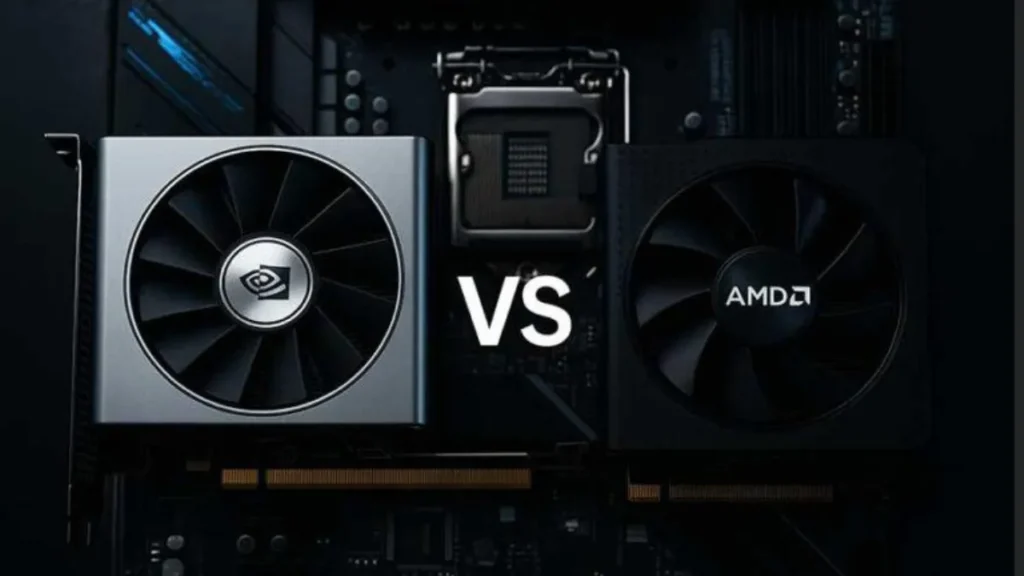
The Nvidia vs AMD graphics cards debate has never been this interesting. For years, the answer was almost automatic: if you wanted the best, you bought green. If you wanted value, you went red. 2026 broke that pattern. AMD’s RDNA 4 architecture closed the gap in ways nobody fully predicted, and Nvidia’s pricing strategy on the RTX 50 series has left a lot of buyers questioning what they’re actually paying for.
So let’s skip the fanboy framing and look at what the cards actually do when you run games on them.
If you’re building a system around these GPUs, check our best budget gaming PC under $800 guide to see how these cards perform in real-world builds.
The playing field in 2026: two very different strategies

Nvidia’s RTX 50 series runs on Blackwell, a new architecture that leans hard into AI acceleration. DLSS 4 with Multi Frame Generation is the headline feature, capable of multiplying frame output in supported titles. Ray tracing remains Nvidia’s strongest suit, and the software ecosystem around CUDA, Shadowplay, and Reflex is mature and stable.
AMD’s RDNA 4 cards (the RX 9000 series) took a different approach. Instead of chasing the AI arms race, AMD focused on rasterization performance per dollar and generous VRAM allocations. FSR 4 stepped up meaningfully in image quality, and for the first time, AMD’s ray tracing performance is genuinely competitive rather than just passable.
The result? Two ecosystems with real, distinct advantages. Not one clear winner.
Nvidia vs AMD graphics cards: FPS benchmarks by price tier
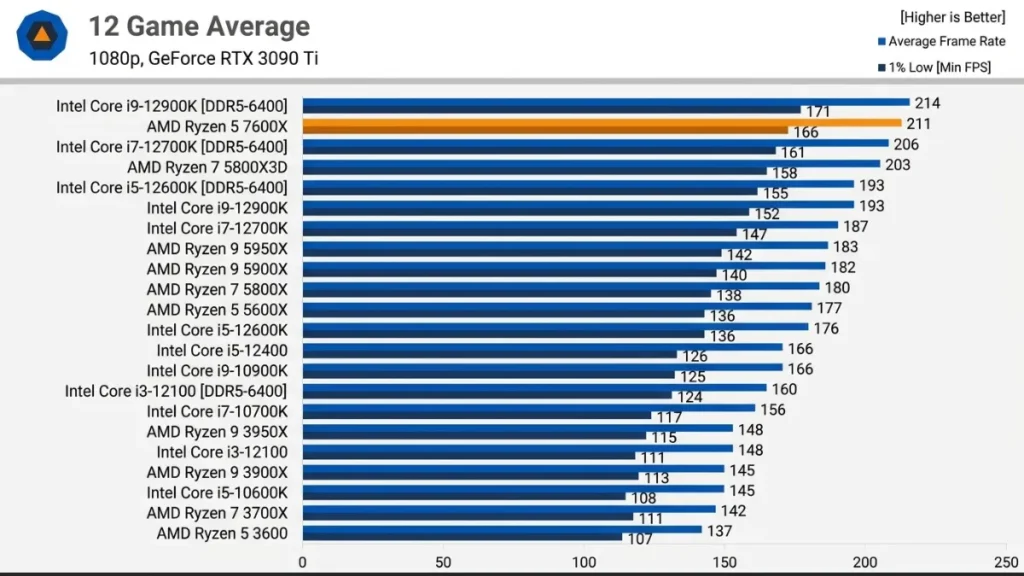
Budget tier: RTX 5060 vs RX 9060 XT (around $300-420)
This is where most buyers live, and where the debate gets heated.
Across more than 20 modern games at 1080p, the RTX 5060 averages around 82.8 FPS. The RX 9060 XT comes in at approximately 93.9 FPS. That’s a real difference, not a rounding error. In esports titles, both cards push well past 144 FPS with no sweat. In heavy AAA games, the gap widens.
The RTX 5060’s big problem is VRAM. 8GB on a 128-bit bus was already a questionable call when the card launched. Texture-heavy games at high settings push against that ceiling fast, and you’ll feel it in stutters rather than just lower averages. The 1% low numbers are where it hurts.
The RX 9060 XT 16GB solves that problem entirely, and the 8GB variant is still competitive at 1080p in most titles. For pure 1080p gaming focused on esports, the RTX 5060 with DLSS 4 is a good card. For anything broader, the 9060 XT 16GB is the smarter buy.
| Card | Avg FPS (1080p, 20+ games) | VRAM |
| RTX 5060 | ~82.8 FPS | 8GB GDDR7 |
| RX 9060 XT 8GB | ~93.9 FPS | 8GB GDDR6 |
| RX 9060 XT 16GB | ~109 FPS (Capcom titles) | 16GB GDDR6 |
The Intel Arc B580 (12GB) deserves a mention here too. It doesn’t lead in raw FPS, but 12GB of GDDR6 gives it VRAM headroom that neither 8GB competitor can touch at this price point.
For a full breakdown of GPU performance across different price tiers, refer to Tom’s Hardware GPU hierarchy , which is regularly updated with real-world benchmark data.
Mid-range: RTX 5070 vs RX 9070 (around $550-650)
Both cards target 1440p as the primary resolution. AMD’s RX 9070 has become one of the most recommended cards of this generation, largely because it delivers genuinely strong 1440p performance at a price that undercuts Nvidia’s equivalent by a meaningful margin. Tom’s Hardware called it one of the best value picks at 1440p, and the data backs that up.
The RTX 5070 has the edge in ray tracing scenarios and benefits from DLSS 4’s multi-frame generation in supported titles. In straight rasterization, the performance gap between the two is close enough that most players would never notice it in practice.
Upper mid-range: RTX 5070 Ti vs RX 9070 XT (around $599-750)
This is the most interesting matchup of 2026. The RX 9070 XT at $599 MSRP trades blows with the RTX 5070 Ti at $749, and in several titles, the AMD card actually comes out ahead.
At 1440p, GamersNexus testing found the 9070 XT within 3% of the 5070 Ti in most games. That margin is measurable but essentially invisible during actual play. In specific titles like Call of Duty: Black Ops 6, the 9070 XT beats the 5070 Ti by around 22% at 1440p. Games like Final Fantasy XIV swing the other way, where the 5070 Ti leads by 34%.
It’s a tennis match. The result depends heavily on which games you actually play.
Where Nvidia consistently leads at this tier: ray tracing (around 14% faster on average), multi-frame generation (which AMD’s FSR frame gen still doesn’t match), and content creation workloads where CUDA and DLSS acceleration make a real difference.
Where AMD consistently leads: price-per-frame, VRAM-heavy scenarios, and select rasterization titles.
DLSS 4 vs FSR 4: the upscaling war

Upscaling has become a major part of the GPU conversation, and the gap between the two technologies has narrowed more than Nvidia would like to admit.
DLSS 4 is still the better upscaling solution overall. The transformer-based neural network produces sharper, more stable images than previous versions, and multi-frame generation can deliver frame rate boosts that feel almost magical in supported titles. The catch: it only works on Nvidia hardware, and real-world image quality at “Performance” mode can still look soft in fast-moving scenes.
FSR 4 made a significant jump with RDNA 4. It’s now a credible competitor, especially in native output resolution scenarios. It works on any GPU including Nvidia and Intel cards, which is actually a meaningful advantage for the broader ecosystem. The weakness is frame generation. AMD’s implementation doesn’t use AI hardware yet, and the quality difference compared to Nvidia’s multi-frame generation is noticeable in direct comparisons.
For competitive gaming where raw frame rates matter more than visual fidelity, DLSS 4 gives Nvidia a genuine edge. For visual quality gaming where you’d use upscaling at Quality mode and call it a day, FSR 4 is good enough that it stops being a dealbreaker.
DLSS 4 currently runs in 125+ games. FSR 4 is in 85+ titles, though FSR as a whole (including older versions) has broader compatibility since it’s open and cross-platform.
For deeper analysis of image quality, ray tracing, and upscaling technologies like DLSS and FSR, check testing from Digital Foundry , known for detailed visual comparisons.
Ray tracing: still Nvidia’s house
Ray tracing is where Nvidia’s lead remains most consistent. The RTX 50 series cards are 10 to 20% faster than AMD equivalents in ray-traced workloads, and that gap holds across resolutions. The RTX 5070 Ti leads the RX 9070 XT by around 14% in RT-heavy scenarios. At the budget tier, it’s not even close.
That said, AMD’s RDNA 4 made the biggest ray tracing improvement AMD has ever shipped. The RX 9070 XT now runs RT workloads at a level that’s genuinely enjoyable, not just technically supported. If you play games that use path tracing or heavy RT like Cyberpunk 2077 or Alan Wake 2, Nvidia is still the better pick. If RT is something you enable occasionally and forget about, the AMD cards won’t disappoint.
VRAM: AMD is winning this argument
This is a structural advantage AMD holds across the entire product stack in 2026.
- RX 9060 XT: 8GB or 16GB options at ~$300-420
- RX 9070: 16GB at ~$549
- RX 9070 XT: 16GB at ~$599
Nvidia’s budget and mid-range cards are stuck at 8GB (RTX 5060) or 12-16GB for the Ti models, with supply constraints pushing prices above MSRP on many configurations. Modern games are increasingly shipping with texture budgets that exceed 8GB in demanding scenarios. Open-world titles designed for current-gen consoles with large unified memory pools push hard against that ceiling.
For longevity, AMD’s VRAM headroom is a real advantage. A 16GB card bought today is far less likely to feel limited in two or three years than an 8GB card at the same price.
Which Nvidia vs AMD graphics card fits your situation?
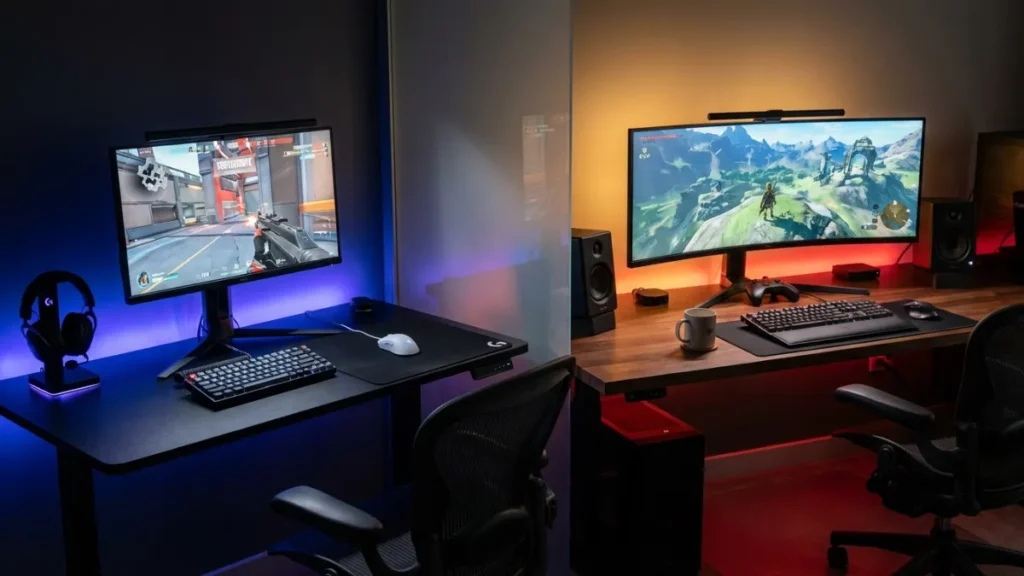
If you play mostly esports titles (CS2, Valorant, Apex, Fortnite): Either brand works extremely well. Nvidia Reflex provides a marginal input latency advantage. Both brands push well past 144 FPS at 1080p and 1440p in competitive titles.
If you want the best 1440p experience for the money: AMD. The RX 9070 XT at $599 competes with a card that costs $150 more from Nvidia. The VRAM advantage holds too.
If ray tracing and DLSS multi-frame generation matter to you: Nvidia. The RTX 5070 Ti or 5080 are the better picks if you’re building around max visual quality with RT enabled.
If you’re on a tight budget (under $450): The RX 9060 XT 16GB is the honest recommendation. More VRAM, faster in most raster games, and available at a lower price point than the RTX 5060 Ti.
If you do content creation alongside gaming: Nvidia. CUDA support in Adobe Premiere, Blender, and DaVinci Resolve gives it a clear advantage for creative workloads.
For an in-depth breakdown of how to pick components around your chosen GPU, Tom’s Hardware’s GPU benchmark hierarchy is one of the most up-to-date resources available.
The GPU lineup side by side
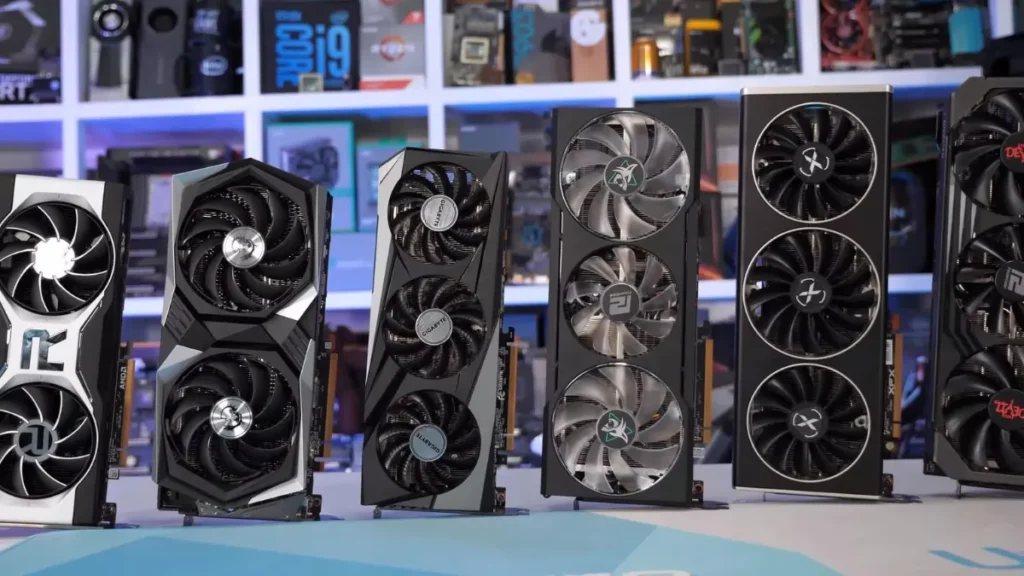
| GPU | Price (MSRP) | VRAM | Best for |
| RTX 5060 | ~$299 | 8GB | Esports / DLSS titles |
| RX 9060 XT 16GB | ~$419 | 16GB | 1080p all-rounders |
| RTX 5060 Ti 16GB | ~$430 | 16GB | 1080p + light RT |
| RX 9070 | ~$549 | 16GB | 1440p value |
| RTX 5070 | ~$599 | 12GB | 1440p + DLSS |
| RX 9070 XT | ~$599 | 16GB | 1440p performance/$ |
| RTX 5070 Ti | ~$749 | 16GB | RT + competitive |
| RTX 5080 | ~$999 | 16GB | High-end 4K |
| RTX 5090 | $1,999 MSRP* | 32GB | Enthusiast / overkill |
*RTX 5090 is trading significantly above MSRP in most markets due to supply constraints.
Drivers and software: the gap has closed

For years, AMD’s driver quality was a legitimate concern. Crashes, stutters, and inconsistent optimization plagued certain releases. In 2026, that narrative is largely outdated. Both brands now ship stable, frequently updated drivers. AMD’s Adrenalin software has matured considerably. You’re unlikely to run into driver-related issues with a modern Radeon card in the way you might have three or four years ago.
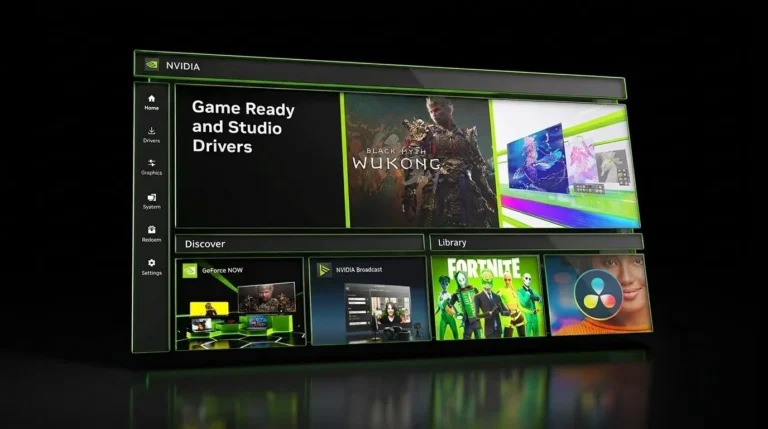
Nvidia still has the edge in software ecosystem breadth. GeForce Experience, Shadowplay for streaming, Broadcast for AI noise filtering, and Reflex for latency are all tools that AMD doesn’t have a direct equivalent to at the same quality level. If any of those features matter to your setup, factor them in.
To get the best performance out of your GPU, check our guide on optimizing gaming PC performance for higher FPS and smoother gameplay.

Allen Wade is a Senior PC Hardware & Performance Analyst at PerfCore with over 8 years of experience benchmarking CPUs, GPUs, gaming laptops, and system architectures. He specializes in 1080p and 1440p frametime analysis, thermal dynamics, and budget component optimization. Allen’s hardware testing methodology relies on standardized test benches, repeatable CapFrameX frametime captures, and clean OS environments.