
Ragnarok Online: World Journey PC review 2026: is it worth playing?

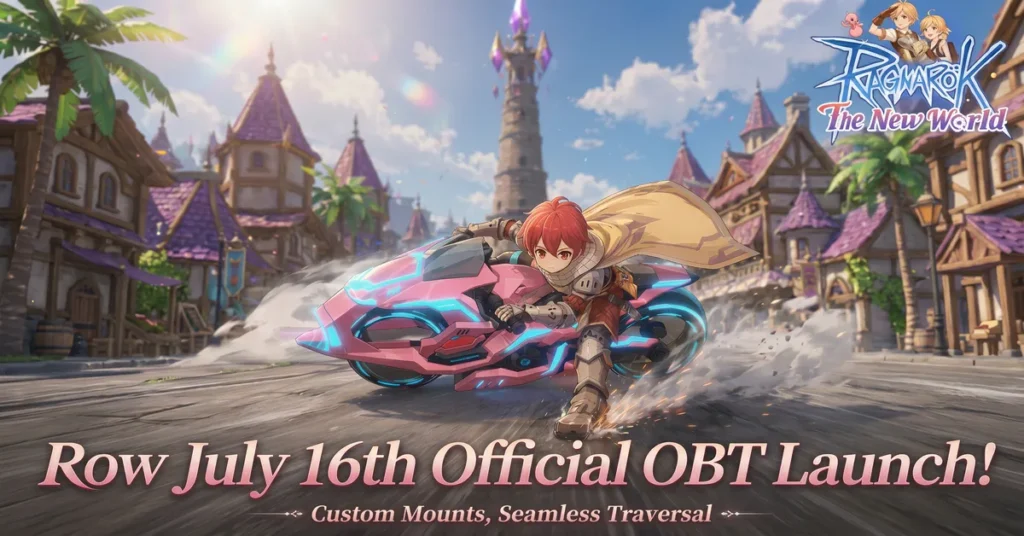
In our comprehensive Ragnarok Online World Journey PC review, we examine Gravity’s newest cross-platform MMORPG entry. Featuring 120 FPS frame rate support, 8 launch classes including the brand-new Druid, and automated questing, this title reimagines the classic franchise for modern PC gamers.
Table of Contents
What Is Ragnarok Online: World Journey on PC?

Ragnarok Online: World Journey is an officially licensed MMORPG developed for Windows PC and mobile devices. Unlike the 2002 classic isometric PC title, World Journey offers a full 3D camera system, 4K display resolution support, and fluid animation rendering.
The desktop client runs natively on Windows with enhanced texture lighting. Players looking to optimize performance can check our complete guide on how to boost FPS and optimize your PC for gaming.
How Does the Class System Work in 2026?
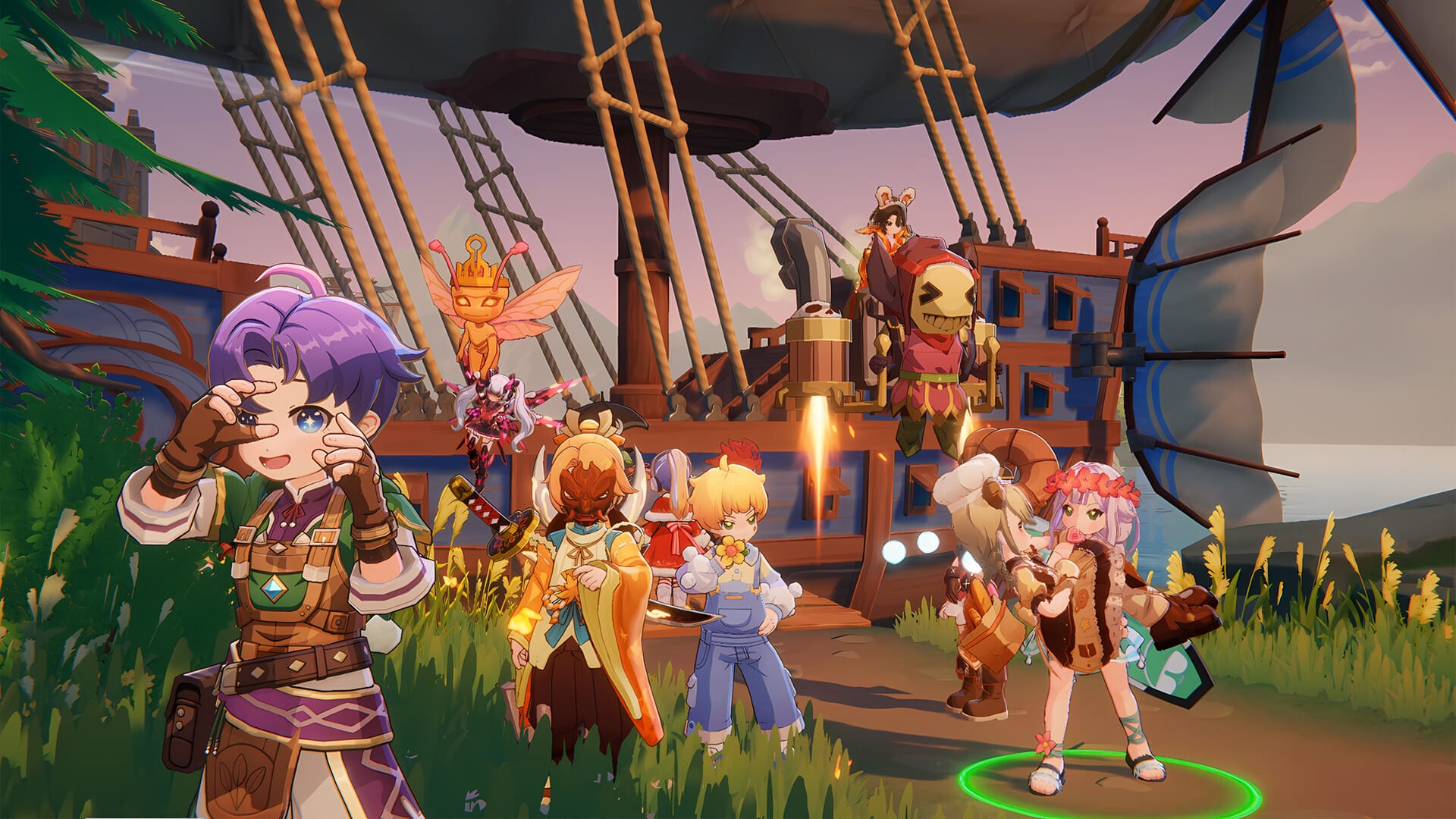
The game launches with eight distinct base classes: Swordsman, Mage, Archer, Thief, Merchant, Acolyte, Ninja, and the newly debuted Druid class. The Druid allows seamless switching between Werewolf melee, Raptor cleave, and Human Arcanist forms.
Each class branches into two specialized advanced paths, yielding 16 distinct endgame combat builds. Much like our analysis in the MU: Dark Epoch vs MU Online comparison, modern skill progression relies on skill tomes for ability upgrades.
Is the PC Experience Better Than Mobile?
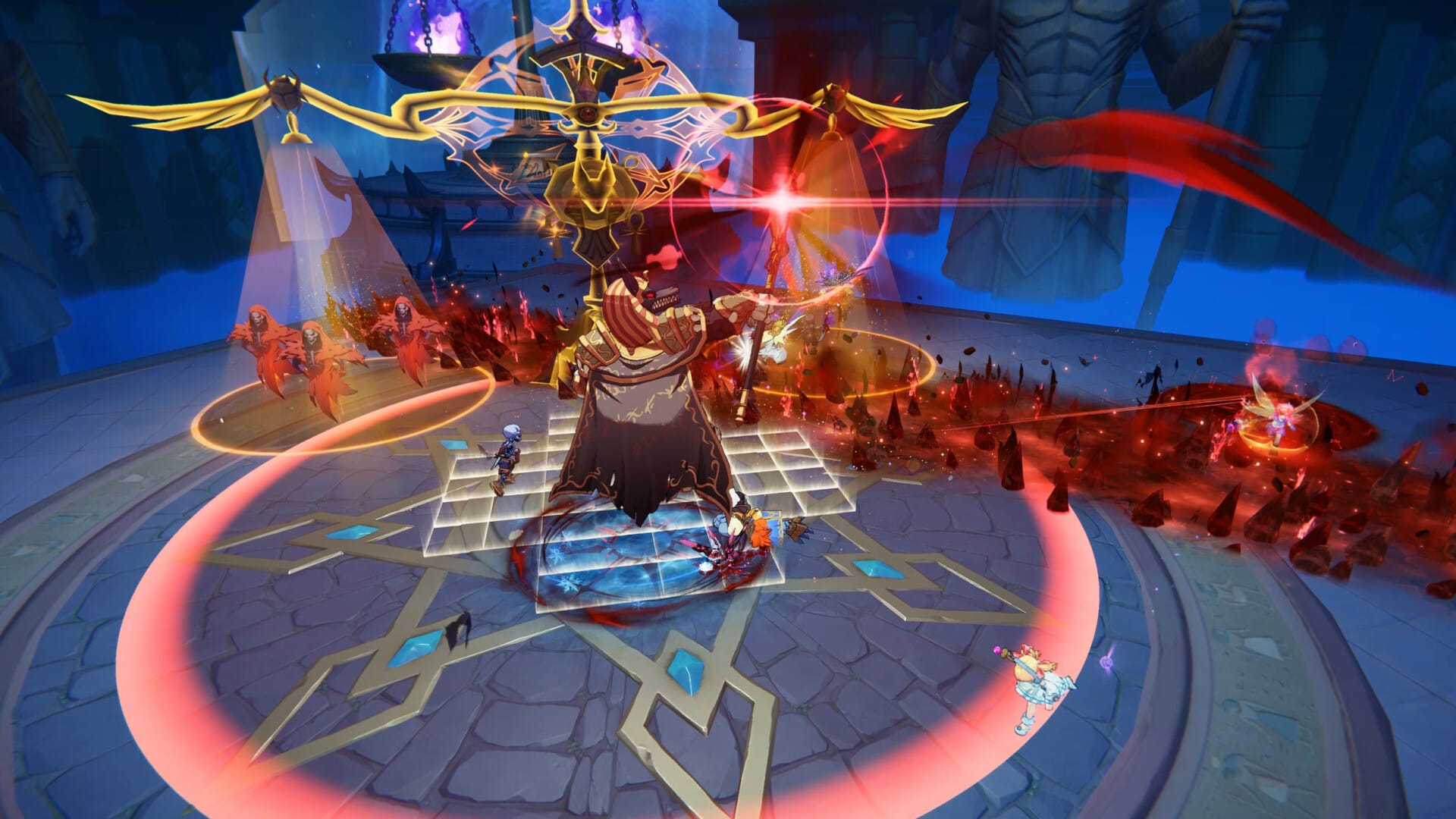
Desktop play offers three major advantages: native 120 FPS frame rate rendering, WASD keyboard movement with mouse precision, and elimination of mobile battery drain. Inventory management and skill bar hotkeys are significantly faster on desktop PC.
Similar to findings in our Raid: Shadow Legends PC review and our World of Sea Battle PC review, extended auto-farming sessions run cooler and smoother on desktop hardware compared to smartphones.
Best PC settings for Ragnarok Online: World Journey
To achieve locked 120 FPS performance and maximum visual clarity on Windows PC, use these recommended graphics and control settings in the game options menu:
- Display Mode: Fullscreen Borderless (allows fast alt-tabbing between game and browser tools).
- Resolution: Native Monitor Resolution (1080p / 1440p / 4K).
- Frame Rate Limit: 120 FPS (matches high-refresh monitors and removes input latency).
- Texture Quality: High (delivers sharp 3D character and armor detail with minimal VRAM overhead).
- Shadow Quality: Medium (significantly boosts frame rates in crowded town squares like Prontera).
- Effects Quality: Medium (reduces visual clutter during 30-player cooperative guild raids).
- Anti-Aliasing: TAA (smoothes character edges without sacrificing performance).
What Does the Free-to-Play Model Actually Cost You?

All core content, dungeons, guild raids, and story campaigns are 100% free to access. However, high-tier gear refinement beyond +10 uses shop-based insurance items to prevent gear destruction during upgrades. If you enjoy cross-platform free-to-play PC titles, also check our Tiles Survive PC Windows guide.
What Veteran Ragnarok Players Need to Know
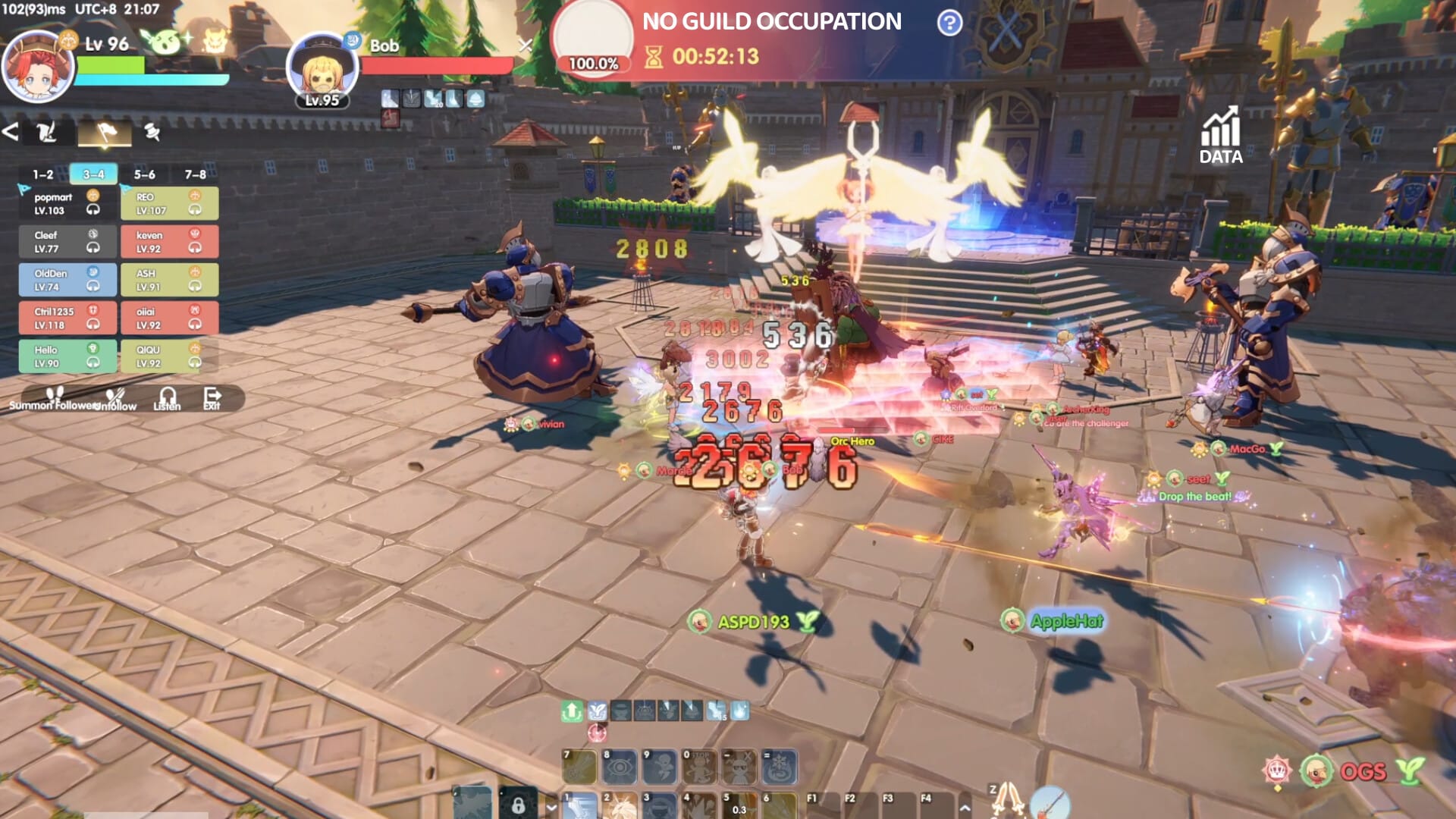
Iconic zones like Prontera, Payon, and Geffen have been fully remade in 3D. While old-school fans may miss the manual grinding of 2002, modern idle progression and auto-adventure systems make progression effortless for busy players.
Frequently Asked Questions (FAQ)
Is Ragnarok Online: World Journey free to play on PC?
Yes, Ragnarok Online: World Journey is completely free to download and play on Windows PC. You can claim your free PC download here and access all campaigns, dungeons, and class progression without mandatory subscription fees.
What are the system requirements for PC?
The game requires Windows 10/11 64-bit, an Intel Core i5 or AMD Ryzen processor, 8GB RAM, an NVIDIA GTX 1060 or equivalent GPU, and 15GB of free storage to achieve smooth 60–120 FPS performance.
Is Ragnarok Online: World Journey cross-platform between PC and mobile?
Yes, World Journey features full cross-platform account sync. Linking a single Plarium or Gravity ID enables seamless progression switching between desktop PC and mobile devices.
Which starter class is best for new players?
The new Druid class is highly recommended for beginners due to its versatile shape-shifting mechanic, allowing players to adapt to melee, area-of-effect damage, and magic support roles on a single character.

Allen Wade is a Senior PC Hardware & Performance Analyst at PerfCore with over 8 years of experience benchmarking CPUs, GPUs, gaming laptops, and system architectures. He specializes in 1080p and 1440p frametime analysis, thermal dynamics, and budget component optimization. Allen’s hardware testing methodology relies on standardized test benches, repeatable CapFrameX frametime captures, and clean OS environments.
This post contains affiliate links. If you make a purchase through these links, we may earn a commission at no extra cost to you.