

Tiles Survive PC: How to Play on Windows in 2026

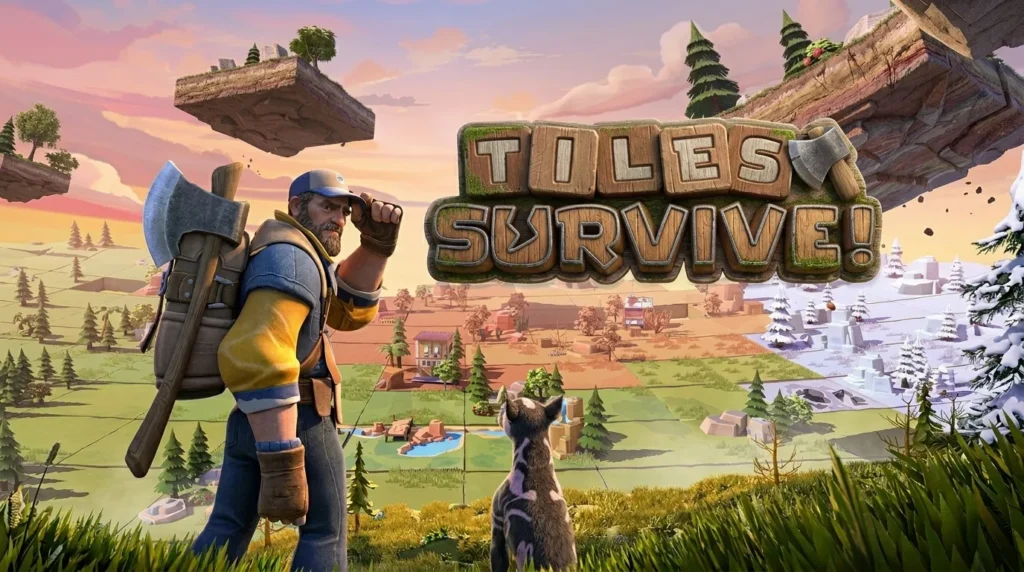
If you haven’t heard of Tiles Survive yet, you’re about to lose a serious chunk of your free time. This game has been quietly pulling in players who thought they were “just going to try it for a few minutes” and then suddenly it’s three hours later and they’re still figuring out the best way to set up their base.
The concept sounds simple on paper. You’re dropped into a world made of tiles, resources are limited, and everything around you is trying to end your run. You gather, you build, you survive. But the depth hiding under that surface is what keeps people coming back. Every decision matters. Every tile placement can be the difference between making it through the night or starting over.
And playing it on PC? That’s where it actually gets good.
Table of Contents
Why Tiles Survive PC is better than mobile
Look, survival games on a small screen are fine when you’re on the go. But when you’re managing a base, tracking resources, and reacting to threats coming from multiple directions, you want a real monitor in front of you and a mouse in your hand.
Tiles Survive on PC gives you exactly that. You get full keyboard and mouse support, a much cleaner view of your tile grid, and you’re not squinting trying to tap the right resource node on a 6-inch screen. The strategic layer of this game opens up completely when you can actually see what’s happening across your whole map.
The game has an official Windows client, which means you don’t need to mess with emulators or workarounds. If you’re on Windows, you’re good to go right from the start.
How to install Tiles Survive PC on windows
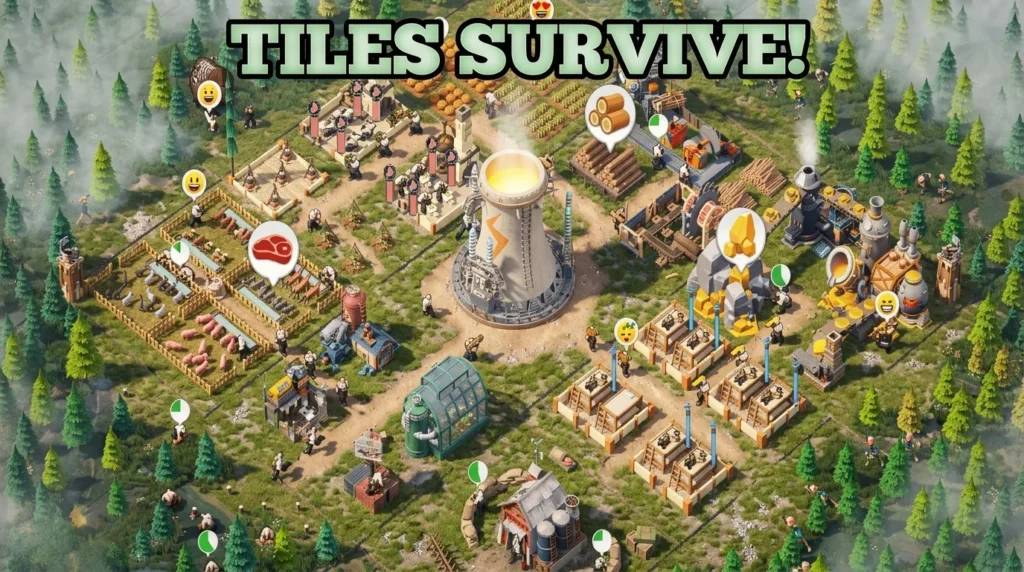
The process is straightforward. Tiles Survive has an official PC version available for download, and getting it installed takes maybe five minutes.
Head over to the official Tiles Survive PC page and grab the Windows installer. Run the file, follow the prompts, and you’re done. No complicated setup, no Android emulator to configure, no virtual environment to manage.
Once it’s installed, you log in with your account and you’re in the game. If you’ve already been playing on mobile, your progress carries over when you sign in with the same account. Same base, same resources, same progression just on a bigger screen with better controls.
What you need to run it:
- Windows 10 or higher (Windows 11 works perfectly)
- At least 4 GB of RAM (8 GB recommended if you want it running smooth)
- A couple GB of free storage
- A DirectX 11-compatible GPU, which basically any PC made in the last decade already has
Nothing demanding. This isn’t a triple-A title trying to push your GPU to the limit. It runs clean on mid-range and even budget machines without any real optimization needed.
What Actually Makes This Game Click
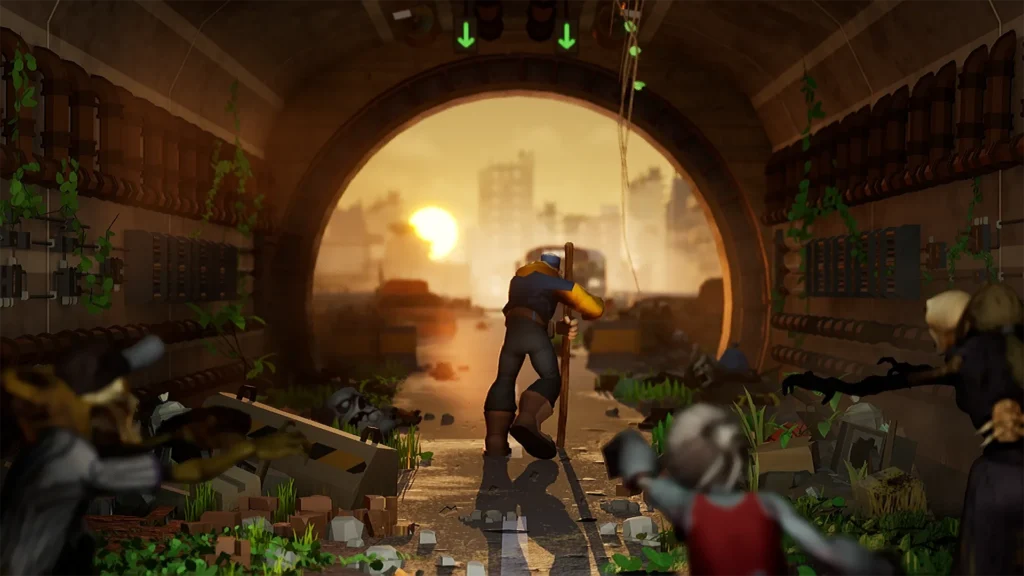
Tiles Survive is the kind of game that hooks you with its pacing. The early game feels manageable. You’re collecting tiles, building out your area, maybe fighting off the first few waves without breaking a sweat. Then things start escalating, and before you realize it, you’re running actual strategies.
The tile system is the core of everything. You’re not just plopping down buildings randomly. The placement matters. Adjacency matters. Building the right structure in the wrong spot can create a bottleneck that costs you a run later on. It rewards players who actually think a couple moves ahead.
There’s also a progression loop that keeps things feeling fresh even after multiple runs. You unlock new options, discover better strategies, and start approaching each run differently. That’s the mark of a good survival game the hundred-hour player and the first-timer are having genuinely different experiences.
On PC, all of that is sharper. Your reactions are faster with a mouse, your view of the tile grid is wider, and you’re not fighting your own phone trying to tap the right thing in the middle of a hectic stretch.
Switching Between Mobile and PC
If you’ve been playing on your phone and you’re thinking about making the switch, the transition is easy. Link your mobile account through the game’s settings before you start on PC. When you sign into the Windows client with the same credentials, everything is already there waiting for you.
One thing to know: like most cross-platform games, only one device can be active at a time. If you launch it on PC while your phone is still running, one of them will get logged out. That’s normal. Just close one before you open the other and you won’t have any issues.
The sync is reliable. Play a session on your desktop in the morning, pick up on your phone during lunch, come back to PC in the evening. Your save follows you wherever you go.
Is Tiles Survive PC worth playing in 2026
Yeah, honestly. Tiles Survive isn’t trying to be everything at once. It knows exactly what it is a survival strategy game with a tile-based twist and it executes that well. The learning curve feels fair, the depth is real, and the PC version removes every friction point that can make mobile survival games feel tedious.
If you’re into games like this and you’ve been looking for something that actually makes you think while still being easy enough to drop into casually, this is worth your time.
Looking for more mobile games that work great on desktop? Our guide on playing Rise of Kingdoms on PC covers another excellent cross-platform experience for Windows users.

Tiles Survive
SURVIVAL STRATEGYTiles Survive is an engaging survival strategy game where players manage resources, build their base, and withstand challenging waves of enemies on a grid-based tile map. Plan your layout carefully and survive the ultimate tactical test on PC.
For gameplay strategies and system verification, check our Tiles Survive Beginner Guide and verify hardware requirements in our Tiles Survive PC System Requirements Guide.

Allen Wade is a Senior PC Hardware & Performance Analyst at PerfCore with over 8 years of experience benchmarking CPUs, GPUs, gaming laptops, and system architectures. He specializes in 1080p and 1440p frametime analysis, thermal dynamics, and budget component optimization. Allen’s hardware testing methodology relies on standardized test benches, repeatable CapFrameX frametime captures, and clean OS environments.
This post contains affiliate links. If you make a purchase through these links, we may earn a commission at no extra cost to you.