War Thunder Review 2026 , 2,500 Vehicles, One Honest Verdict

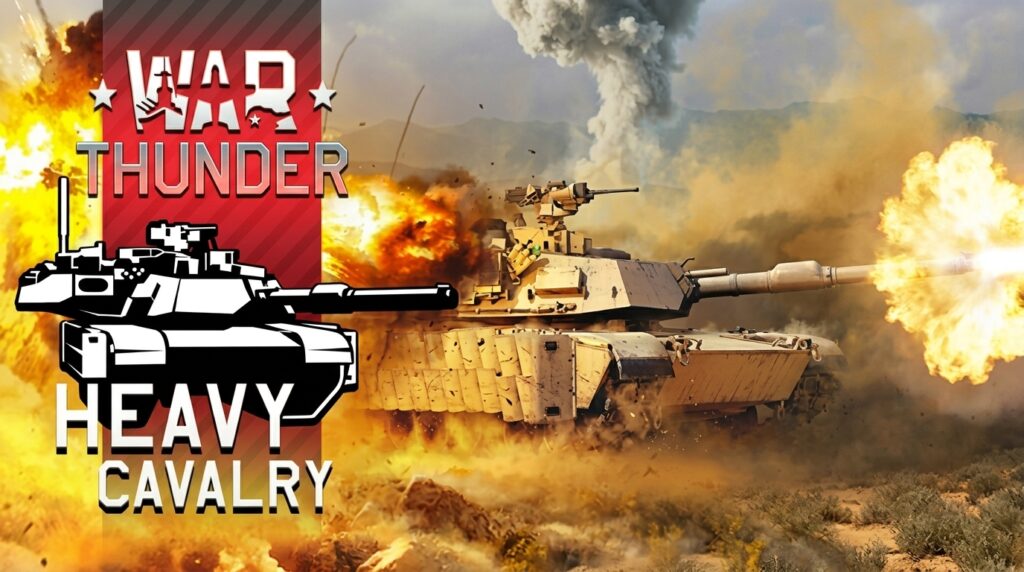
Gaijin Entertainment’s War Thunder has been a free-to-play institution since 2013, and in 2026 it shows no signs of slowing down. With over 2,500 vehicles across ground, air, and naval forces, 140+ maps, and regular major updates including the June 2026 “Heavy Cavalry” drop it remains one of the deepest military simulation titles available. In this detailed War Thunder review , we evaluate how the game plays on Windows desktop rigs and Apple Silicon Macs.
Table of Contents
What Is War Thunder?
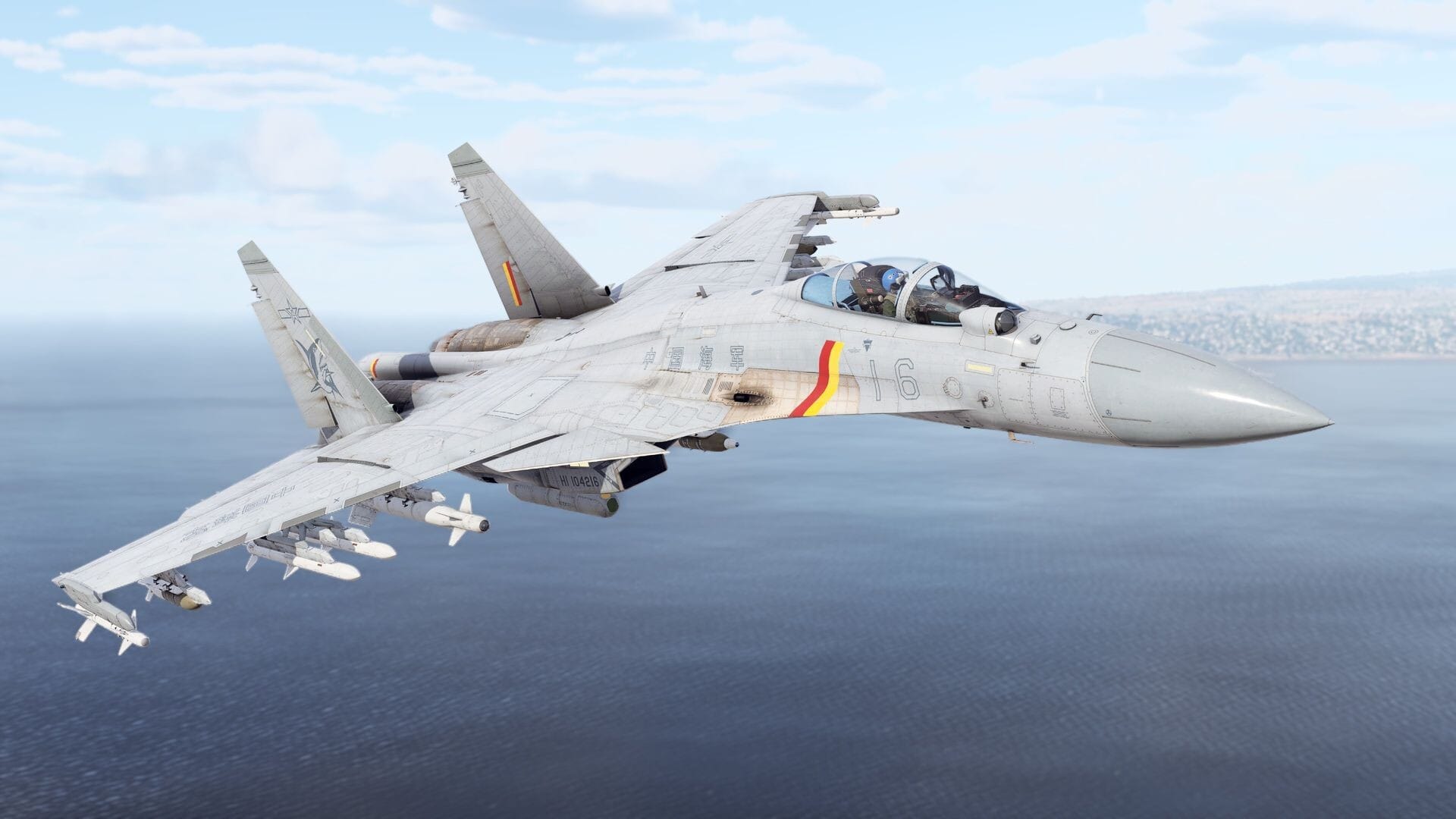
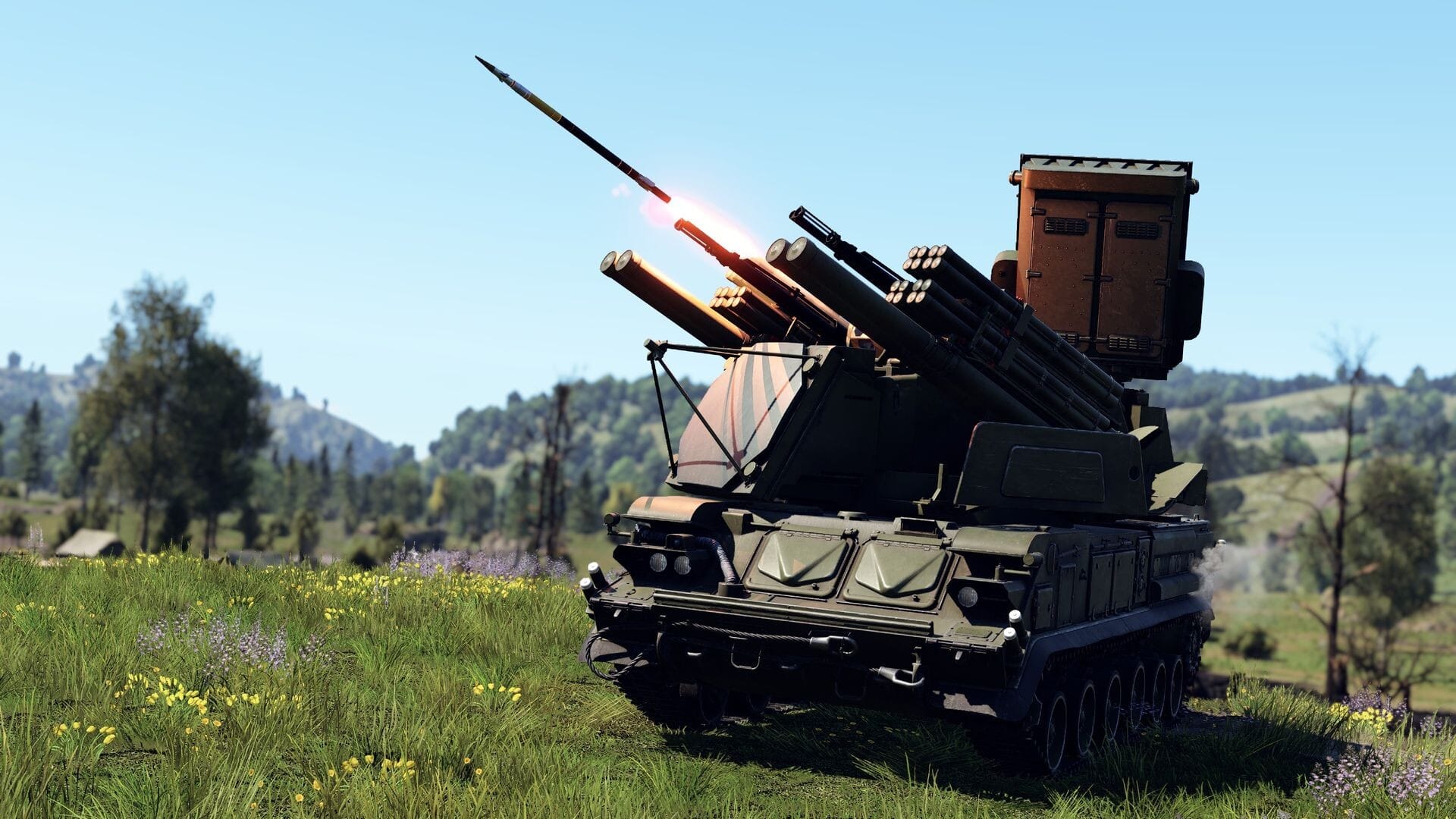
War Thunder is a cross-platform, free-to-play MMO military simulator developed by Gaijin Entertainment. Unlike arcade tank shooters, War Thunder brings all three domains of modern warfare together ground armor, aviation, and naval warships can engage on the same map in Combined Arms battles.
Official Launch Trailer
The Three Game Modes Explained
War Thunder divides combat into three main modes: Arcade Battles (AB) with lead indicators and boosted physics for beginners, Realistic Battles (RB) featuring realistic physics and no target markers for competitive players, and Simulator Battles (SB) providing full cockpit-only immersion for experienced pilots.
Ground, Air, and Naval: Which Branch to Start With?
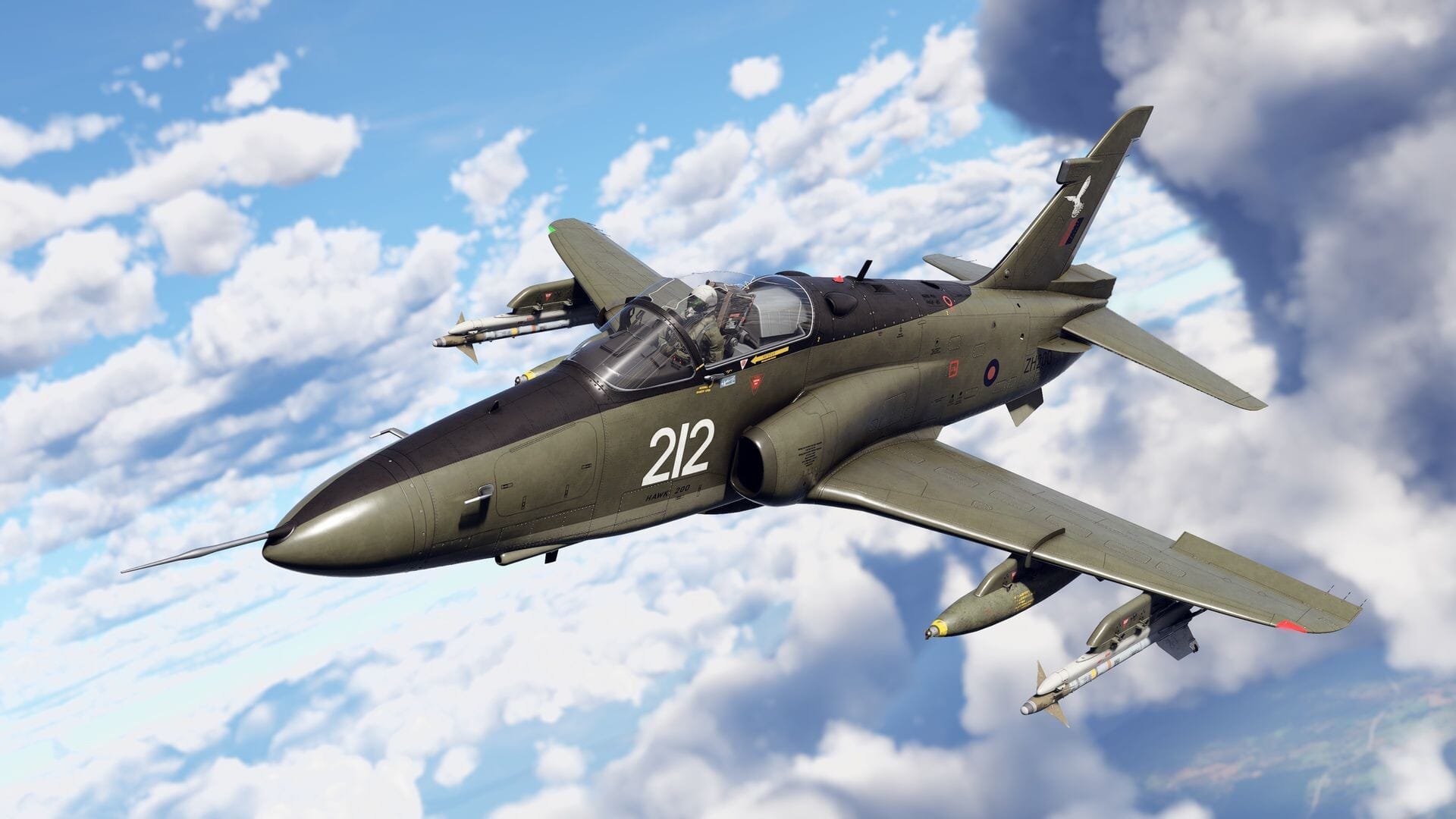
New players typically start with Ground Forces using one of the “Big Three” nations: USA (versatile all-rounders), Germany (high firepower snipers), or USSR (durable, forgiving armor). Air Forces range from early biplanes to supersonic jet fighters, while Naval Forces feature battleships and cruisers in broadside fleet engagements.
How Does War Thunder Play on Windows PC?
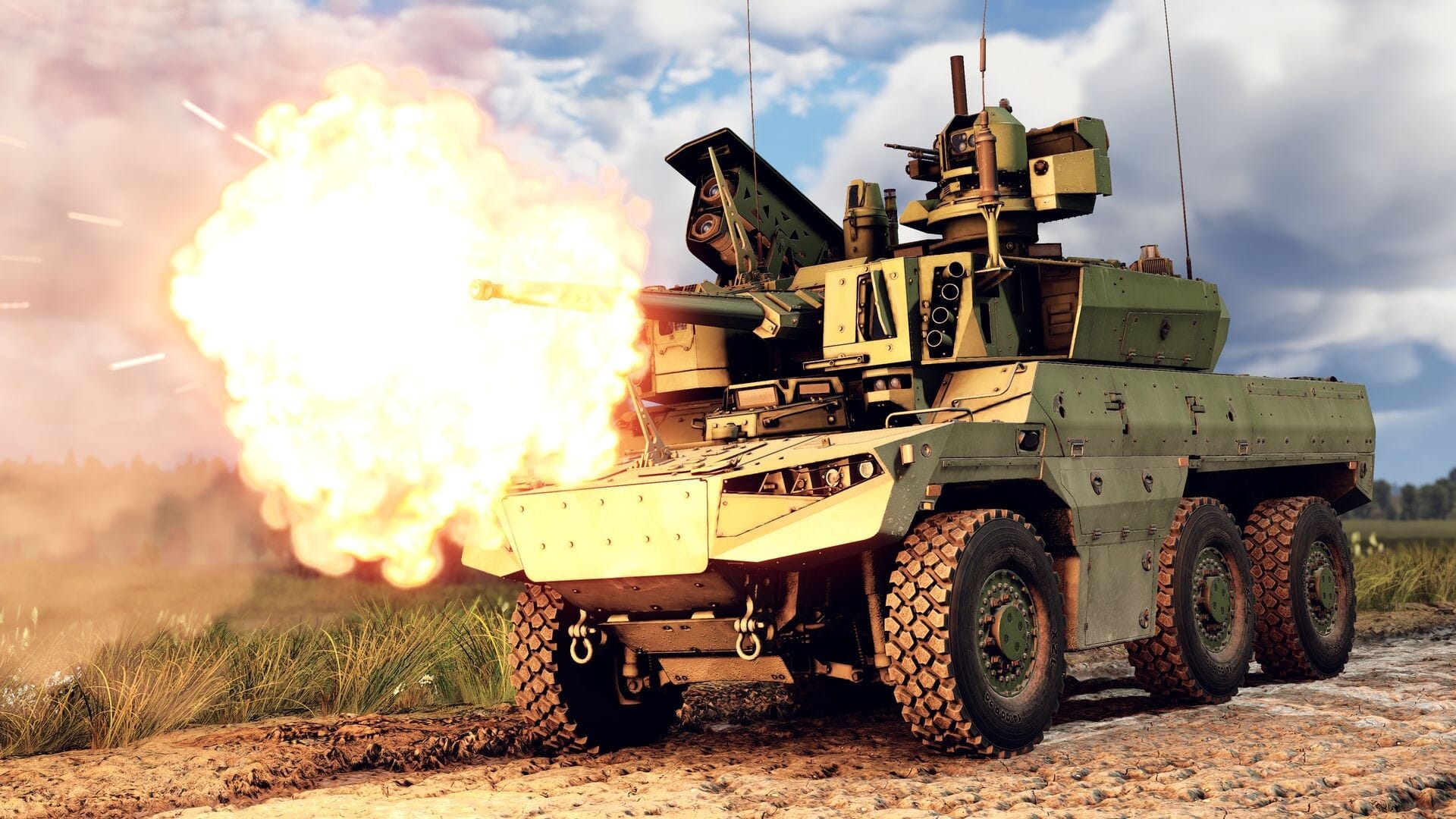
On Windows, War Thunder performs flawlessly. Mid-range graphics cards easily output 60–100 FPS at 1080p High settings. You can download War Thunder free for PC and enjoy responsive mouse-aim controls. For maximum performance tuning, review our guide on how to boost FPS and optimize your PC for gaming.
Mac Performance: The Honest Picture in 2026
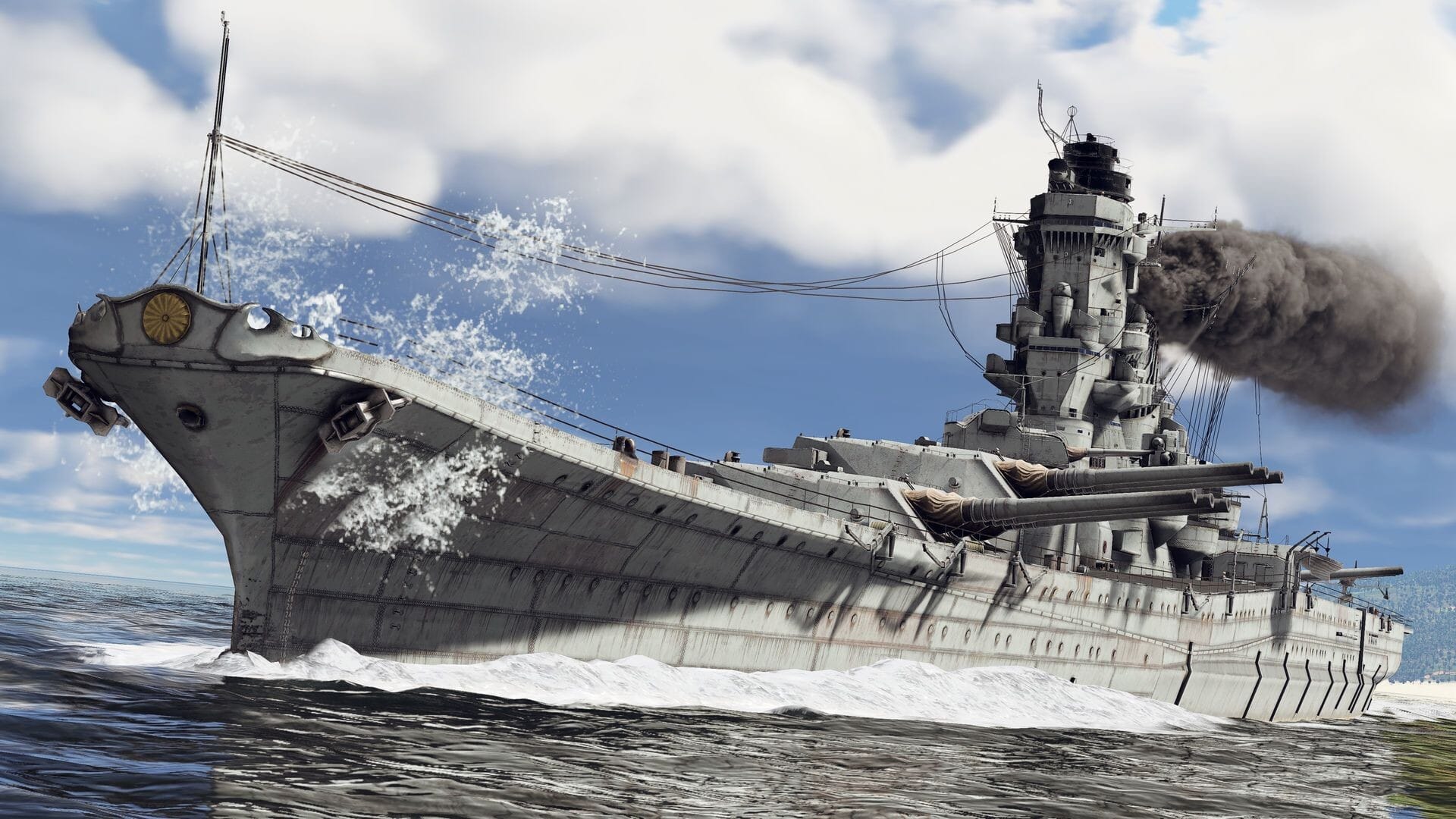
War Thunder supports macOS, but as of 2026 it runs via Apple’s Rosetta 2 translation layer on M1, M2, M3, and M4 Macs rather than a native ARM64 build. While fully playable, intense combined-arms battles experience translation overhead compared to Windows desktop performance.
The Grind and Progression System
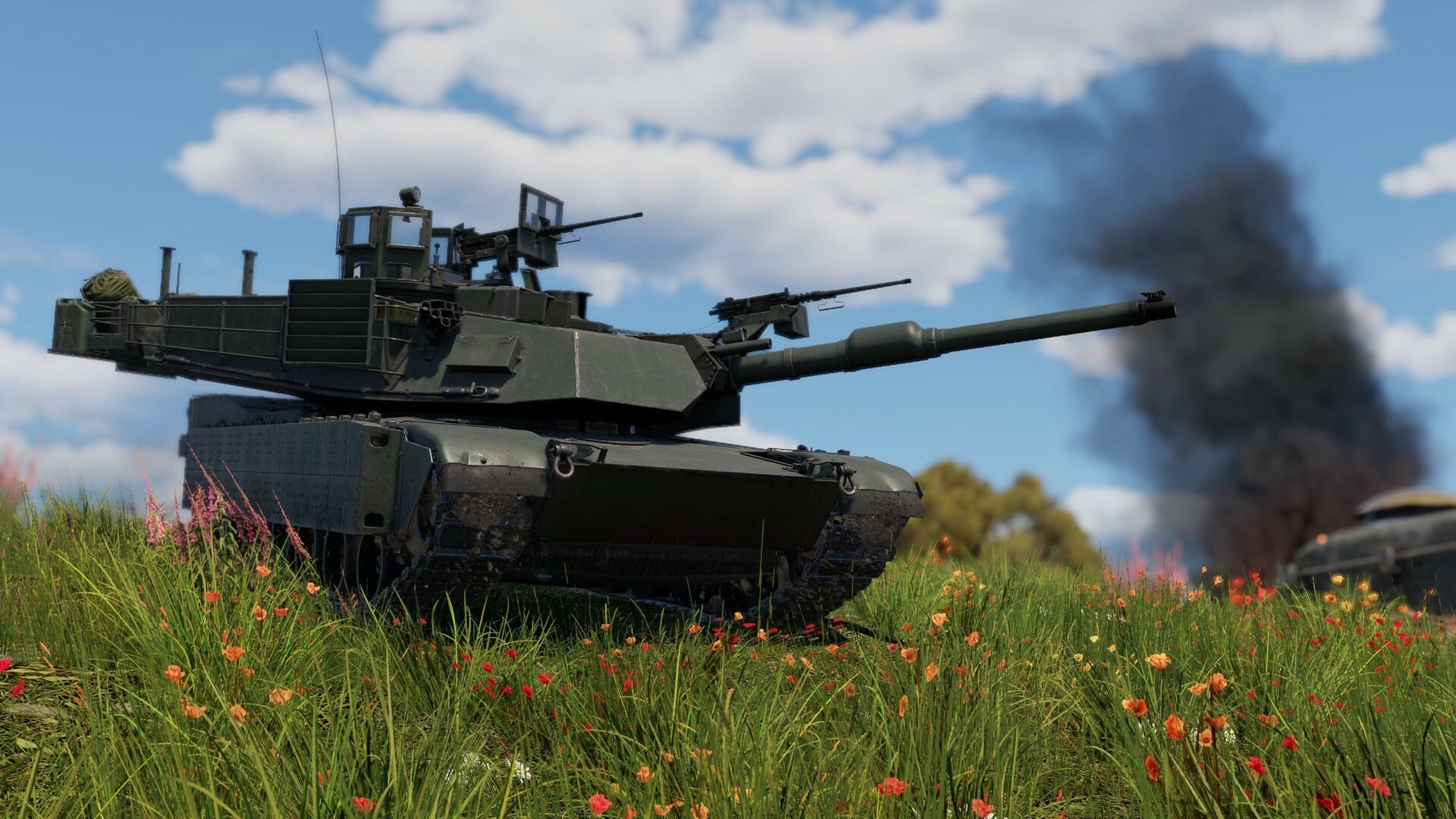
Free-to-play players can unlock every vehicle in the game. Early Battle Ratings (BR 1.0–5.0) offer fast progression, while high-tier modern MBTs and jet fighters require significant Research Point investment. Compare War Thunder’s progression structure with titles in our best free-to-play PC games roundup.
Frequently Asked Questions (FAQ)
Is War Thunder free to play on PC and Mac?
Yes, War Thunder is completely free to download on Windows and macOS. You can claim your free PC and Mac client download here.
Does War Thunder run on M1, M2, M3, and M4 Macs?
Yes, War Thunder is playable on Apple Silicon Macs using Rosetta 2 translation, though performance is lower than native Windows clients.

Allen Wade is a Senior PC Hardware & Performance Analyst at PerfCore with over 8 years of experience benchmarking CPUs, GPUs, gaming laptops, and system architectures. He specializes in 1080p and 1440p frametime analysis, thermal dynamics, and budget component optimization. Allen’s hardware testing methodology relies on standardized test benches, repeatable CapFrameX frametime captures, and clean OS environments.