
Best mid-range gaming PC build for 1440p in 2026

The $900 to $1,200 range is where PC gaming finally stops feeling like a compromise. At this budget you are not fighting for 60 FPS. You are choosing between 100 FPS and 144 FPS. You are picking between high settings and ultra settings. The question shifts from “will it run?” to “how smooth do you want it?”
This is also the tier where your GPU choice matters most. The difference between a smart GPU pick and a mediocre one at this price point is 30 to 50 FPS at 1440p. That is not a rounding error. It is the difference between a 60Hz and a 144Hz gaming experience.
This guide covers two complete builds: a $950 build that dominates 1080p and holds its own at 1440p, and a $1,200 build that targets 1440p as its native resolution with genuine headroom to spare (if your budget is strictly under $600, see our best budget gaming PC build guide instead).
Table of Contents
Two builds, two targets
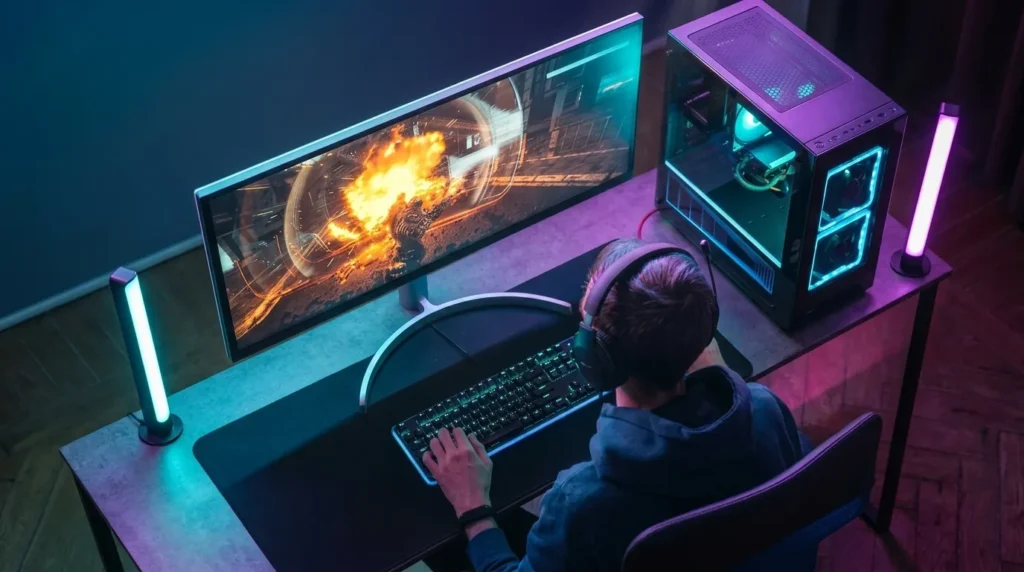
Mid-range means different things to different people. So instead of forcing one build to cover every scenario, here is exactly who each configuration is for.
Build 1 — $950: Ryzen 5 7600 + RTX 5060 Ti 16GB Best for: gamers who play at 1080p 144Hz today and want to move to 1440p within a year or two. Strong 1080p performance across every title. Capable 1440p at high settings in most games.
Build 2 — $1,200: Ryzen 5 7600 + RX 9070 Best for: gamers buying a 1440p monitor right now and want to stay above 100 FPS at high or ultra settings without pushing for a premium-tier budget. The RX 9070 is the true 1440p card in this price range.
Build 1: $950 gaming PC
| Component | Pick | Approx. Price |
|---|---|---|
| CPU | AMD Ryzen 5 7600 | ~$180 |
| Motherboard | MSI B850M Pro-A WiFi | ~$150 |
| GPU | NVIDIA RTX 5060 Ti 16GB | ~$380 |
| RAM | 32GB DDR5-6000 CL36 (2x16GB) | ~$90 |
| Storage | 1TB Gen4 NVMe SSD | ~$70 |
| PSU | 650W 80+ Gold | ~$75 |
| Case | Mesh mid-tower | ~$55 |
| Total | ~$1,000 |
Actual pricing fluctuates by $30 to $60 depending on when you buy and which retailer you use. PCPartPicker is the easiest way to check live prices and confirm compatibility before ordering.
Real-world performance at 1080p and 1440p
At 1080p this build is effectively unconstrained. The RTX 5060 Ti pushes every esports title well above 200 FPS. For AAA games at ultra settings: Cyberpunk 2077 hits 110 to 130 FPS, Forza Horizon 5 runs at 140+ FPS, and most well-optimized titles stay comfortably above 100 FPS.
At 1440p, the honest numbers matter here. Across demanding AAA titles at ultra settings without upscaling:
- Cyberpunk 2077: 65 to 75 FPS
- Call of Duty: Warzone: 90 to 110 FPS
- Fortnite at epic settings: 100 to 130 FPS
- Forza Horizon 5: 105 to 120 FPS
- Alan Wake 2 (heavy RT): 40 to 55 FPS
At 1440p high settings, most titles climb 15 to 25 FPS above those numbers. And with DLSS 4 Quality mode enabled in supported games, the RTX 5060 Ti adds significant frame rates with very little visual trade-off. For 1440p 60Hz gaming, this card is completely comfortable. For 1440p 144Hz at ultra settings in demanding AAA titles, you will be lowering a few settings.
Build 2: $1,200 gaming PC – Ryzen 5 7600 + RX 9070
| Component | Pick | Approx. Price |
|---|---|---|
| CPU | AMD Ryzen 5 7600 | ~$180 |
| Motherboard | MSI MAG B850 Tomahawk WiFi | ~$175 |
| GPU | AMD RX 9070 16GB | ~$470 |
| RAM | 32GB DDR5-6000 CL36 (2x16GB) | ~$90 |
| Storage | 2TB Gen4 NVMe SSD | ~$115 |
| PSU | 750W 80+ Gold | ~$85 |
| Case | Mesh mid-tower | ~$65 |
| Total | ~$1,180 |
Why the RX 9070 at 1440p
The RX 9070 is one of the most talked-about GPUs of 2026, and for good reason. At 1440p ultra settings, it sits significantly above the RTX 5060 Ti in raw rasterization performance. The gap in real-world gaming benchmarks averages 20 to 35 percent depending on the title.
It also ships with 16GB of GDDR6 VRAM, which matters at 1440p with high-resolution texture packs and will matter more as game engines push harder over the next two to three years. The RTX 5060 Ti at 16GB matches it on VRAM capacity, but the RX 9070 uses that memory with more bandwidth.
FSR 4, AMD’s latest upscaling technology, has closed much of the gap with DLSS 4 in output quality. For 1440p gaming where you want to lean on upscaling in demanding titles, both solutions are genuinely good now.
Real-world performance at 1440p
At 1440p ultra settings:
- Cyberpunk 2077: 90 to 110 FPS
- Call of Duty: Warzone: 120 to 145 FPS
- Fortnite at epic settings: 130 to 160 FPS
- Alan Wake 2 (heavy RT): 55 to 70 FPS
- Baldur’s Gate 3 at ultra: 110 to 130 FPS
- Marvel’s Spider-Man 2: 95 to 115 FPS
With FSR 4 Quality mode active in supported games, those numbers climb by another 30 to 50 percent in most cases. At 1440p on a 144Hz monitor, this build hits its target consistently across most modern titles.
Why both builds use the Ryzen 5 7600
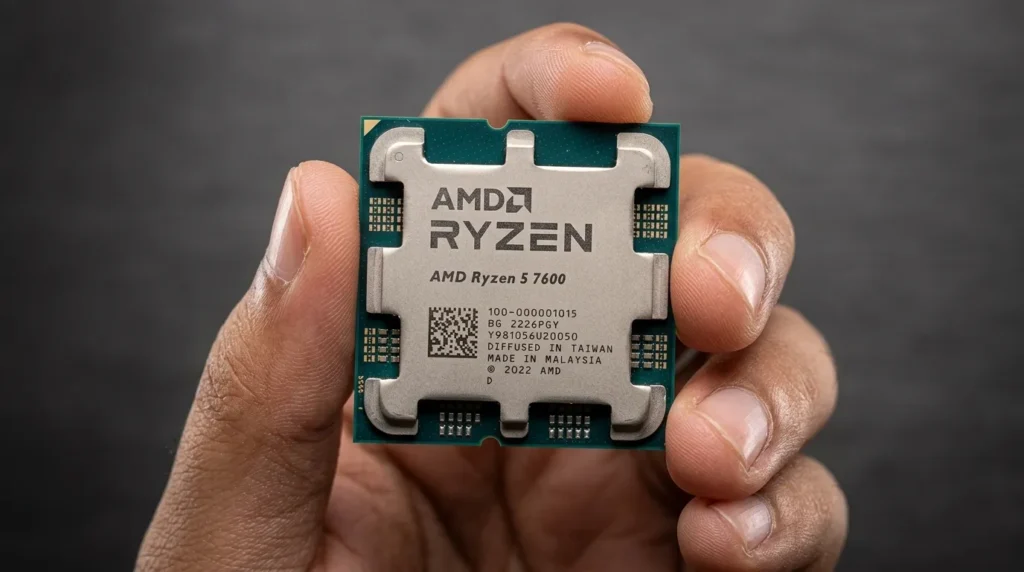
The CPU choice is intentionally conservative in both configurations, and that is the right call at these budgets.
The Ryzen 5 7600 is a six-core, twelve-thread chip on AMD’s Zen 4 architecture, running on the modern AM5 socket with DDR5 support and PCIe 5.0. At 1080p and 1440p gaming, it does not bottleneck any GPU in its price class. Games are GPU-bound at these resolutions, meaning the GPU determines your frame rate, not the CPU.
Stepping up to a Ryzen 7 9700X or Ryzen 7 7800X3D adds $80 to $200 to your build cost. That same money spent on a better GPU produces significantly more gaming performance per dollar. The only scenario where upgrading the CPU makes sense in this tier is if you also do heavy content creation or streaming alongside gaming.
The AM5 platform is future-proofed through at least 2027 with planned Zen 6 support, so this motherboard and RAM investment carries forward.
RTX 5060 Ti vs RX 9070: which is actually better for your build
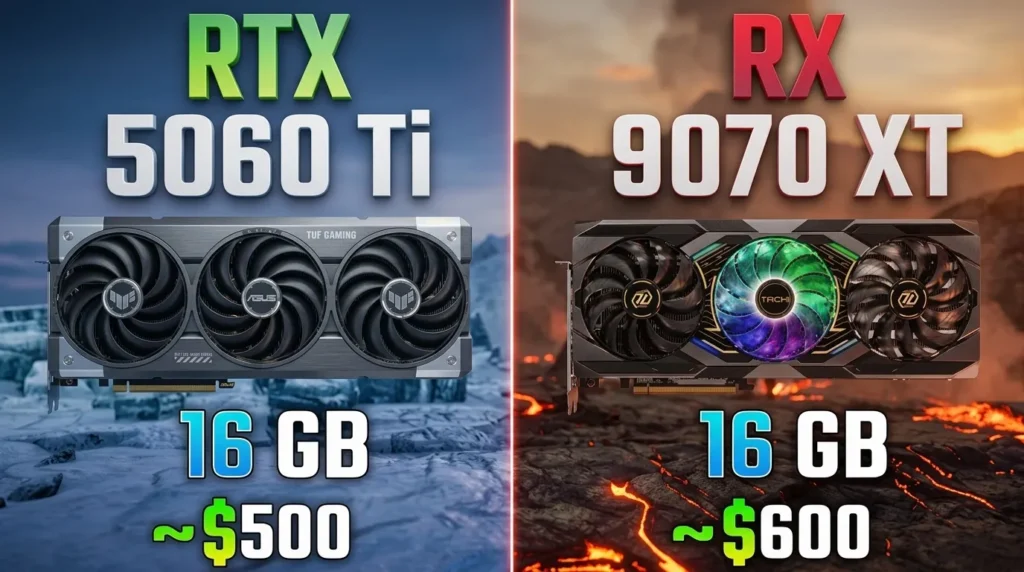
This is the real decision in the $950 to $1,200 range, so it deserves a direct answer instead of a diplomatic “both are great.”
Choose the RTX 5060 Ti if:
- You primarily game at 1080p on a 144Hz or 240Hz monitor
- You want DLSS 4 specifically, which remains technically superior to FSR 4 in some implementations
- You play ray-tracing heavy titles like Cyberpunk 2077 or Alan Wake 2 regularly
- Your budget hard-caps at $950 to $1,000
Choose the RX 9070 if:
- You are buying or already own a 1440p monitor
- You want more raw GPU performance per dollar
- You plan to game at high refresh rates at 1440p
- You want 16GB VRAM for future-proofing without paying NVIDIA’s premium for it
The honest summary: for 1440p gaming, the RX 9070 is the stronger choice and the better value in 2026. The performance gap is real and meaningful at that resolution. If your budget allows the $200 stretch to reach it, you will notice the difference every gaming session.
RAM and storage: what actually matters at this tier
RAM: 32GB DDR5-6000 CL36 in a dual-channel kit is the configuration to hit for both builds. This is the AM5 memory sweet spot that AMD specifically optimized its memory controller around. Going above 6000 MHz costs more with diminishing returns. Going below risks slower game performance and stuttering in RAM-heavy titles.
16GB is technically enough for gaming today, but at this budget there is no reason to compromise. Memory-intensive titles like Hogwarts Legacy, Cities: Skylines 2, and Starfield use close to 16GB on their own. 32GB keeps your system breathing comfortably for the next several years.
Storage: 1TB NVMe is the floor. Modern AAA games regularly ship at 80 to 150GB each, and a couple of large games fill a 1TB drive uncomfortably fast. If the budget allows, the 2TB option in Build 2 is a quality-of-life improvement worth having. Both builds use Gen4 NVMe, which is fast enough for gaming without the premium of Gen5.
Monitor pairing: what to buy for each build
Getting the monitor wrong undercuts everything you just spent on the PC.
For Build 1 (RTX 5060 Ti): A 1080p 165Hz to 240Hz monitor makes the most of what this card can do. The card consistently hits 200+ FPS in esports titles at 1080p, making a high refresh rate monitor worth every penny. For the 1440p transition, a 1440p 144Hz monitor at 27 inches works well with this card if you are comfortable gaming at high rather than ultra settings.
For Build 2 (RX 9070): A 27-inch 1440p 144Hz or 165Hz monitor is the natural pairing. At this resolution the RX 9070 hits 100+ FPS in the majority of modern titles at high settings, so a 144Hz or 165Hz panel is justified. Going to a 240Hz 1440p monitor makes less sense unless you primarily play esports titles.
Upgrade path from these builds
Both configurations are built on AM5, which gives them meaningful headroom for future upgrades.
Short term:
- If you built the $950 config with a 1TB SSD, add a second NVMe for game storage
Medium term (1 to 2 years):
- Drop in a Ryzen 7 9800X3D when prices settle, without touching the board or RAM
- This CPU upgrade adds 15 to 20 percent gaming performance in CPU-bound scenarios
Longer term:
- GPU upgrade when the next generation’s mid-range cards drop to current prices
- The B850 board supports PCIe 5.0 which keeps you ready for next-gen GPU bandwidth
Three settings to change immediately after first boot
Do not leave performance on the table from day one.
First, enable EXPO in the BIOS to activate your DDR5-6000 kit at its rated speed. Without this, the memory defaults to 4800MHz and you lose meaningful gaming performance for free.
Second, install GPU drivers directly from NVIDIA.com or AMD.com rather than relying on Windows Update. Manufacturer-supplied drivers are always more current and better optimized for gaming.
Third, run through the Windows optimization steps in our gaming PC performance guide. Switching to the High Performance power plan, disabling Xbox Game Bar, and doing a clean driver install with DDU adds another 10 to 20 FPS in most titles without spending a dollar.
For a complete walkthrough of the assembly process for either of these builds, the full gaming PC build guide covers every step from CPU install through first boot and BIOS setup.

Allen Wade is a Senior PC Hardware & Performance Analyst at PerfCore with over 8 years of experience benchmarking CPUs, GPUs, gaming laptops, and system architectures. He specializes in 1080p and 1440p frametime analysis, thermal dynamics, and budget component optimization. Allen’s hardware testing methodology relies on standardized test benches, repeatable CapFrameX frametime captures, and clean OS environments.