
Opera GX gaming browser review: pros, cons, and key features
Discover Opera GX, the gaming browser designed for players. Learn about GX Control, mods, shaders, Aria AI, performance, and whether it’s worth switching.

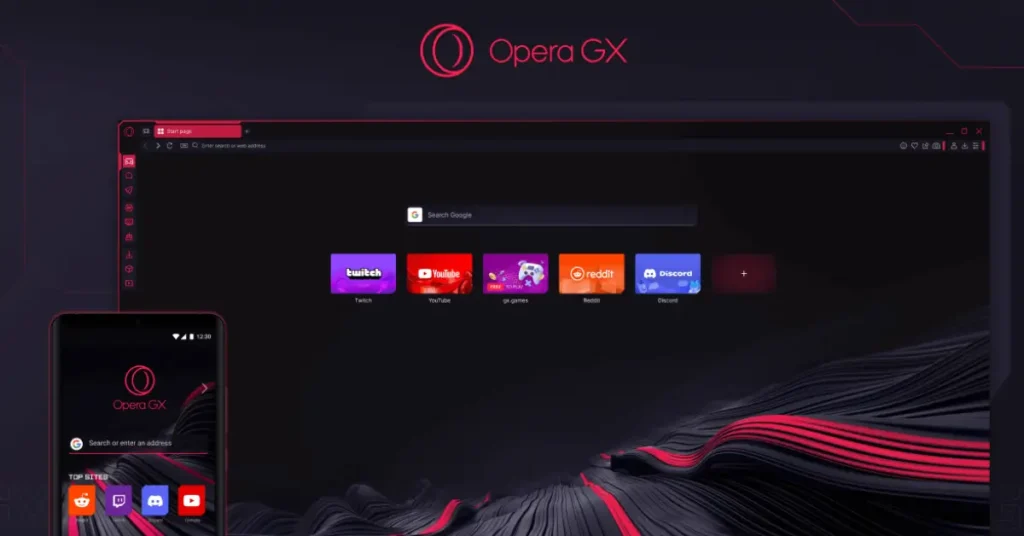
In 2019, gamers were given a browser of their own when Opera released Opera GX, the first browser to include a range of options designed specifically for people who enjoy video games, Since its launch, the application has been continuously improved and today offers a number of interesting features. Do gamers actually need the capabilities of Opera GX, and what advantages can this utility provide? We explore these questions in this review.
Installation and First Launch Experience
To emphasize the browser’s gaming focus, Opera hosts the download link on a separate page. The installer is small, and the application installs in a matter of seconds. If desired, unnecessary features such as sending user statistics to developers or ad personalization can be disabled during installation.
When launched for the first time, the browser greets the user with an initial setup dialog. Here, you can choose a color scheme, enable sound effects, configure sidebar integrations, import data from another browser, activate specialized add-ons such as GX Control, Ad Blocker, and GX Cleaner, complete a short survey from the developers, and receive links to download the mobile version of Opera GX.
Interface and Main Page Features
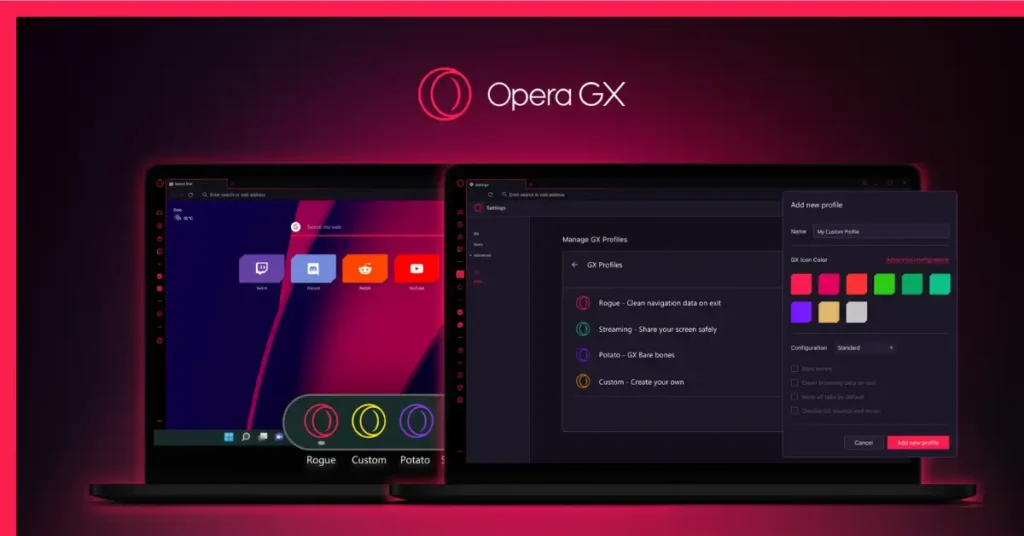
After that, you can move on to actually using the browser. The home page already features links to services popular with gamers, including Twitch, Discord, YouTube, Humble, and others. At the top of the screen is the tab bar, alongside buttons that open the GX Corner service, which acts as a hub with information about popular games, release calendars, and more, as well as access to the browser’s main menu.
On the left side of the window is a panel with mini-applications that truly define Opera GX as a gaming browser. Let’s take a closer look at them.
GX Control Resource Management
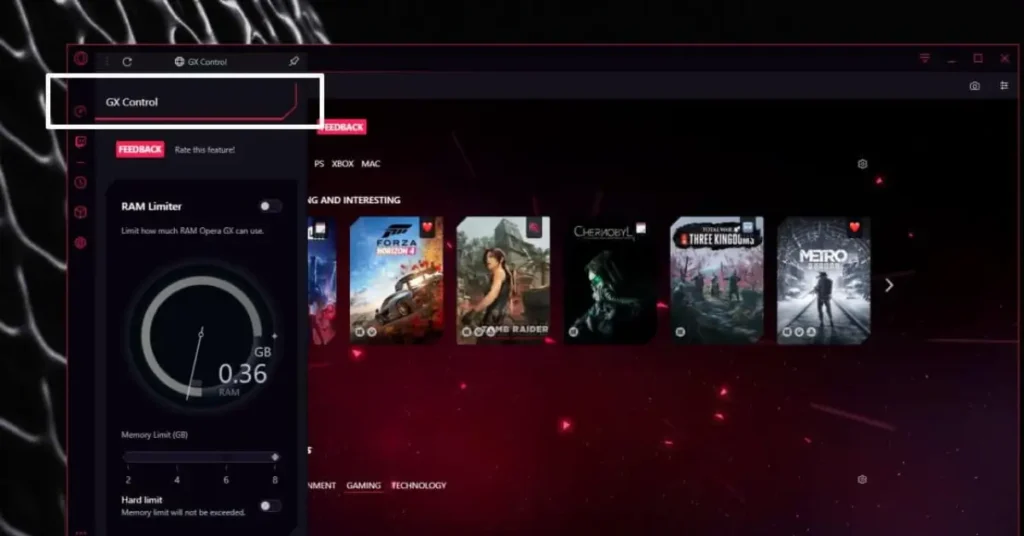
GX Control is a limiter that sets boundaries on how much of your PC’s resources browser tabs are allowed to use. With it, you can decide how much RAM, network bandwidth, and processor power the browser consumes. For example, if you have many tabs open at once that are eating up system memory and network traffic and negatively affecting performance in an online game, you can limit their resource usage without having to close the browser entirely.
Browser Cleanup With GX Cleaner

GX Cleaner is a browser cleanup tool. It allows you to clear cache, cookies, tabs, browsing history, download lists, and sidebar icons. This option is worth using periodically to speed up Opera GX’s overall performance.
Visual Effects and Shaders
Shaders are an add-on that lets you alter the colors of content displayed in the browser, such as making them more vibrant or, on the contrary, turning the image black and white. There isn’t much practical benefit here, but it can be entertaining for some users.
Customization Through Mods
Mods are an option that allows you to install modifications for the browser. These include interface mods such as backgrounds, themes, and fonts, visual effects like the shaders mentioned above, sounds, and much more. This is an interesting and useful feature, especially for those who enjoy deeply customizing their browser, as Opera GX makes it possible to fine-tune the design from top to bottom.
Aria AI Assistant and Smart Integrations
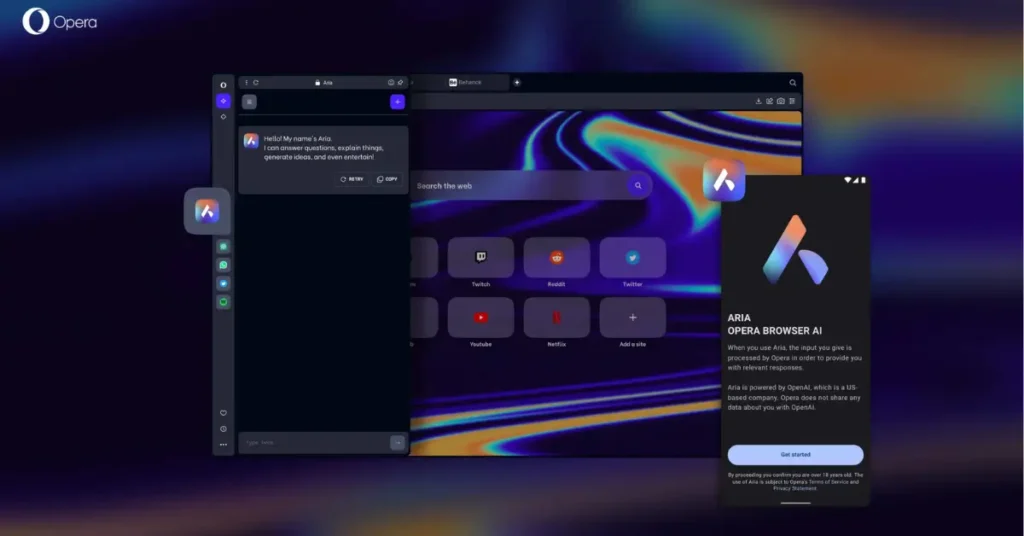
Aria is an AI assistant you can interact with in a chat window. It is based on several neural network models and delivers fairly coherent and relevant responses, maintains conversation context, and can offer suggestions. Other assistants such as ChatGPT and ChatSonic can also be added to the sidebar.
Social Services and Sidebar Customization
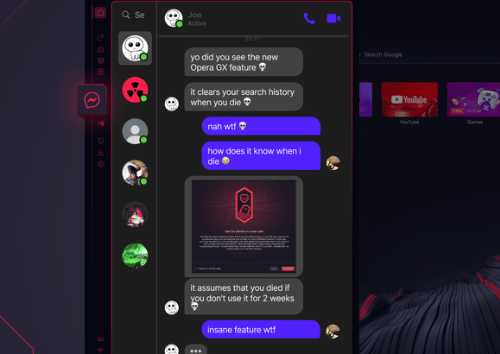
Further down the sidebar are links to messengers and social services, as well as quick-access buttons for settings and frequently used browser features like browsing history. Finally, a button at the very bottom lets you customize the appearance of the sidebar itself by adding or removing shortcuts to features and mini-apps.
Additional Features for Gamers
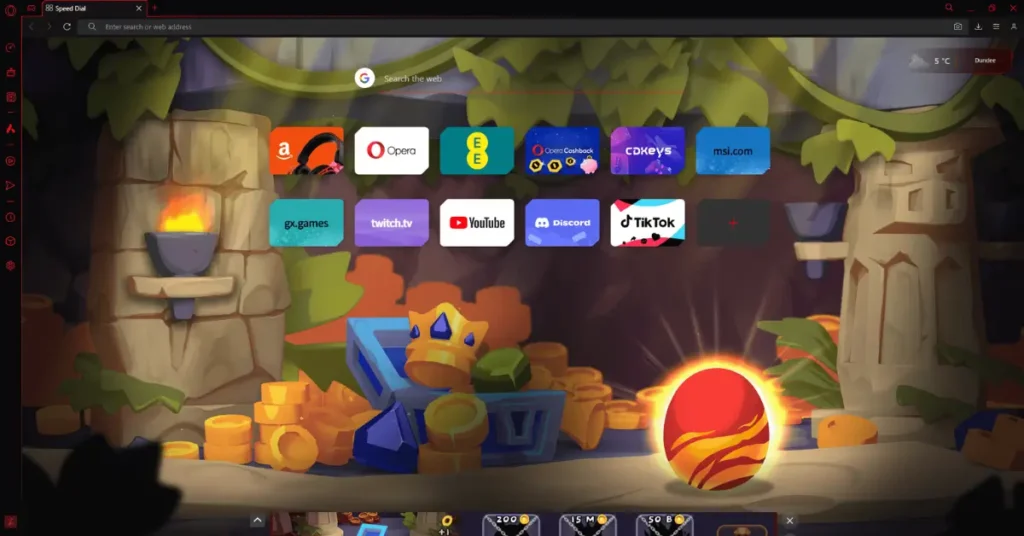
Among other things, it’s worth noting several additional strengths of the browser. These include the Panic button, which instantly hides all open browser tabs, Game Strips, built-in games ranging from classic arcade titles to Tamagotchi-style experiences, automatic video enhancement, and more.
Final Verdict: Is Opera GX Worth Using?
So, do you need the Opera GX browser? The application does offer several features that aren’t available in standard browsers, although the usefulness of some of them is questionable. For instance, GX Control can not only help but also cause problems by slowing pages down so much that they stop loading altogether. GX Cleaner simply places options found in the settings menu onto the sidebar, and none of them are exclusive to a gaming browser.
On the other hand, shaders and mods allow for flexible customization of the browser’s appearance, which will likely appeal to users who spend a lot of time online. GX Control can still be useful when running on low-end PCs with limited RAM or a weak processor.
As for performance, PC resource consumption, and page loading speeds, Opera GX differs only minimally from competitors such as the standard Opera browser, Google Chrome, and Yandex Browser.
Abandoning your usual browser and urgently switching to a gaming-focused alternative probably isn’t necessary. However, if you want more from a browser than simply displaying web pages, enjoy experimenting with customization settings, and welcome integration with favorite services like Twitch and Discord, Opera GX is a perfectly viable choice. Moreover, the application continues to evolve, meaning that in the near future it may gain an even larger number of features useful not only for gamers, but for other users as well.




best browserr in the woord ^^
of course