Raid: Shadow Legends PC vs mobile: which version should you play?

Deciding between Raid: Shadow Legends on PC via the Plarium Play launcher or on mobile (iOS/Android) impacts your overall gaming experience. This comprehensive Raid Shadow Legends PC vs mobile comparison breaks down visual performance, control layouts, automation tools, and cross-platform account management.
While your account syncs seamlessly using a single Plarium ID, playing on desktop unlocks significant efficiency advantages over touchscreen gaming. Here is everything you need to evaluate in this Raid Shadow Legends PC vs mobile guide.
Table of Contents
Graphics and visual presentation in Raid Shadow Legends PC vs mobile
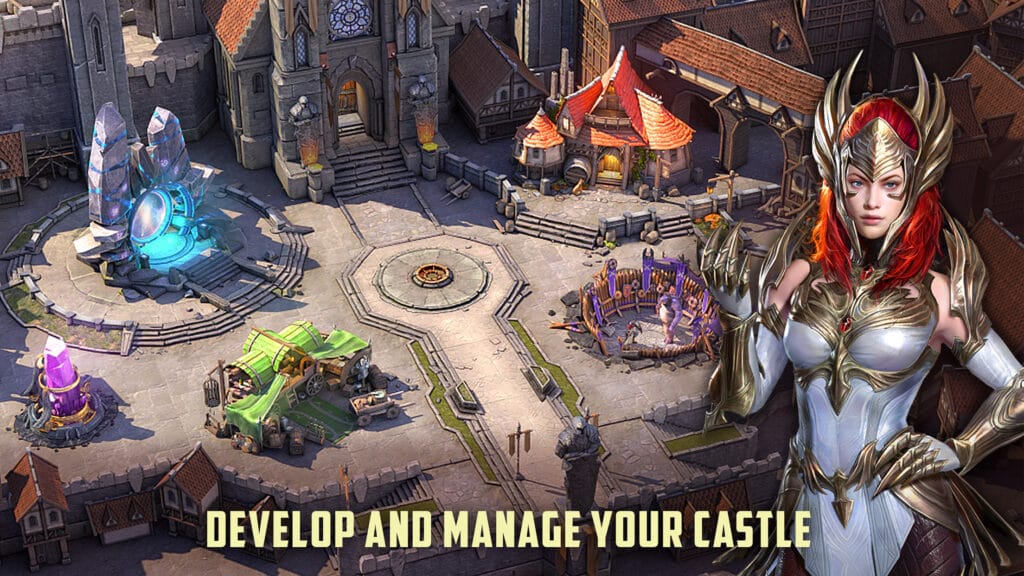
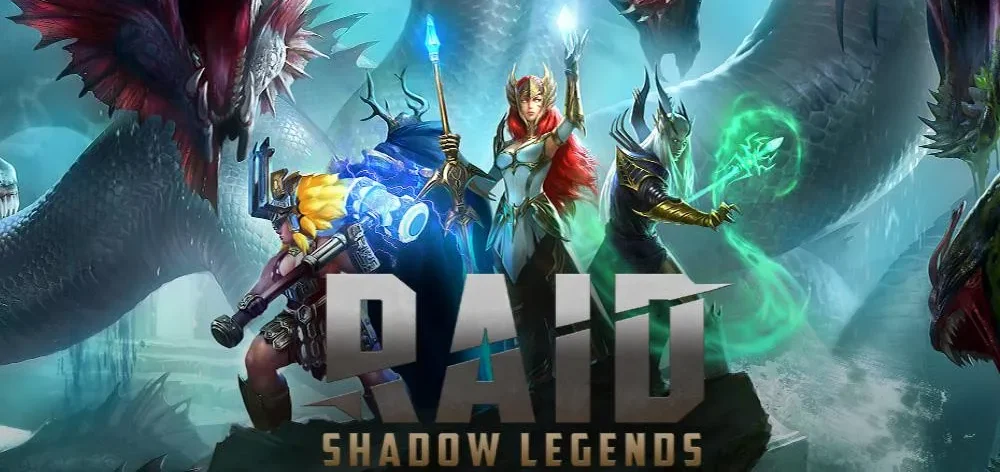
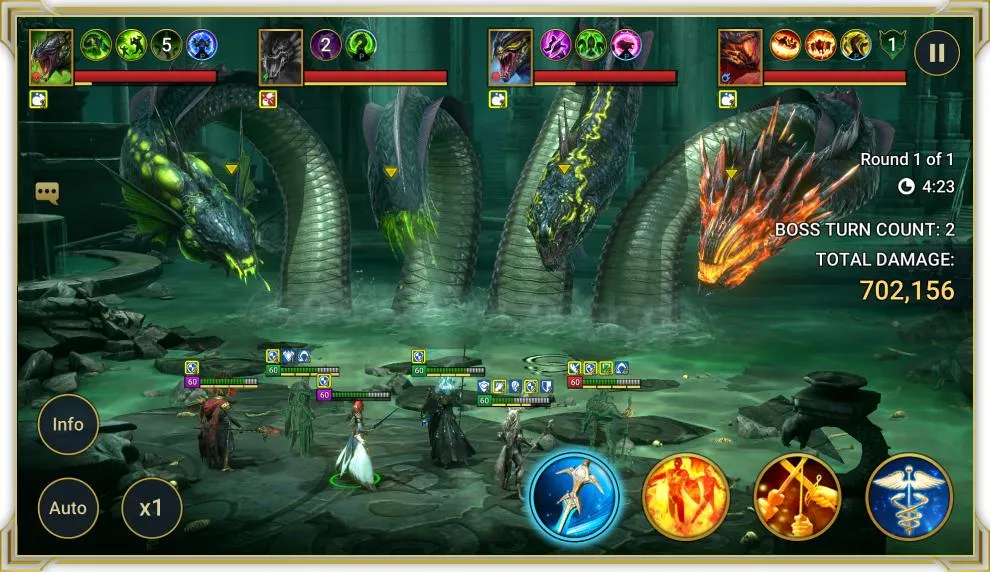
The PC version renders at native 1080p, 1440p, or 4K resolutions with uncompressed textures, improved shadow maps, and uncapped frame rates. Champion models and skill visual effects appear sharper and more detailed on desktop monitors.
Mobile versions downscale visual effects to conserve battery life and prevent device overheating during extended dungeon farming sessions.
Controls and navigation speed
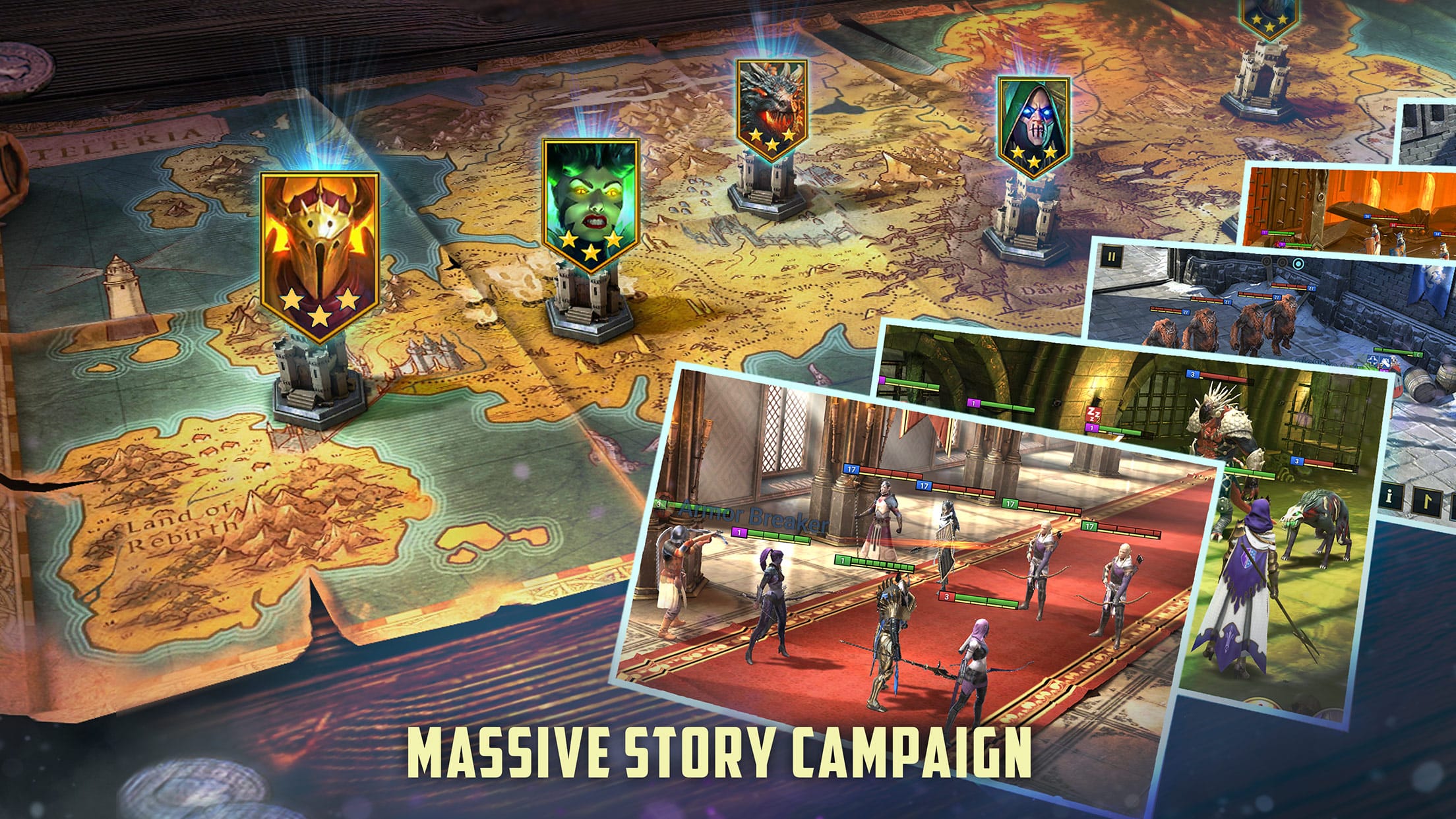
Desktop play offers precise mouse clicking and customizable hotkeys for swift menu navigation. Managing inventory gear pieces, upgrading artifacts, and running auto-battles require fewer clicks and zero touchscreen lag.
Touchscreen controls on mobile remain adequate for casual daily tasks but feel less responsive during complex inventory management.
Third-party tools: PC’s biggest advantage
The primary advantage of playing on PC is compatibility with community-developed productivity software:
- RSL Helper: Automates repetitive campaign grinding, potion farming, and Clan Boss key runs while respecting Plarium terms of service.
- HellHades Artifact Optimizer: Scans your artifact vault and calculates mathematically optimal champion gear configurations automatically.
These advanced tools are exclusive to Windows PC and cannot run natively on iOS or Android mobile devices.
Convenience: when mobile wins
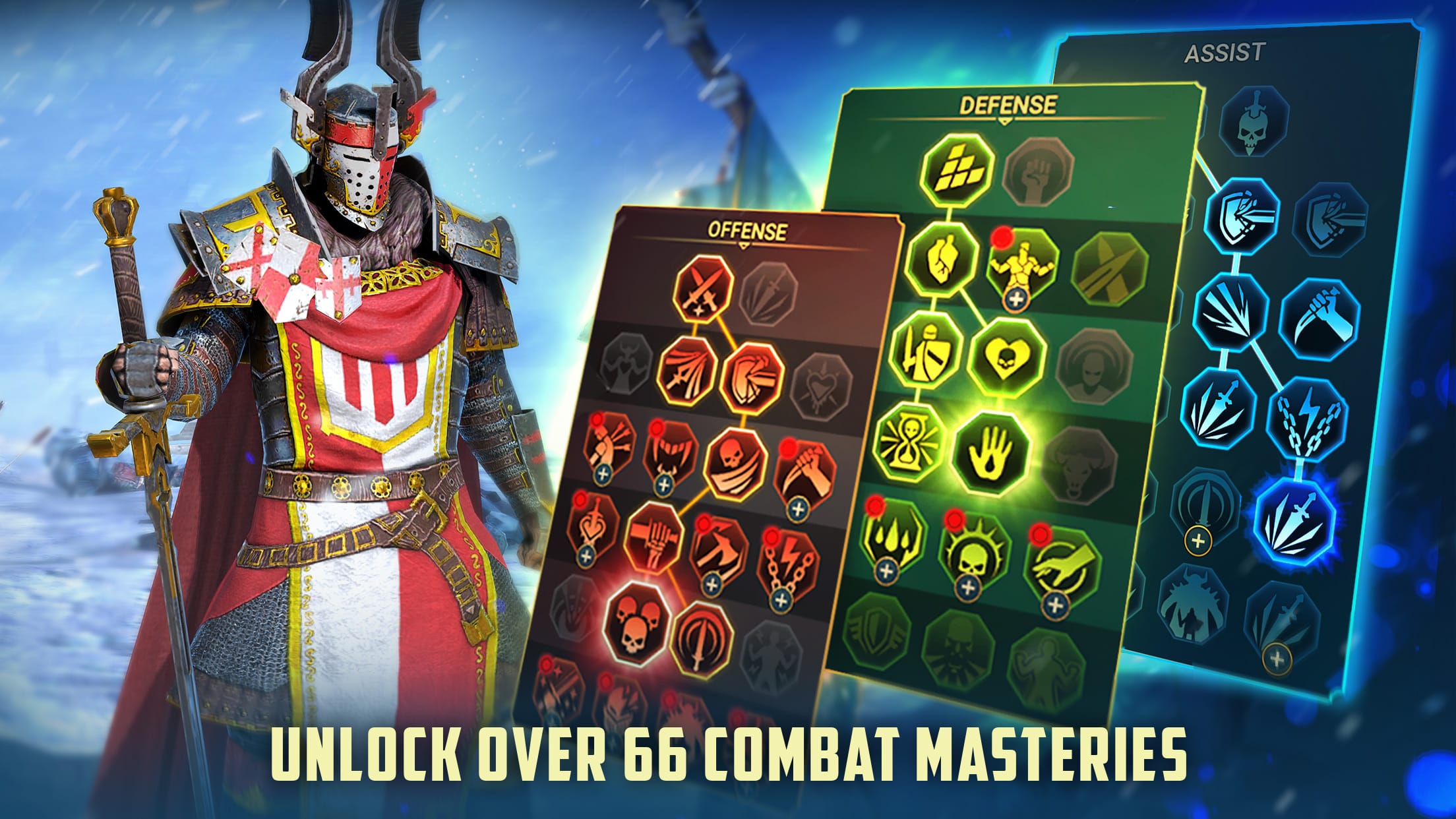
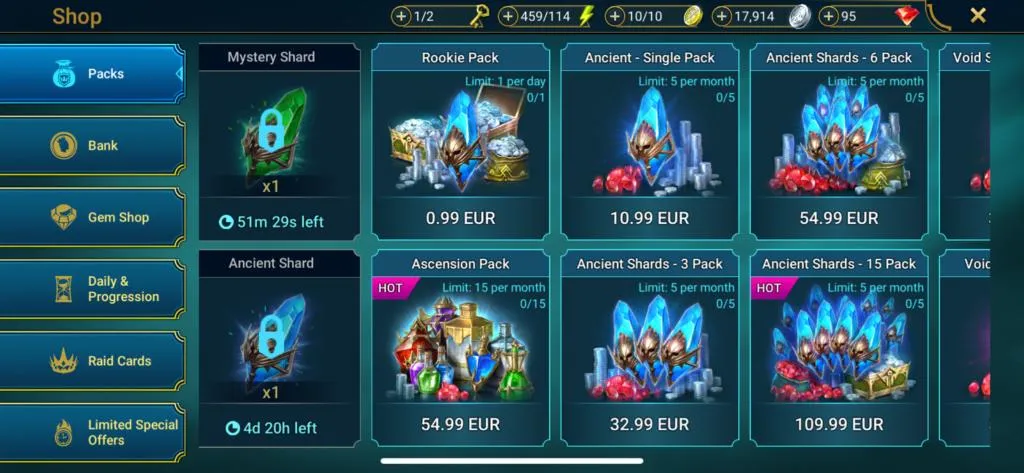
Mobile gaming excels in portability. Completing daily login claims, checking market shop resets, and spending energy while commuting or away from your desk makes mobile an indispensable companion.
Using a hybrid approach—desktop for prolonged auto-farming and mobile for daily quick tasks—yields maximum progression efficiency.
Performance and battery considerations
Running multi-hour auto-battles on mobile consumes battery life rapidly and generates heat that triggers CPU thermal throttling. PC clients handle sustained gaming loads effortlessly without performance degradation.
Account sync and important warnings
Always register and link a Plarium ID prior to launching the game on a second platform. Initiating a new game without linking creates a temporary guest account that cannot be merged later.
Simultaneous logins on PC and mobile are restricted; accessing your account on one device automatically logs out active sessions on the other.
Which version should you choose?
For dedicated players, playing primarily on PC via Plarium Play with mobile for secondary tasks offers the ideal balance of performance, visual quality, and access to automation software.
For an in-depth review of system requirements and PC gameplay mechanics, read our complete Raid: Shadow Legends PC review.

Allen Wade is a Senior PC Hardware & Performance Analyst at PerfCore with over 8 years of experience benchmarking CPUs, GPUs, gaming laptops, and system architectures. He specializes in 1080p and 1440p frametime analysis, thermal dynamics, and budget component optimization. Allen’s hardware testing methodology relies on standardized test benches, repeatable CapFrameX frametime captures, and clean OS environments.