

Tiles Survive Beginner Guide (2026): 9 Essential Tips for New Players

So you just downloaded Tiles Survive on your Windows PC and you’re staring at your first tile grid wondering what the heck you’re supposed to do first. That’s normal. Every new player hits that same wall in the first few minutes.
The game doesn’t hold your hand much, which is part of what makes it interesting once you figure things out but it also means the early game can feel confusing if you don’t know what to prioritize. This guide is for players who are just getting started and want to actually survive past the first few waves instead of restarting over and over.

Tiles Survive
SURVIVAL STRATEGYTiles Survive is an engaging survival strategy game where players manage resources, build their base, and withstand challenging waves of enemies on a grid-based tile map. Plan your layout carefully and survive the ultimate tactical test on PC.
Need help installing the game first? Follow our Tiles Survive on PC guide to get started on Windows.
Table of Contents
Don’t spread yourself too thin early
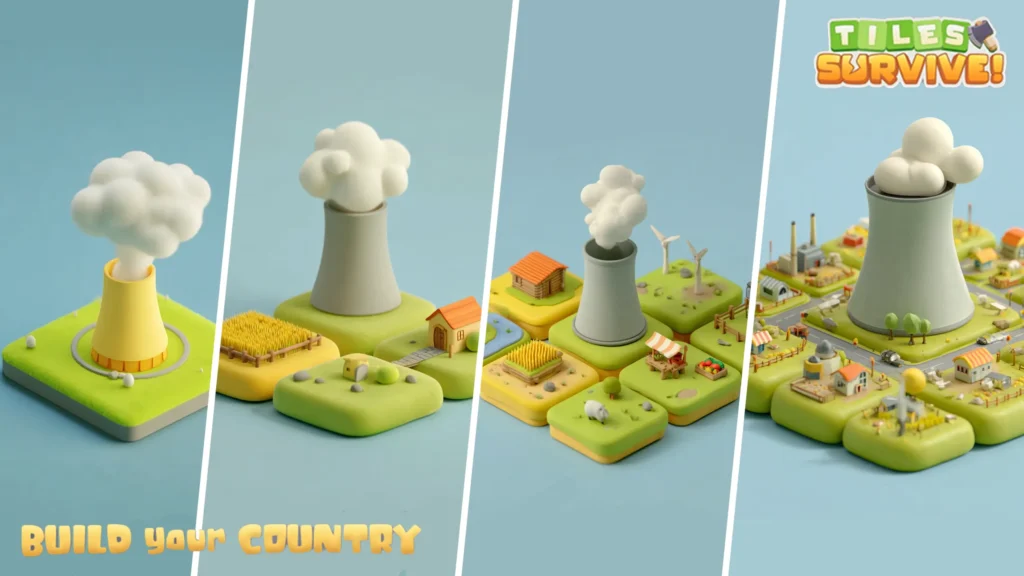
This is the mistake almost every new player makes. You see tiles in every direction, resources scattered around, and your brain says “go get all of it.” Resist that instinct.
In Tiles Survive, your early priority should be consolidation, not expansion. Pick a direction, build toward it, and secure what you already have before reaching for more. Spreading out too fast leaves gaps in your setup that enemies will find and exploit. By the time you realize the problem, it’s usually too late to fix it cleanly.
On PC this is actually easier to manage than on mobile because you can see the full grid more clearly. Take advantage of that view. Before you make a move, actually look at what’s around you and think one or two steps ahead.
Your first few moves matter more than you think

The opening of each run sets the tone for everything that follows. Here’s a solid baseline to work from when you’re starting out:
Secure your immediate tiles first. Whatever is directly adjacent to your starting position is your highest priority. Lock those down before you do anything else.
Get a resource loop going early. You need a steady trickle of materials coming in before the first wave hits. If you’re still scrambling for resources when enemies show up, you’re already behind.
Don’t ignore your perimeter. A lot of new players build inward and forget about their edges. Enemies don’t care how nice your interior layout is. They’ll find the weak point on your border every time.
Save some materials for emergencies. It’s tempting to spend everything as fast as you get it, especially when you’re trying to build up quickly. But having a small reserve lets you react when something unexpected happens, and something unexpected always happens.
Using the PC controls to your advantage
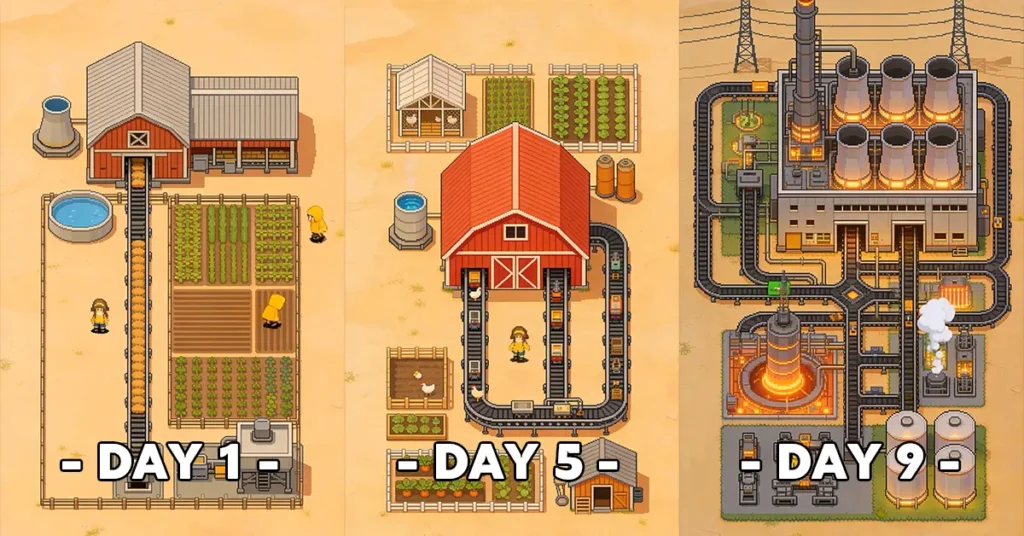
One of the biggest upgrades that comes with playing on Windows is the control scheme. Mouse and keyboard input is faster and more precise than tapping a phone screen, and once you get comfortable with the layout, your decision-making speed improves noticeably.
Spend a few minutes in the settings menu before your first serious run. Look at the keybindings, see what’s mapped where, and adjust anything that feels awkward for your hands. Most players find that keeping frequently used actions on easy-to-reach keys makes a real difference during hectic moments.
You can also take your time reading tooltips without accidentally tapping something. On mobile, hovering over something to get more information often triggers it instead. On PC, you can actually stop and read what you’re looking at, which is surprisingly useful when you’re still learning what everything does.
Understanding the tile placement system

This is the heart of the game, and it’s also where most beginners feel the most lost. Every tile you place has a function, but the real depth comes from how tiles interact with each other.
Some tiles get bonuses when placed next to specific other tiles. Others create chains or combos that don’t do much on their own but become powerful in the right configuration. You won’t figure all of this out in one run, and that’s fine. The learning is part of the experience.
What you should focus on as a beginner is understanding one or two tile combinations really well rather than trying to use everything at once. Pick a style maybe you like defensive setups, maybe you prefer resource generation and build your runs around that until you feel comfortable branching out.
Every time you lose a run, look at what killed you. Was it a resource shortage? A gap in your perimeter? A tile placement that seemed fine but created a problem later? Tiles Survive teaches you through failure more than anything else, and each run gives you something to work with for the next one.
What to do when the first wave hits
Waves in Tiles Survive aren’t just a test of how much you built they’re a test of how well you built it. A lot of new players get through their setup phase feeling pretty good and then get wiped in the first wave because they optimized for expansion instead of defense.
Before the wave timer runs out, stop building and look at your layout. Find the weakest points. If you have open edges or thin spots in your perimeter, address those first even if it means leaving some resource tiles undeveloped for now.
During the wave itself, don’t panic-click. On PC with a mouse, it’s easy to start clicking everything rapidly when pressure hits. Stay focused, watch where the threats are coming from, and react deliberately. Panic rarely helps in survival games.
After the wave, before you start rebuilding or expanding, take a second to assess what just happened. What got hit? What held up? Use that information to adjust your approach for the next wave rather than just repeating the same setup.
A Few things worth knowing early
You will lose runs. A lot of them at first. That’s how this game works and it’s not a sign that you’re doing something wrong it’s the learning process. Each run teaches you something even when it ends badly.
The PC version runs smoothly on most Windows machines without any tweaking needed. If you notice any performance issues, check that your drivers are up to date and close any background applications eating up RAM. That usually fixes it.
And if you haven’t downloaded the game yet, you can grab the official Windows version right here: Tiles Survive for PC. The install is quick and you can be in your first run within five minutes.
If you’re already comfortable with the basics, check out our complete Tiles Survive on PC setup guide for performance tips and advanced settings.

Allen Wade is a Senior PC Hardware & Performance Analyst at PerfCore with over 8 years of experience benchmarking CPUs, GPUs, gaming laptops, and system architectures. He specializes in 1080p and 1440p frametime analysis, thermal dynamics, and budget component optimization. Allen’s hardware testing methodology relies on standardized test benches, repeatable CapFrameX frametime captures, and clean OS environments.