
Ragnarok Zero Global PC: How to Play on Windows in 2026

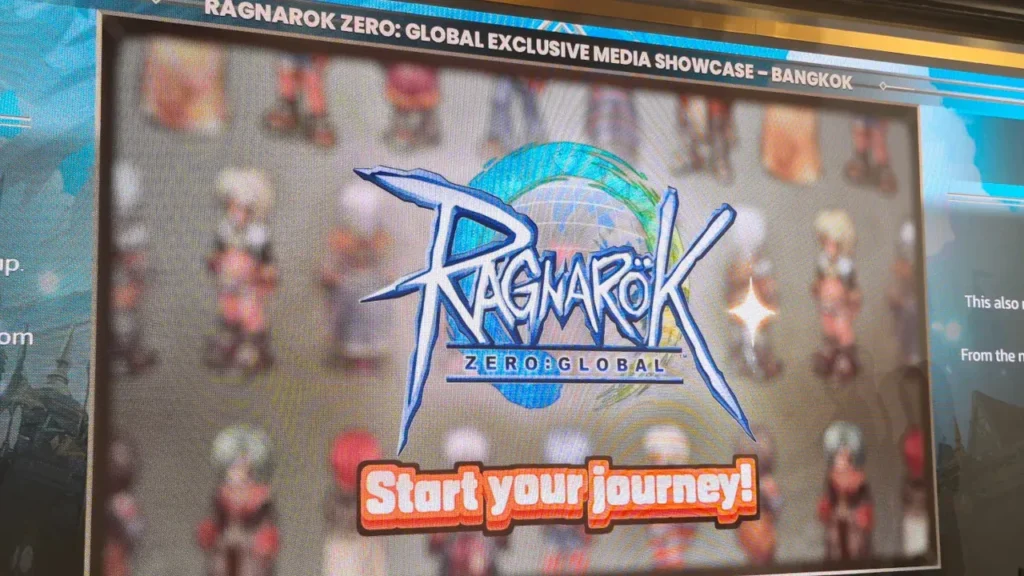
Ragnarok Zero: Global pc launched officially on PC on August 18, 2026, and if you played the original Ragnarok Online back in the day, there is a strong chance you felt that familiar nostalgic pull. It is not an exact 1:1 copy of the 2002 release, nor is it a complete top-to-bottom remake. It occupies a unique middle ground between classic nostalgia and modern quality-of-life adjustments, which is a welcome balance for longtime PC MMORPG fans.
The game is exclusively available on Windows PC. There is no mobile version and no console port. You download the official client, set up your account, activate your subscription, and step into Midgard. In this guide, we walk through how to download the game on Windows, system requirements, class breakdowns, and essential tips before starting your adventure.
What is Ragnarok Zero: Global?
Ragnarok Zero: Global is the official PC MMORPG revival of Ragnarok Online, developed by Gravity and published worldwide through GNJOY. Launched on August 18, 2026, it connects players across Southeast Asia, Europe, and Oceania on a unified server with quest-based leveling, auto-hunt features, and a monthly subscription model.
Table of Contents
Ragnarok Zero Global PC: how to download on Windows
Official distribution for Ragnarok Zero: Global is handled directly through Gravity Game Unite and their GNJOY platform rather than digital storefronts like Steam. Head over to the official portal at roz.mygnjoy.com and create your GNJOY account if you have not registered previously.
Once your account is active, you can access the game client installer directly through your account dashboard. The launcher handles installation and automatically keeps game files updated. The full installation takes between 20 GB and 30 GB of storage space, so ensure sufficient drive capacity prior to downloading.
- Verify the official domain: Avoid third-party private server links. Ensure all downloads originate from the official
mygnjoy.comdomain. - Subscription setup: Game access requires an active monthly subscription. New accounts often receive a short promotional trial period upon creation.
- Windows compatibility: The game client is built specifically for 64-bit Windows 10 and Windows 11 systems.
PC system requirements for Ragnarok Zero: Global
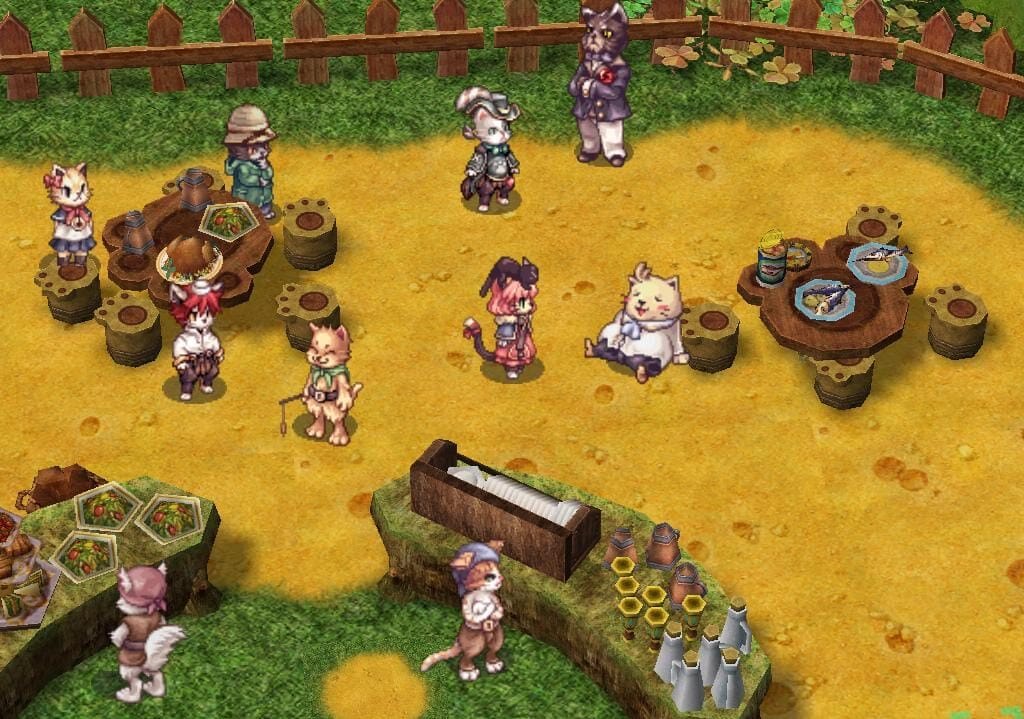
Because Ragnarok Zero: Global runs on an enhanced, modernized iteration of the classic engine, hardware requirements remain exceptionally accessible for modern desktop PCs and laptops:
| Hardware Component | Minimum Requirements | Recommended Specifications |
|---|---|---|
| Operating System | Windows 10 64-bit | Windows 11 64-bit |
| Processor (CPU) | Intel Core i3 / AMD Ryzen 3 | Intel Core i5 / AMD Ryzen 5 |
| System Memory (RAM) | 8 GB RAM | 16 GB RAM (for crowded cities & MVPs) |
| Graphics Card (GPU) | NVIDIA GTX 1050 / AMD Radeon RX 560 | NVIDIA GTX 1660 / AMD RX 580 |
| Storage Space | 25 GB available space (SSD recommended) | 30 GB available space on SSD |
| Network | Broadband Internet connection | Low-latency wired Ethernet connection |
What kind of game is Ragnarok Zero: Global?
Ragnarok Zero: Global represents a distinct gameplay experience that fans refer to as “Classic Plus.” It preserves the original aesthetic, job class tree, monster database, card collection mechanics, and nostalgic world of Midgard, while incorporating modern enhancements that respect your time.
Quest-based progression gives new characters structured guidance, replacing purely repetitive grinding. A built-in auto-hunt feature assists with basic farming tasks on open maps, while optimized transit lines make traveling between major hubs like Prontera, Geffen, and Morroc significantly faster.
Furthermore, equipment now includes randomized affix rolls reminiscent of modern action RPG loot systems. Two identical weapons can roll with completely different secondary stats, adding substantial depth to endgame character builds and item farming.
Ragnarok Zero Global PC: complete job classes breakdown

The game launched with the six traditional first-job classes, followed by the addition of second-job promotions in September 2026:
Swordsman: The Resilient Frontliner
Swordsman is the ultimate frontline tank. By prioritizing STR for melee strike damage, VIT for hit points, and DEX for accuracy, Swordsmen absorb punishment with ease. They promote into Knight for aggressive area damage or Crusader for party defense.
Mage: The Elemental Powerhouse
Mages excel at burst damage and rapid mob farming. Armed with elemental fire, cold, and lightning spells, they clear enemy packs faster than any other starter class. Their primary investment centers on INT for magic attack and DEX to accelerate casting times before advancing to Wizard.
Acolyte: The Spiritual Anchor
Acolytes provide essential group support through healing, buffs, and holy spells. While solo leveling as a pure support priest is challenging, Acolytes are constantly recruited for group dungeons and MVP hunts. Alternative Battle Acolyte builds (STR/AGI) allow capable solo farming.
Thief, Archer, and Merchant
Thieves deliver high attack speeds and evasion mobility through AGI builds, advancing into Assassins or Rogues. Archers control engagement distances with deadly bow skills and Falcon companions as Hunters. Merchants command the player economy, vending items and forging equipment as Blacksmiths or Alchemists.
Subscription, cash shop, and monetization model
Ragnarok Zero: Global operates on a monthly subscription fee of approximately €9.99 (or around $10 to $11 USD). The subscription was implemented by Gravity as a barrier against automated botting networks that frequently disrupted older free-to-play servers.
Alongside the subscription, the in-game Kafra Shop offers cosmetic costumes, convenience consumables, and temporary experience boosts. While equipment power progression is tied to in-game crafting and monster drops, players should consider the combined subscription and convenience costs before committing long-term.
Tips to get started on PC in 2026
- Follow the Main Questline: Complete beginner quests up to level 20 to receive free starter gear, travel tickets, and valuable consumable supplies.
- Clear Daily Mission Boards: Every town features bulletin boards offering daily monster bounties that provide substantial bonus experience and recovery potions.
- Utilize Auto-Hunt Strategically: Use the built-in auto-hunt feature on dense spawn maps to maintain steady leveling while managing inventory between sessions.
- Consult Community Databases: Bookmark the community-driven Midgard Community Hub at midgardhub.com for accurate skill calculators, drop tables, and affix guides.
To ensure optimal responsiveness during intense group battles, check out our guide on how to reduce input lag in Windows 11. If you are exploring other top titles to play this year, explore our curated list of the best PC games of 2026.
Frequently asked questions
Is Ragnarok Zero: Global available on PC?
Yes. Ragnarok Zero: Global is exclusively available on Windows PC via the official GNJOY portal at roz.mygnjoy.com. There are no console or mobile versions.
What is the monthly subscription price?
The monthly subscription costs approximately €9.99 (around $10 to $11 USD). New players can test the game using short trial passes provided upon registration.
Which class is best for beginners?
Swordsman is the easiest class for beginners due to high natural durability and forgiving stat allocation. For fast solo leveling with high area damage, Mage is currently the strongest starting pick.
What is the difference between Ragnarok Zero and Ragnarok Online?
Ragnarok Zero features a “Classic Plus” structure that introduces quest-driven leveling, randomized gear affixes, auto-hunt features, and a modern user interface while retaining the classic Midgard setting and job classes.

Allen Wade is a Senior PC Hardware & Performance Analyst at PerfCore with over 8 years of experience benchmarking CPUs, GPUs, gaming laptops, and system architectures. He specializes in 1080p and 1440p frametime analysis, thermal dynamics, and budget component optimization. Allen’s hardware testing methodology relies on standardized test benches, repeatable CapFrameX frametime captures, and clean OS environments.