

Opera GX Themes and Mods: Complete Customization Guide for 2026

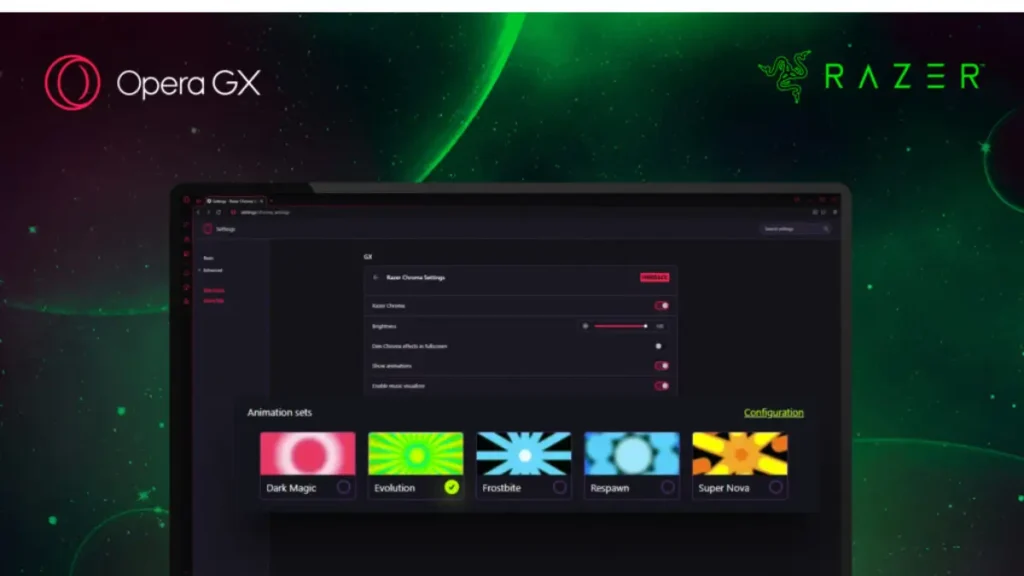
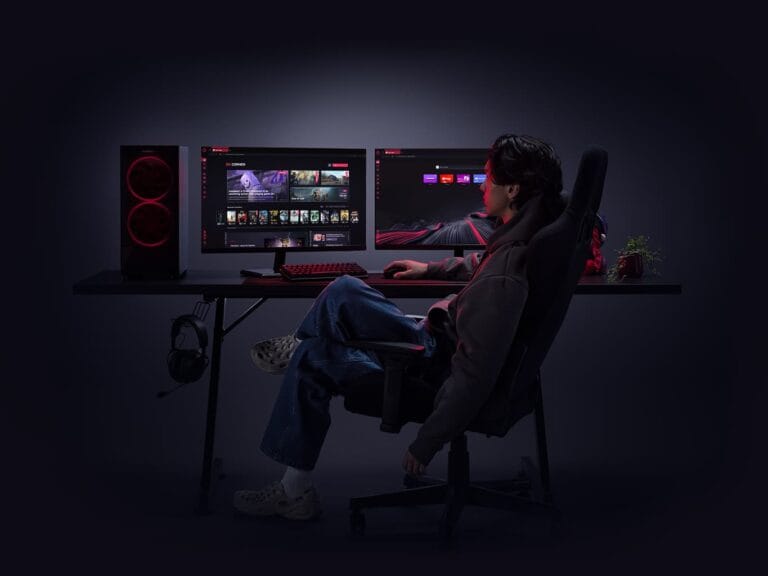
One of the biggest selling points of Opera GX is visual customization. Unlike chrome or edge opera gx treats appearance as a core feature not an afterthought. You get rgb style color themes animated wallpapers sound effects and full browser mods created by the community
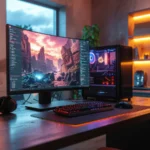
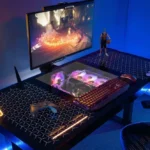
For gamers this makes sense. Gaming culture is built around personalization. Keyboards glow mice change colors desktops rotate wallpapers. Opera gx is betting that your browser should match the rest of your setup
The question is not whether customization exists but whether it is actually useful and whether it comes with performance costs. This guide breaks down every customization option and who should actually use them
What customization options does opera gx offer
When you install opera gx the easy setup menu lets you choose a base theme. These presets change accent colors tab styles and sidebar highlights. Popular options include gx classic ultra violet and several neon inspired color schemes
Beyond presets you can manually adjust colors across the entire interface. Background colors highlight colors accent colors and individual ui elements can all be tuned with sliders. If you want your browser to match your rgb keyboard or desktop lighting you can dial in exact values
Animated wallpapers add another layer. Opera gx includes built in animated backgrounds with particles abstract motion and space themed visuals. These appear on the new tab page and can be set to low medium or high intensity
Sound effects are optional and cover actions like opening tabs switching modes typing and navigating menus. Multiple sound packs are included ranging from sci fi tones to mechanical clicks
Mods expand customization even further. The gx mod store includes community made themes that overhaul colors fonts sounds and backgrounds. Some are game themed while others aim for minimal design
First impressions of the customization interface
The customization menu feels like gaming hardware software. Dark ui neon highlights and smooth animations define the experience. It is clearly designed for gamers not general office users
What stands out is the level of control. This is not just choosing between light and dark mode. You can fine tune almost every visual element. Few browsers offer this level of granularity
Animated wallpapers look impressive at first but immediately raise performance questions. They run continuously on the new tab page which can matter on weaker systems
Sound effects feel fun at the beginning. Hearing audio feedback for browser actions is novel. Thankfully opera allows full control including volume sliders and full disable options
Customization features that add real value
The color theming system is genuinely well done. Matching the browser to your desktop setup makes it feel like part of the system rather than a separate app. For users who care about visual cohesion this adds real satisfaction
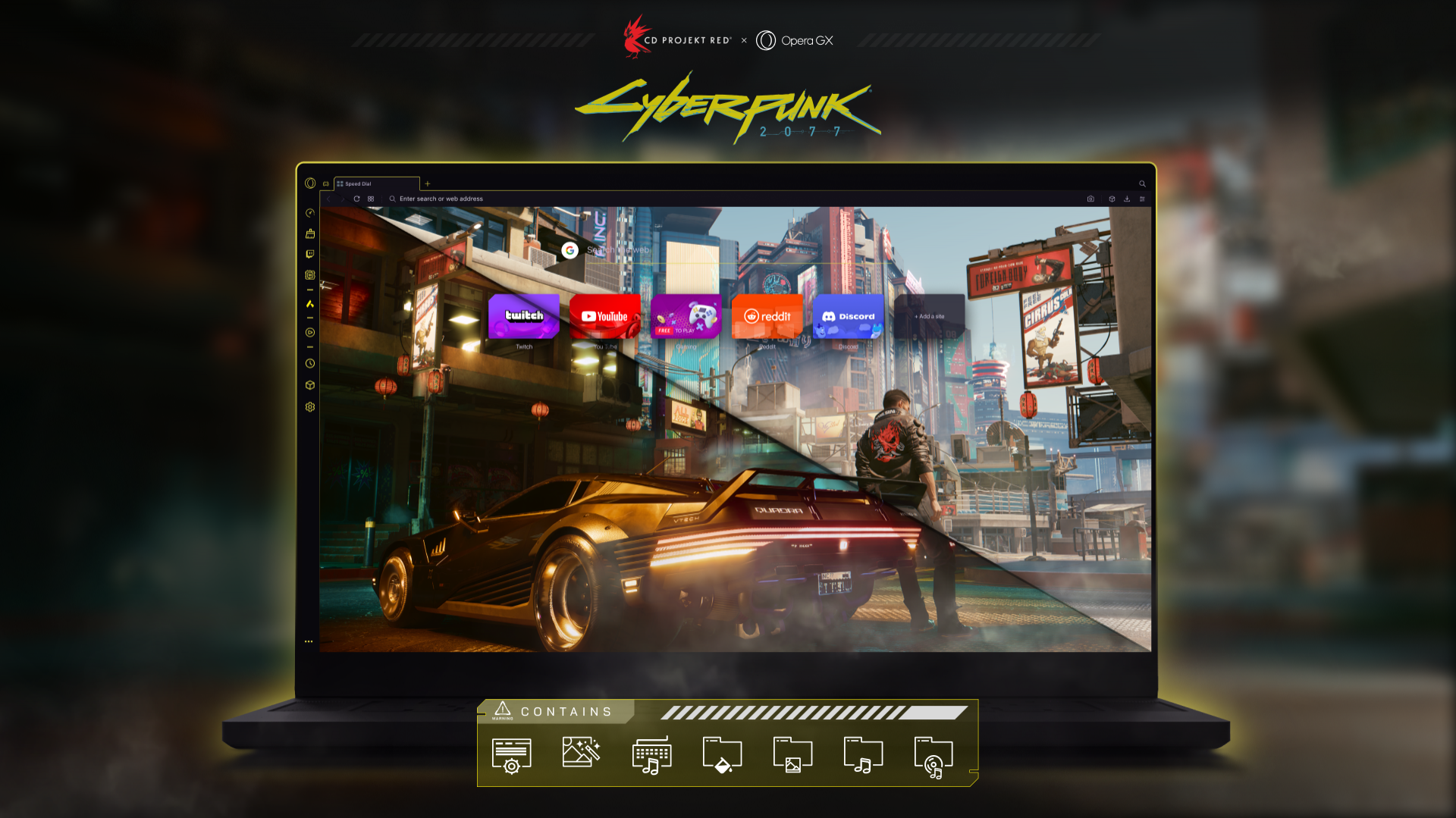
Community mods are higher quality than expected. Game themed mods like cyberpunk completely change the browser look with custom fonts colors and ui styling. Minimal mods remove most gaming visuals for users who want function without flash
Animated wallpapers work best at low intensity. Subtle motion adds atmosphere without distraction. Used this way they improve the browsing experience rather than hurting it
Keyboard shortcut customization is another strong point. Almost every browser action can be rebound. For power users this makes switching from other browsers much easier
Theme scheduling is a small but thoughtful feature. You can use brighter themes during the day and darker ones at night. It sounds minor but it fits real daily usage patterns
Where customization causes problems
Sound effects lose their charm quickly. What feels cool for a short time becomes annoying during heavy daily use. Most users will disable them within days
Animated wallpapers can impact performance on lower end systems. On laptops with integrated graphics animations cause noticeable slowdowns when opening new tabs. On desktops with dedicated gpus this is not an issue
Mod installation is slower than it should be. Installing a mod requires a restart which feels outdated compared to instant chrome extensions
Some mods conflict with built in features. Certain minimalist mods break sidebar layouts or discord styling. There are no warnings so problems are discovered through trial and error
The gaming aesthetic also has limits. Even with minimal mods opera gx still looks like a gaming browser. If you want a truly professional or neutral look the core design works against you
Performance impact of heavy customization
Testing stock opera gx against a fully customized setup shows small but measurable differences
A default setup uses less ram. Adding animated wallpapers increases memory usage by a few hundred megabytes. Sound effects have no measurable impact. Mods vary widely depending on complexity
On systems with 16 gb of ram or more this difference is negligible. On 8 gb systems it matters more especially if you are also using ram limiting for gaming
Cpu usage stays mostly unchanged because animations are gpu accelerated when possible. Battery life on laptops does take a hit with animations enabled. Expect shorter sessions if you value visual effects
Who should use opera gx customization
These features are best for users who care about aesthetics. If you already customize your desktop lighting and peripherals opera gx fits naturally into that mindset
Streamers and content creators benefit as well. A themed browser that matches a game or brand looks better on stream and recordings
For users who focus purely on function customization matters less. If you never look at the new tab page or use the sidebar visuals add little value
Younger gamers and newer pc users tend to engage more with customization long term. More experienced users often enable a theme once and move on
Final verdict
Opera gx offers the deepest visual customization of any mainstream browser. Themes mods and animated wallpapers give you control that competitors simply do not offer
These features are cosmetic not functional. They do not make the browser faster or safer. They make it feel personal and visually aligned with gaming culture
If customization matters to you opera gx delivers. If it does not the default setup is good enough and heavy tweaking is optional
Customization alone should not be the deciding factor when choosing a browser. It is a bonus feature. Performance privacy and daily usability matter more in the long run
Opera GX
GAMING BROWSERBuilt for gamers, Opera GX gives you powerful browser controls, gaming-focused features, and performance tools to keep your PC experience smooth while you play, stream, and browse.
Read our full analysis of features, privacy, and gaming benchmarks in our comprehensive Opera GX complete review.

Sara Jakob is the Senior Gaming Software & Systems Editor at PerfCore, specializing in PC game optimization, browser performance benchmarks, and free-to-play MMO mechanics. With a background in computer science and software testing, Sara leads PerfCore’s game setting optimization guides and software utility reviews.
I constantly spent my half an hour to read this blog’s posts every day along with a cup of coffee.
think you