
Opera GX review 2026: the complete verdict for gamers

Opera GX has grown into a community of over 30 million active users worldwide, making it the most popular gaming-focused browser on the market (Opera Q4 2025 Investor Report, 2025). But does it actually improve your gaming experience, or is it just a Chrome clone wrapped in RGB aesthetics?
We’ve been running Opera GX review
as our primary browser for six months across two hardware configurations: a mid-range gaming desktop (RTX 4060, Ryzen 5 7600, 16GB DDR5) and a budget gaming laptop (RTX 3050, i5-12450H, 16GB DDR4). This review gives you everything you need to decide whether Opera GX is worth switching to in 2026.
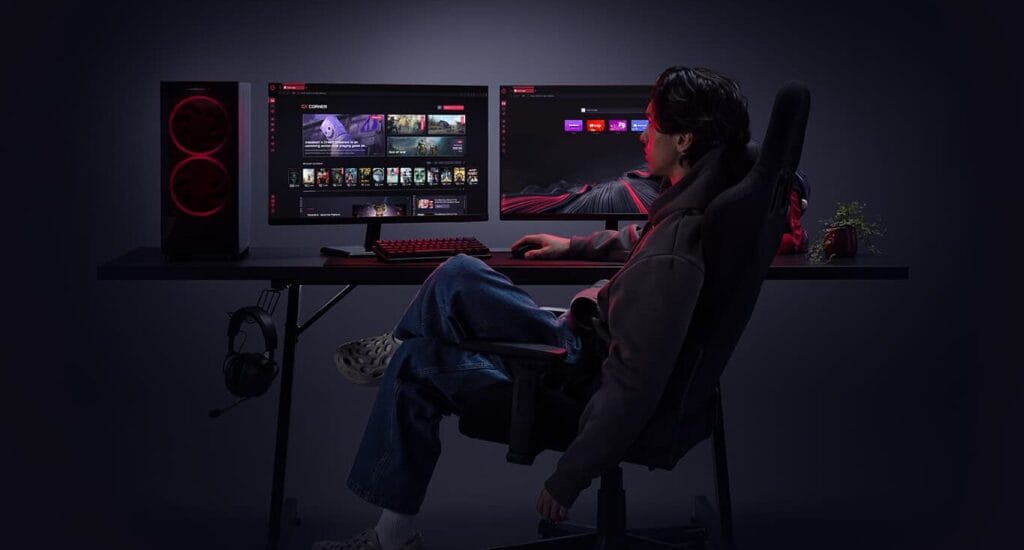
Table of Contents
GX Control: RAM, CPU, and Bandwidth Limiters

The flagship feature of Opera GX is GX Control. Unlike standard browsers that consume all available system RAM, GX Control allows you to set hard limits on how much memory and CPU power the browser can use. The RAM Limiter lets you balance resource usage so background tabs never starve your games of system memory.
GX Corner: Free Games and Release Calendar
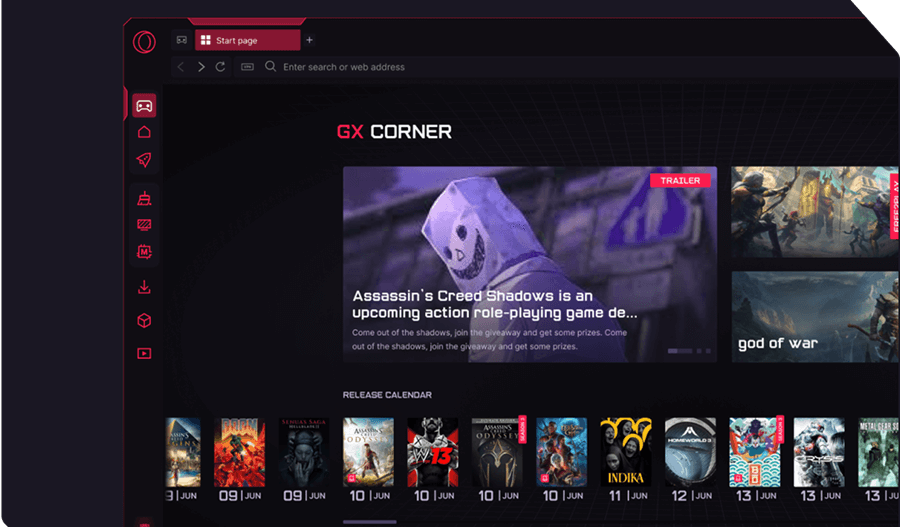
GX Corner serves as a hub dedicated to gaming news, game deals, and release schedules. It aggregates free game promotions across Steam, Epic Games Store, and GOG, ensuring you never miss a limited-time free game giveaway.
Sidebar Integration: Twitch, Discord, and Messenger
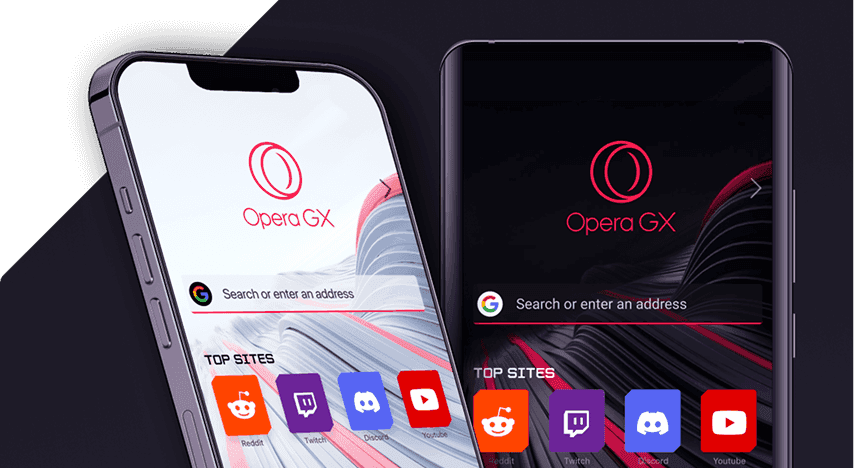
Opera GX features built-in sidebar panels for Twitch, Discord, WhatsApp, Telegram, and Messenger. You can check who is streaming or reply to Discord messages in an overlay window without alt-tabbing out of your full-screen game session.
Customization & RGB Lighting Integration
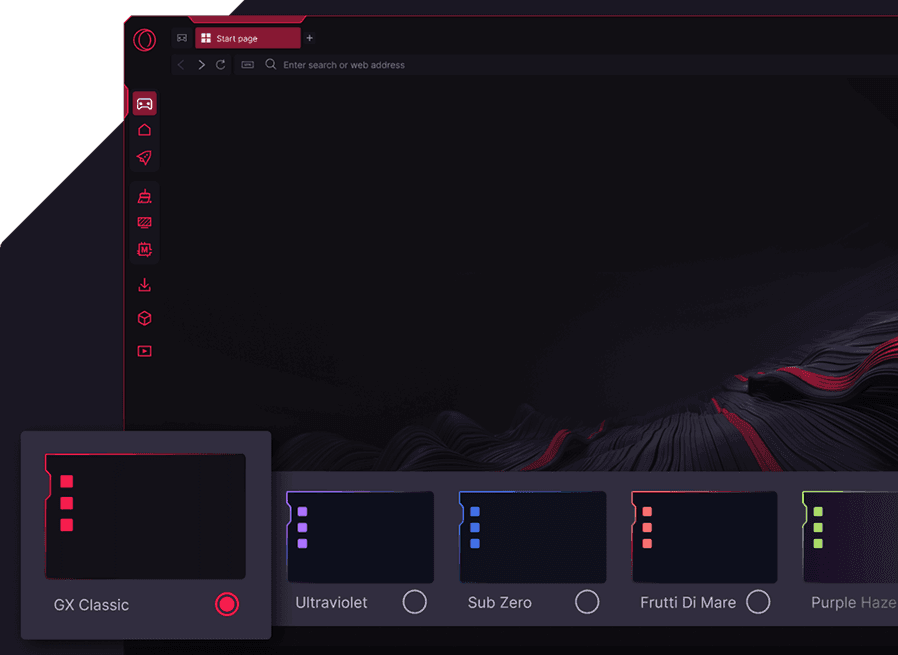
With custom GX Themes, sound effects composed by sound designers, and Razer Chroma RGB integration, Opera GX adapts to match the aesthetic of your PC setup. Lighting effects trigger dynamically when opening tabs, completing downloads, or receiving notifications.
GX Cleaner & Hot Tabs Killer
The Hot Tabs Killer identifies tabs consuming excessive CPU or RAM and lets you kill them with a single click. Combined with GX Cleaner, you can instantly purge cache, cookies, and temporary files before launching a competitive gaming match.
Verdict: Is Opera GX Worth Switching To in 2026?
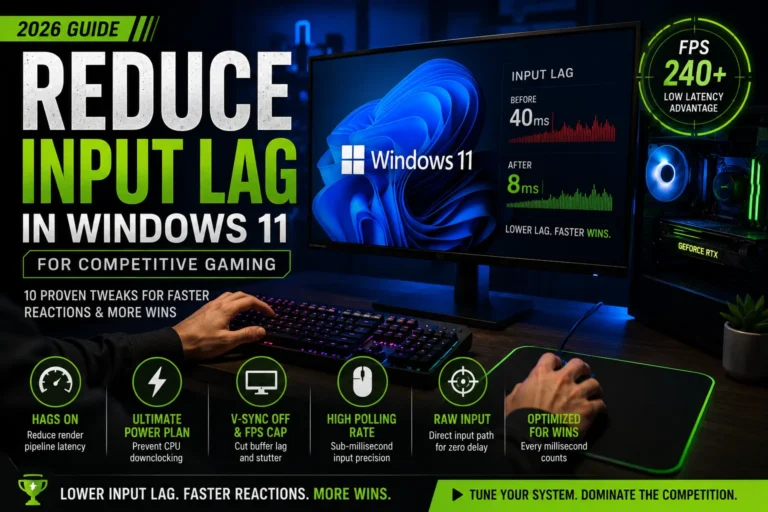
Opera GX is more than just visual flair. Its RAM and CPU limiters, integrated sidebar apps, and clean optimization tools make it a genuine upgrade over Google Chrome for PC gamers. If you want to optimize your system for gaming performance, also check out our guide on how to boost FPS and optimize your PC for gaming.
In-Depth Opera GX Features & Comparisons
- Opera GX Gaming Features (2026) RAM, CPU, and network limiter deep dive.
- Opera GX Themes & Mods Guide How to customize sounds, shaders, and UI visuals.
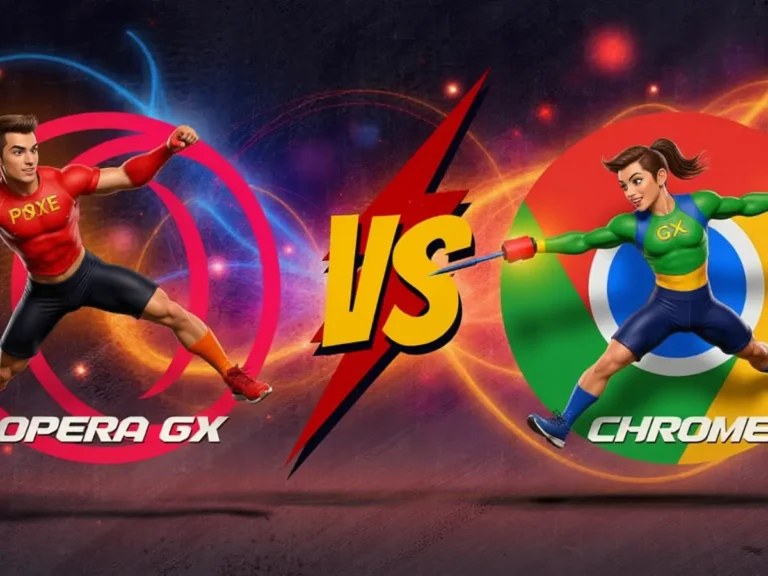
- Opera GX vs Google Chrome for Gaming Benchmarks, memory footprint, and gaming latency.
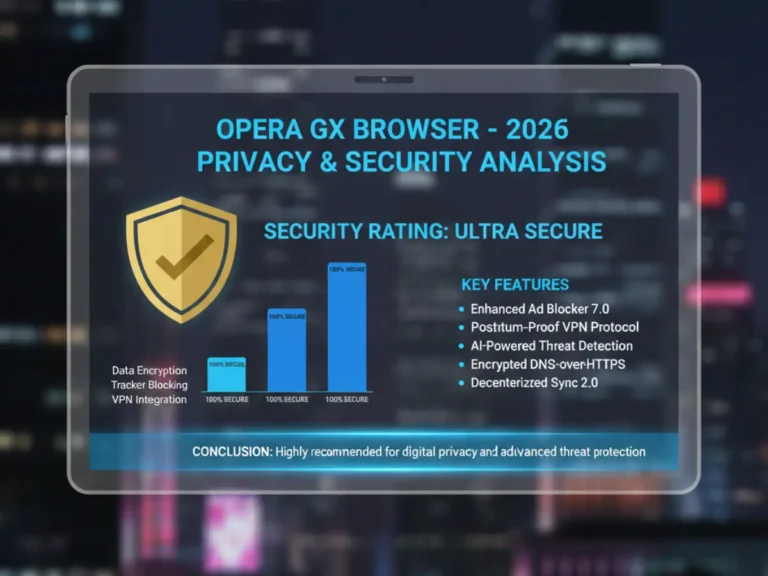
- Is Opera GX Safe? Privacy & Security Analysis Data collection, VPN, and corporate background.
Opera GX
GAMING BROWSERBuilt for gamers, Opera GX gives you powerful browser controls, gaming-focused features, and performance tools to keep your PC experience smooth while you play, stream, and browse.

Sara Jakob is the Senior Gaming Software & Systems Editor at PerfCore, specializing in PC game optimization, browser performance benchmarks, and free-to-play MMO mechanics. With a background in computer science and software testing, Sara leads PerfCore’s game setting optimization guides and software utility reviews.