Tiles Survive PC Requirements: Official Windows Version Guide
Check the official Tiles Survive PC requirements for the Windows version. Get practical specs, settings optimization, and setup details for 2026.

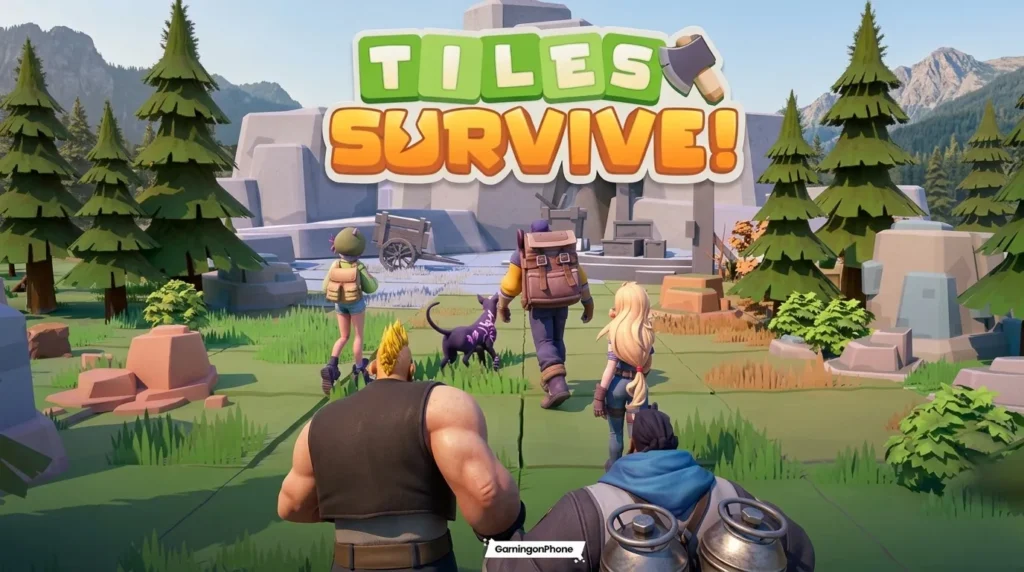
If you are planning to build a post-apocalyptic base and guide your survivors on desktop, you need to understand how the game runs on desktop hardware. Tiles Survive has grown from a popular mobile strategy game into a competitive title played by thousands on larger monitors. Transitioning to a computer setup gives you a wider view of your grid and much more precise control.
Before downloading the game, verifying your computer specifications is highly recommended. To get started, you can access the [Internal link: Tiles Survive PC download guide] to install the official Windows version.
What are the Tiles Survive PC requirements?
The official Tiles Survive PC requirements for the native Windows version have not been formally published by FunPlus. However, based on similar PC strategy games in 2026, we recommend an Intel Core i3 processor or AMD equivalent, 8 GB of system RAM, and a DirectX 11-compatible graphics card for smooth play.
Table of Contents
Is Tiles Survive officially available on PC?
Yes, Tiles Survive is officially available on Windows PC. FunPlus provides a dedicated, native Windows installer that runs directly on your computer. This native client bypasses the need for third-party programs to run the game, allowing you to launch the game straight from your desktop.
You can download the official installer directly from the Tiles Survive PC download page. This version is fully optimized for keyboard and mouse inputs. It allows you to select tiles, drag troops, and manage your resources with much better precision than tap controls.
Using this official client also gives you access to cross-platform progression. You can log in using your existing account credentials to sync your base, survivors, and hero roster. This makes it easy to switch between playing on your phone when you are traveling and playing on your desktop at home.
Official PC requirements: what is currently confirmed
When looking for official specifications, it is important to distinguish between confirmed facts and speculation. FunPlus has not publicly published a detailed official minimum and recommended PC-specification table at the time of writing.
The only officially confirmed requirement is that you must run a compatible version of the Windows operating system. The installer is designed to run on Windows 10 and Windows 11 (64-bit systems).
Because the game features stylized, grid-based graphics and 3D hero models, it does not demand a high-end graphics card. However, because FunPlus has not shared detailed hardware profiles, we must look to practical performance indicators to determine what hardware works best.

Tiles Survive
SURVIVAL STRATEGYTiles Survive is an engaging survival strategy game where players manage resources, build their base, and withstand challenging waves of enemies on a grid-based tile map. Plan your layout carefully and survive the ultimate tactical test on PC.
Tiles Survive PC requirements: practical recommendations for smooth play
Since there are no official hardware lists, we have compiled estimated guidance based on our testing of the Windows client. These practical recommendations will help you choose the right settings for your specific machine.
If you are running the game on a budget laptop, you can still achieve playable frame rates by lowering your display resolution. If you plan to run multiple applications in the background, upgrading your system memory is the most cost-effective path.
Here is our estimated guidance for different hardware tiers:
| Hardware Tier | CPU Recommendation | RAM | GPU Recommendation | Target Performance |
|---|---|---|---|---|
| Low-End PC | Intel Core i3-6100 / AMD FX-6300 | 4 GB | Intel HD 630 / GeForce GT 1030 | 720p at 30 FPS |
| Mid-Range PC | Intel Core i5-10400 / Ryzen 5 3600 | 8 GB | GeForce GTX 1650 / Radeon RX 570 | 1080p at 60 FPS |
| Multitasking PC | Intel Core i7-12700 / Ryzen 7 5800X | 16 GB | GeForce RTX 3060 / Radeon RX 6600 | 1440p at 60+ FPS |
These figures are practical recommendations, not official requirements. If your computer falls below the low-end tier, you may experience slow loading times or stuttering during massive base attacks.
How to improve Tiles Survive performance on Windows
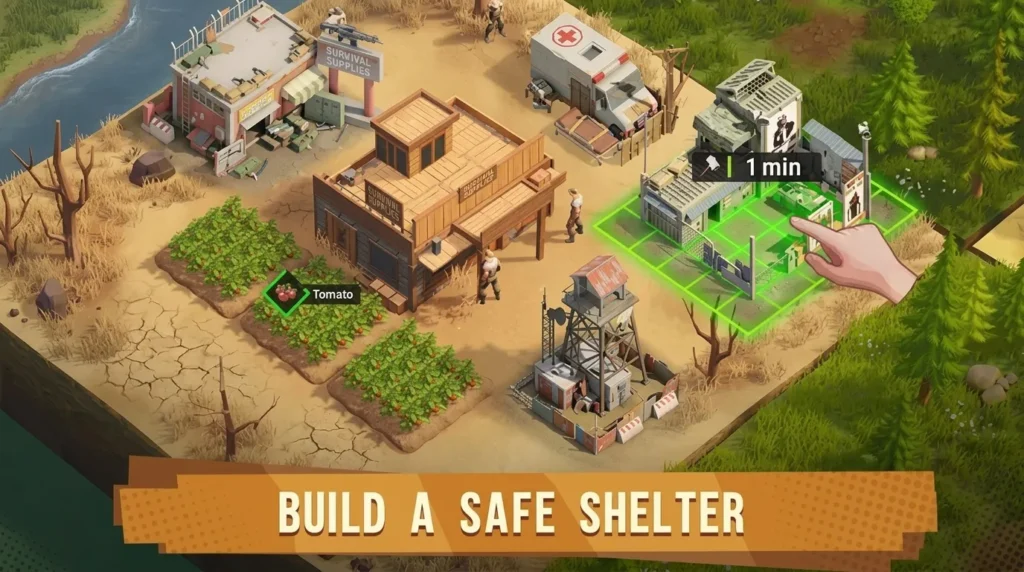
If you experience stutters or slow load times while playing the official Windows version, several simple tweaks can help optimize your setup.
First, ensure your Windows operating system and graphics drivers are fully updated. NVIDIA, AMD, and Intel regularly release driver updates that resolve compatibility issues and improve rendering efficiency in recently launched games.
Second, close unnecessary background applications before launching the game. Web browsers, screen recorders, and chat clients consume valuable CPU cycles and system memory. Freeing up these resources allows the game client to run much more smoothly.
Third, install the game on a Solid State Drive (SSD) if you have one available. While the game files are relatively small, loading tile assets and high-resolution hero textures from a mechanical hard drive (HDD) can cause brief, annoying hitches when scrolling across the map.
Fourth, check your Windows power settings. If you are playing on a laptop, ensure your system is set to “High Performance” mode in the Windows Control Panel, and keep your laptop plugged into a power source to prevent the CPU from throttling.
Finally, adjust your in-game options if the client provides display scaling or graphics presets. Lowering the texture quality or disabling decorative shadows can instantly stabilize your frame rate on older graphics cards.
Do you need virtualization?

No, there is no evidence that hardware virtualization is required to run the official Windows version of Tiles Survive. Because the game runs as a native Windows executable, it accesses your hardware resources directly through the operating system.
Hardware virtualization settings, such as VT-x for Intel processors and AMD-V for AMD processors, are only relevant if you choose to run the game through an Android emulator. Native Windows applications do not require these BIOS-level modifications to function.
If you are using the official client, you can leave your virtualization settings at their default values. This simplifies the installation process and prevents you from having to enter your motherboard’s BIOS menu.
Can you use BlueStacks or LDPlayer instead?
Yes, you can choose to run the mobile version of Tiles Survive on your computer using Android emulators like BlueStacks or LDPlayer. These programs are optional alternative methods, not the official PC method.
Running the game through an emulator can be useful if you prefer the mobile user interface or want to run multiple accounts simultaneously using multi-instance tools. However, emulation carries a much higher performance overhead.
If you choose this alternative route, you must enable hardware virtualization (VT-x/AMD-V) in your BIOS. Without virtualization active, the emulator will experience severe stutters and frequent crashes because it cannot access your processor cores efficiently.
For most players, we recommend sticking to the official Windows client. It is easier to install, uses fewer system resources, and offers a more stable experience.
Frequently Asked Questions
Is Tiles Survive free on PC?
Yes, the official Windows version of Tiles Survive is free to download and play. The game utilizes the same free-to-play business model as the mobile version.
Can I use the same account on Windows and mobile?
Yes, your progress will sync automatically between platforms. Simply log in using your bound account credentials on the official Windows client to access your existing base.
Does Tiles Survive need a gaming PC?
No, the game does not require a dedicated gaming computer. Most modern office laptops and budget desktops can run the official Windows client comfortably.
Is VT-x/AMD-V required for the official Windows client?
No, virtualization is not required for the native Windows version. It is only necessary if you run the mobile version through an Android emulator.
Can I play on an old laptop?
Yes, you can run the game on older laptops. We recommend lowering the in-game display settings and closing background apps to maintain a smooth experience.
Conclusion
Understanding the Tiles Survive PC requirements is the first step toward securing your post-apocalyptic settlement on desktop. While FunPlus has not shared an official hardware spec sheet, the native Windows client is highly accessible and runs well on most modern systems.
To continue maximizing your gameplay, read our full Tiles Survive PC: How to Play on Windows in 2026
Sources
* Official PC Download Page: tilesurvivegame
* FunPlus Corporate Website: funplus.com

Allen Wade is a Senior PC Hardware & Performance Analyst at PerfCore with over 8 years of experience benchmarking CPUs, GPUs, gaming laptops, and system architectures. He specializes in 1080p and 1440p frametime analysis, thermal dynamics, and budget component optimization. Allen’s hardware testing methodology relies on standardized test benches, repeatable CapFrameX frametime captures, and clean OS environments.