Delta Force PC: How to Play on Windows in 2026

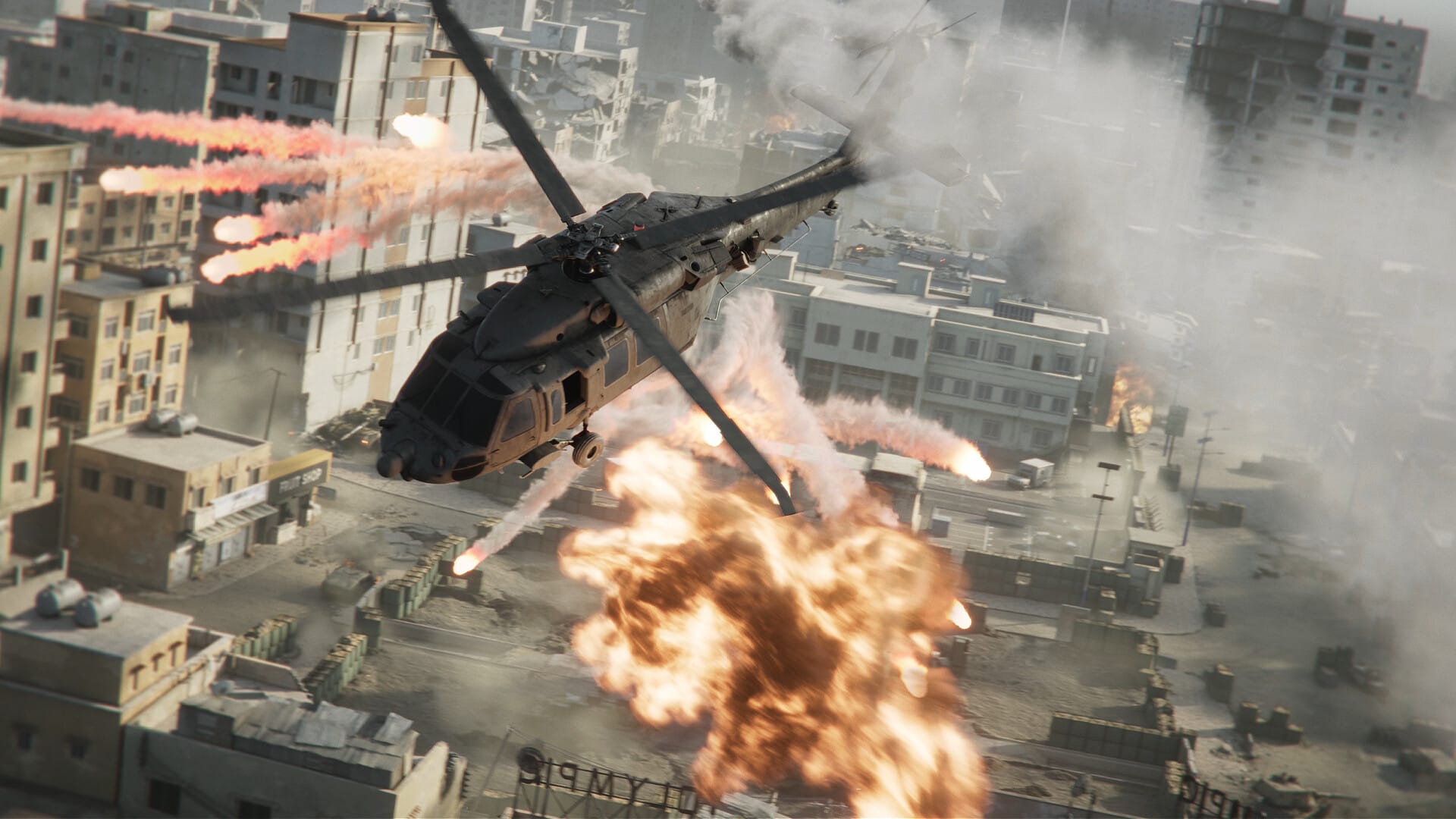
If you have been scrolling past Delta Force pc thinking it is just another free-to-play shooter that looks good in cinematic trailers but falls apart during real matches, you are missing out on something genuinely great. This game has been quietly building a massive player base of tactical shooter fans who booted it up out of curiosity and suddenly found themselves forty hours deep without getting bored.
Team Jade and TiMi Studio Group engineered a tactical shooter that takes the finest elements of classic Battlefield scale and Call of Duty weapon handling, eliminates the typical corporate friction, and delivers it completely free-to-play. Combined with dedicated PC servers, sharp visual fidelity, and deep weapon customization, it creates a gameplay loop that rewards smart positioning and squad teamwork.
And playing it on PC? That is where Delta Force truly shines.
Table of Contents
Why Delta Force PC is better than playing on any other platform
Look, tactical shooters with massive player counts, extensive bullet ballistics, and combined-arms vehicular combat belong on a proper desktop rig with a real monitor in front of you and a gaming mouse in your hand. When you are coordinating flanks across huge battlefields and scanning distant ridgelines for enemy snipers, you do not want to be squinting at a cramped display.
Delta Force on PC delivers full low-latency mouse and keyboard input precision. Target tracking, recoil compensation, and quick weapon swaps feel instantaneous. The wide field of view on desktop displays lets you monitor combat engagements across open sectors without artificial tunnel vision.
Most importantly, the game features a dedicated, native Windows client built from the ground up for PC hardware. You do not need third-party emulators, complicated compatibility layers, or tedious workarounds. On Windows 10 and Windows 11, you get native DirectX 11 and DirectX 12 support right out of the box.
How to download and install Delta Force PC on Windows
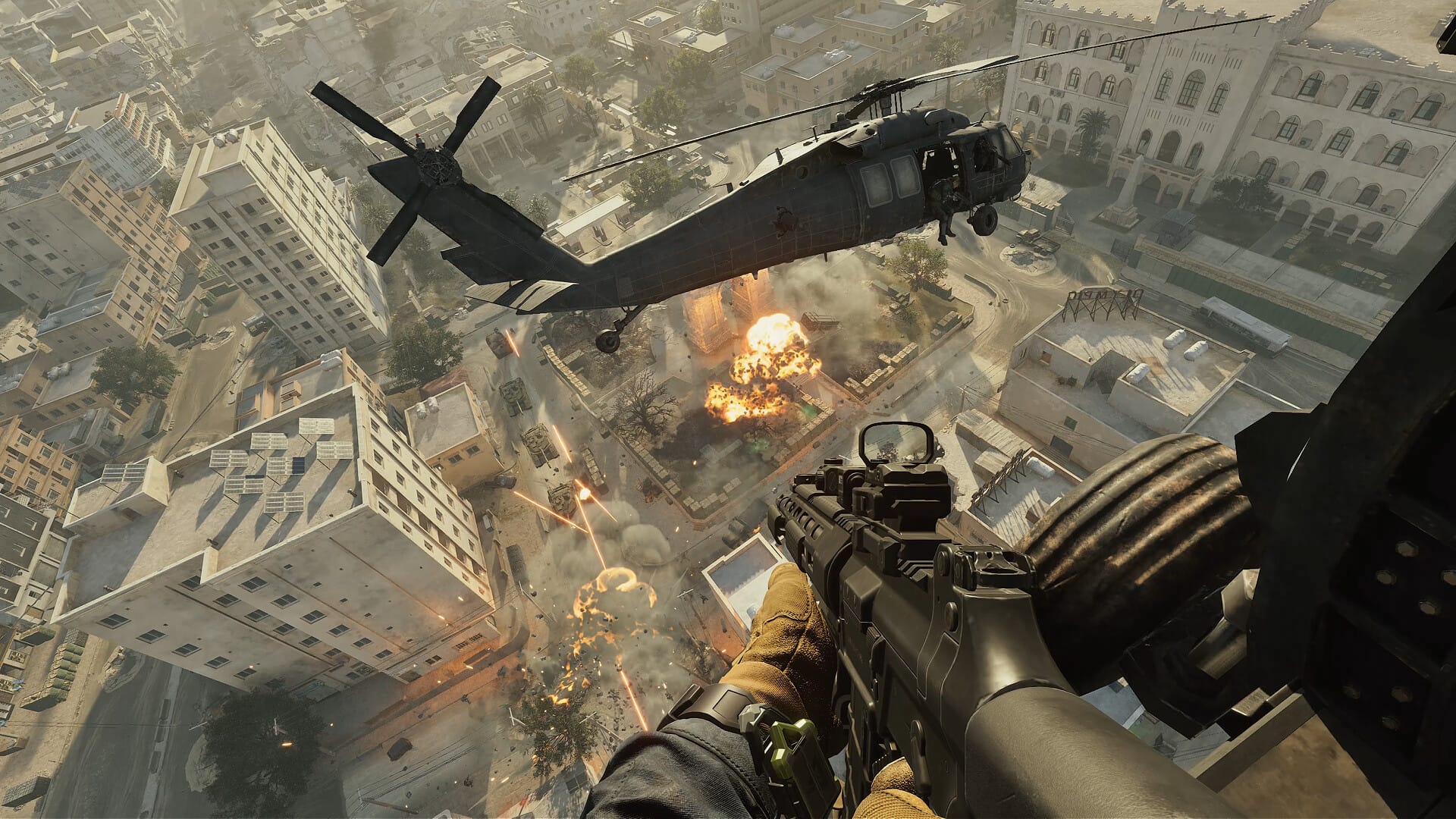
The installation workflow is completely painless. Delta Force offers an official free PC release on Windows, and getting everything set up takes only a few simple steps:
- Grab the Official Client: Head over to the official Delta Force download page or locate Delta Force on Steam or the Epic Games Store.
- Add to Your Library: Click “Add to Library” or “Get” since the core multiplayer game is completely free-to-play.
- Download the Installation Files: Allocate approximately 88 GB of high-speed SSD storage space and initiate the client download.
- Create or Link Your Account: Launch the launcher, authenticate with your credentials, and establish your player profile.
- Download Additional Map Assets: Once inside the main lobby, open Settings and verify that all multiplayer map packages have downloaded completely. Some larger warfare maps download asynchronously in the background.
That extra map asset download is an important detail that occasionally confuses newcomers. If you find a specific Warfare playlist temporarily grayed out, simply let the internal content manager finish caching the terrain packs before queueing up.
Official Delta Force PC system requirements
Delta Force is remarkably well-optimized across a wide spectrum of Windows gaming computers. You do not need an ultra-enthusiast workstation to achieve stable frame rates:
| Hardware Specification | Minimum PC Requirements | Recommended PC Specifications |
|---|---|---|
| Operating System | Windows 10 64-bit | Windows 10 / Windows 11 64-bit |
| Processor (CPU) | Intel Core i5-4440 / AMD FX-6300 | Intel Core i5-6500 / AMD Ryzen 5 1500X |
| System Memory (RAM) | 8 GB RAM | 16 GB High-Speed RAM |
| Graphics Card (GPU) | Nvidia GTX 960 / AMD R9 380 | Nvidia GTX 1060 5GB / AMD RX 5500 XT / Intel Arc A580 |
| Storage Drive | 88 GB available SSD space | 88 GB NVMe SSD space |
| DirectX API | DirectX Version 11 | DirectX Version 11 / Version 12 |
These requirements ensure that budget-friendly gaming rigs and mid-range laptops built over the past several years can maintain smooth gameplay without heavy stuttering.
What actually makes Delta Force click
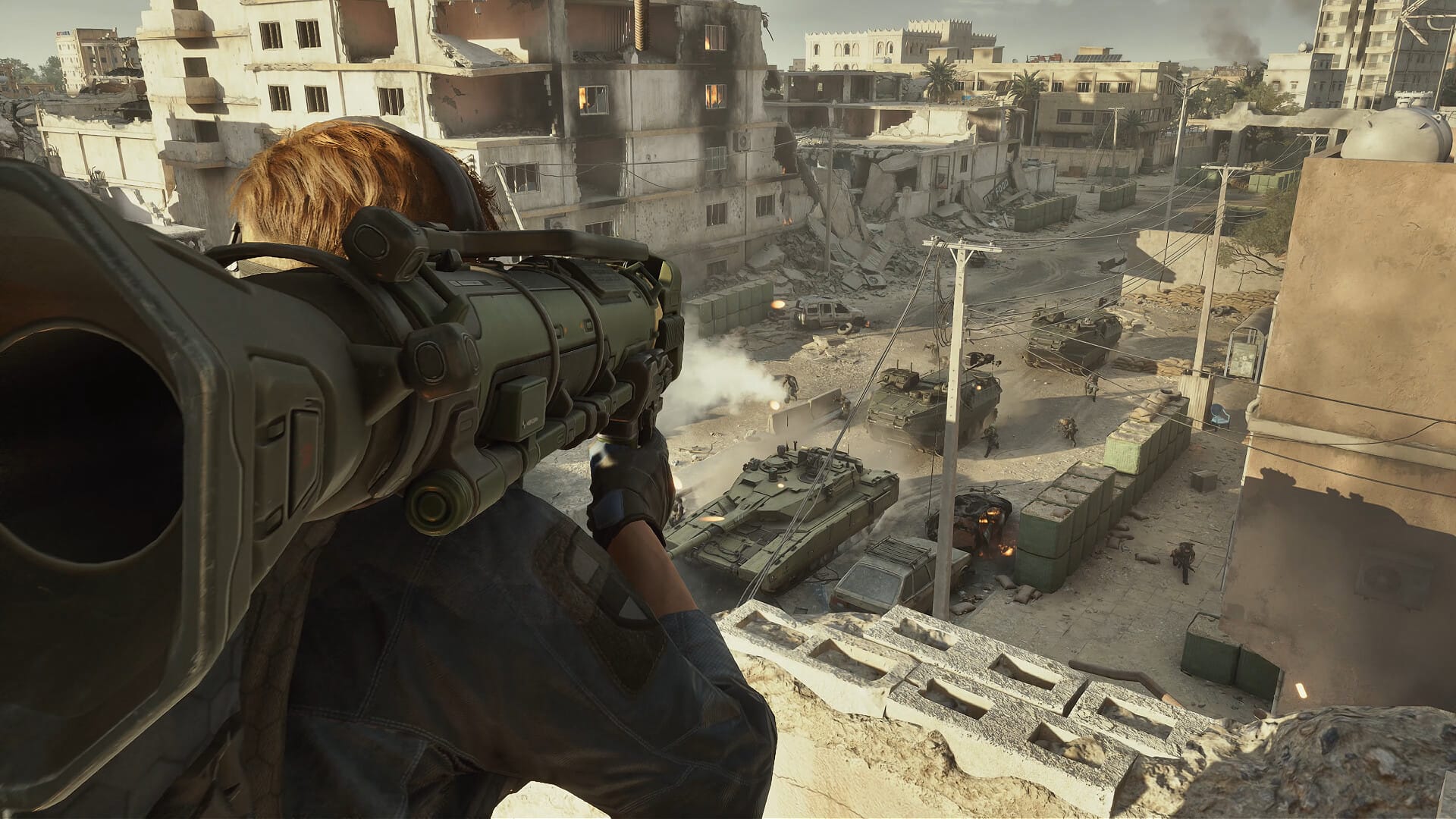
What elevates Delta Force above typical modern free-to-play shooters is how each gameplay pillar satisfies a specific tactical appetite without diluting mechanical depth:
- Warfare Mode: The massive 32v32 combined-arms theater of war. Ground vehicles, armored personnel carriers, dynamic attack helicopters, and naval boats clash across wide operational sectors, delivering authentic large-scale warfare.
- Operations Mode: A tactical extraction experience. Your squad infiltrates hostile territory, secures high-tier loot and confidential intelligence, avoids rival squads, and navigates dangerous extraction zones.
- Black Hawk Down Campaign: A modernized recreation of the iconic cinematic mission sets, blending co-op tactical teamwork with authentic military setpieces.
- Gunsmith Customization: Unmatched weapon modification depth. You can swap muzzle devices, customize handguards, adjust optics, and tune recoil patterns to suit your exact engagement style.
- Tactical Operators: Specialized operator kits introduce recon arrows, smoke mortar screens, and mobility grappling hooks that reward tactical synergy rather than gimmicky abilities.
Critically, the core gunplay avoids aggressive pay-to-win mechanics. Weapons and functional attachments are unlocked through gameplay progression, preserving competitive fairness across every match.
PC performance: what frame rates to expect
On Windows gaming hardware, Delta Force runs with impressive stability. Even during dense 64-player firefights filled with smoke grenades and air strikes, frametime pacing remains remarkably smooth.
On popular mid-tier hardware like an NVIDIA GeForce RTX 3060 or AMD Radeon RX 6700 XT at 1080p and 1440p High settings, players can comfortably expect between 100 and 130 frames per second. For competitive players running high-refresh 144Hz or 240Hz monitors, lowering volumetric lighting, screen-space reflections, and shadow cascading pushes frame rates well past 165 fps.
The game also supports modern temporal upscalers including NVIDIA DLSS and AMD FSR. Enabling DLSS Quality mode gives an instant 25 to 35 percent frame rate boost while maintaining razor-sharp reticle clarity. If you want to optimize your GPU driver settings specifically for low frametimes, our comprehensive best NVIDIA Control Panel settings guide provides the optimal baseline configurations.
Is Delta Force PC worth playing in 2026?
Delta Force hits an undeniable sweet spot in the multiplayer gaming landscape. It fills the void left by past tactical shooters by delivering expansive 64-player warfare alongside a tense extraction loop, completely free of charge.
The learning curve is intuitive yet rewarding, the gunplay feels weighty and impactful, and the dedicated PC client provides flawless keyboard and mouse responsiveness. If you are searching for a fresh tactical shooter to dominate with your squad this season, Delta Force on PC is well worth your hard drive space.
To eliminate system stutters and maximize your mouse responsiveness during fast tactical exchanges, make sure to read our detailed guide on reducing input lag in Windows 11.
Sources: Delta Force on Steam, Delta Force on Epic Games Store, Team Jade and TiMi Studio Group official release documentation, September 2026.

Allen Wade is a Senior PC Hardware & Performance Analyst at PerfCore with over 8 years of experience benchmarking CPUs, GPUs, gaming laptops, and system architectures. He specializes in 1080p and 1440p frametime analysis, thermal dynamics, and budget component optimization. Allen’s hardware testing methodology relies on standardized test benches, repeatable CapFrameX frametime captures, and clean OS environments.