
Zenless Zone Zero PC: How to Play on Windows in 2026
Play Zenless Zone Zero on PC in 2026. Learn how to download the official Windows version, system requirements, performance tips, and why it runs better on desktop.

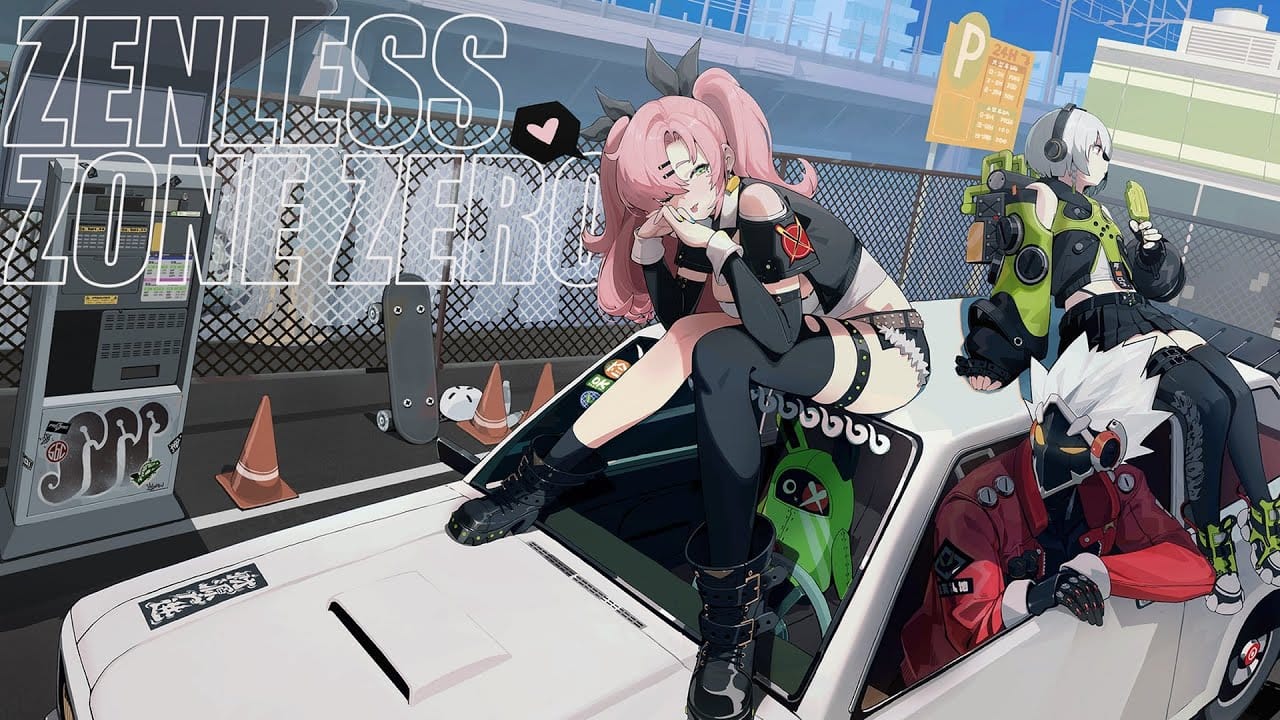
If you have been playing Zenless Zone Zero on your phone and wondering whether making the jump to a proper Windows setup is worth it, the short answer is yes. The game was built with PC performance in mind, and everything from the fluid chain attacks to the buttery-smooth dodge mechanics feels sharper and more satisfying on a desktop or laptop running the native client. The bigger screen, faster loading, and proper controller support all add up to a noticeably better experience. In this guide, we break down how to play Zenless Zone Zero on PC in 2026, complete with system requirements, performance tuning, and installation steps.
Is Zenless Zone Zero officially available on PC?
Yes. HoYoverse provides a native Windows client through the HoYoPlay launcher and the Epic Games Store. No Android emulator is needed. Your HoYoverse account syncs progress across PC, mobile, and PlayStation 5, so you keep everything you have already unlocked.
Table of Contents
Is Zenless Zone Zero Officially Available on PC?
Yes, Zenless Zone Zero has been available on Windows PC since launch day in July 2024. HoYoverse ships a dedicated native Windows client that receives every update at the same time as mobile and console. You do not need BlueStacks, LDPlayer, or any other Android emulator to run it.
You can download the game through two official channels:
- The Official Zenless Zone Zero website via the HoYoPlay launcher
Both connect to the same global servers, and your HoYoverse account carries all your Agents, W-Engines, story progress, and Inter-Knot credits across every platform you log in from. Many players use PC for serious content like Shiyu Defense and Hollow Zero, then switch to mobile for quick daily commissions and check-ins.
Official PC Requirements for Zenless Zone Zero (2026)
HoYoverse lists the following hardware specifications for the current version in 2026:
| Hardware Component | Minimum Requirements | Recommended Requirements |
|---|---|---|
| Operating System | Windows 10 64-bit | Windows 10 / 11 64-bit |
| Processor (CPU) | Intel Core i5 (7th Gen) | Intel Core i7 (10th Gen) or better |
| Memory (RAM) | 8 GB | 16 GB Dual-Channel |
| Graphics Card (GPU) | NVIDIA GeForce GTX 970 | NVIDIA GeForce GTX 1660 or better |
| Storage Space | 50 to 75 GB available space | 75 GB+ on Solid State Drive (SSD) |
| DirectX Version | DirectX 11 | DirectX 11.1 or higher |
The minimum spec will get you into New Eridu, but expect lower framerates during chain attacks and screen-filling ultimate animations. Aim for the recommended tier or above if you plan to push into tougher content like the higher floors of Shiyu Defense, where consistent frame delivery matters.
Storage is worth paying attention to. The game installs around 50 to 75 GB and keeps growing with each major update. An SSD is strongly recommended for a stutter-free experience because the game uses procedural generation for some Hollow zones, and a slow hard drive causes noticeable micro-stutters during area transitions.
How to Download and Install Zenless Zone Zero on Windows
Getting up and running takes around ten to fifteen minutes plus download time:
- Visit the official Zenless Zone Zero download page and download the HoYoPlay launcher installer.
- Run the installer, accept the license terms, and pick an installation path on your fastest SSD with at least 80 GB of free storage.
- Once the launcher opens, find Zenless Zone Zero in the game library and click Get Game.
- Let the launcher download and verify all files. The initial download typically runs between 50 and 75 GB depending on the version.
- Click Start Game, log in with your HoYoverse account, and you will land directly in New Eridu with all cross-save progression synced.
How to Improve Zenless Zone Zero Performance on Windows
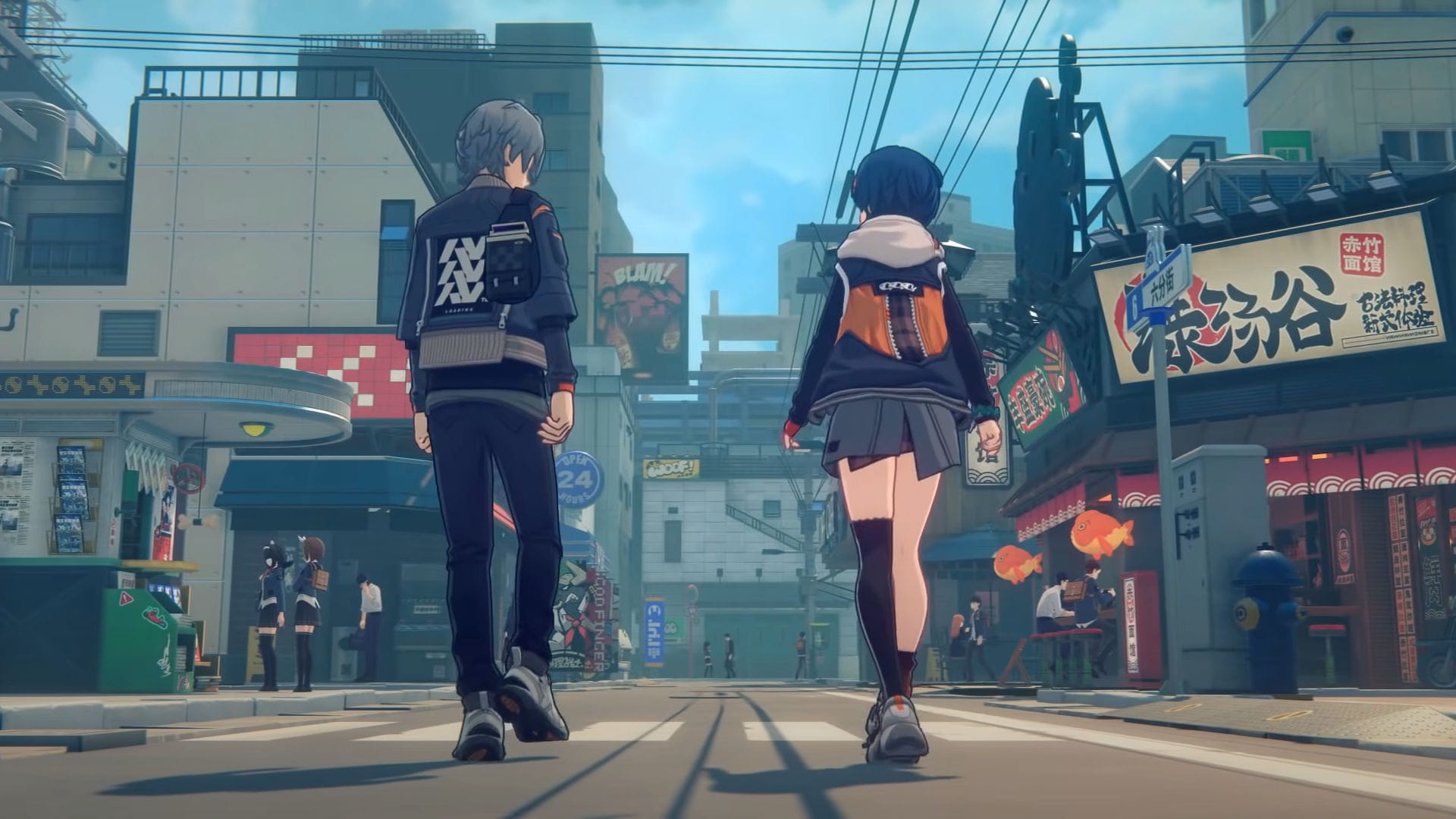
Zenless Zone Zero is a heavier game than it looks. The stylized comic-book presentation hides demanding particle effects during combat. A few targeted settings give you the biggest performance gains:
- Windows Optimization: Enable Hardware-Accelerated GPU Scheduling in Windows Settings. For fine-tuning graphics drivers, check our guide on best NVIDIA Control Panel settings for maximum FPS.
Controller vs. Keyboard and Mouse: Which Plays Better?
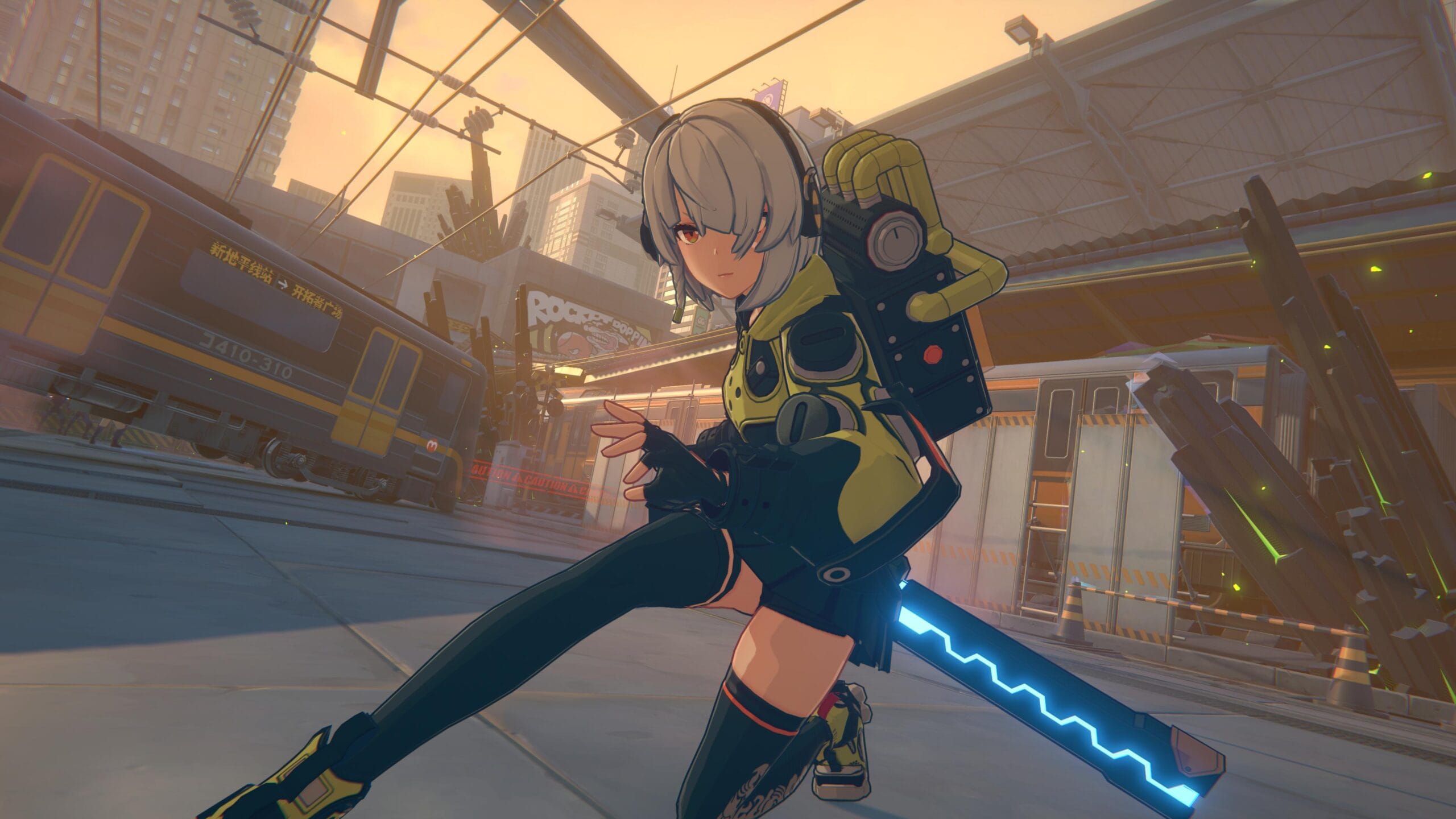
Both control schemes are natively supported on Windows with automatic input detection:
- Controller: Most players lean toward a gamepad for combat. Character swaps map naturally to shoulder buttons (LB/RB), and analog stick movement feels intuitive during fast evasions and parries. DualSense haptics also enhance hit feedback.
- Keyboard and Mouse: Mouse precision provides lightning-fast camera control during chaotic mob encounters, and digital key presses offer zero-latency timing for dodge reactions.
Does Zenless Zone Zero Run on Low-End Hardware?
Yes, with adjustments. If your GPU sits below the recommended tier, set Effects Quality to Low, turn off Volumetric Fog, and adjust render resolution between 85% and 90%. This maintains 40 to 60 FPS on older GTX 970 class hardware.
If you are looking for more high-quality free titles to play on Windows, our curated list of the best PC games in 2026 covers top options across all genres.
Frequently Asked Questions
Is Zenless Zone Zero free on PC?
Yes, completely. The game is free to download and play via the HoYoPlay launcher or the Epic Games Store. All story chapters, events, and gameplay modes are accessible without spending money.
Can I transfer my progress from mobile to PC?
Yes. Your HoYoverse account syncs all Agents, W-Engines, Inter-Knot level, and story progress across PC, iOS, Android, and PlayStation 5.
Do I need an emulator to play on Windows?
No. HoYoverse provides an official, native Windows client that runs directly on your computer with full hardware acceleration.
How large is the Zenless Zone Zero install on PC?
Expect between 50 and 75 GB for the current client. We recommend budgeting at least 80 GB of free space on an SSD for smooth patch updates.
Conclusion
Zenless Zone Zero is one of the most polished and stylish free-to-play action RPGs available on Windows in 2026. The native PC client is well maintained, the performance ceiling reaches 120 FPS and higher on modern hardware, and cross-platform progression means switching from mobile to desktop is effortless.

Allen Wade is a Senior PC Hardware & Performance Analyst at PerfCore with over 8 years of experience benchmarking CPUs, GPUs, gaming laptops, and system architectures. He specializes in 1080p and 1440p frametime analysis, thermal dynamics, and budget component optimization. Allen’s hardware testing methodology relies on standardized test benches, repeatable CapFrameX frametime captures, and clean OS environments.