

Genshin Impact PC: How to Play on Windows in 2026
Play Genshin Impact on PC in 2026. Learn how to download the official Windows version, system requirements, performance tips, and why it plays better on desktop.

If you have been playing Genshin Impact on your smartphone and want to transition to a desktop or laptop, you are making the right move. The game was engineered with PC in mind from day one, and everything about the adventure, from exploring the vast open world of Teyvat to executing precise elemental combos in the Spiral Abyss, feels vastly superior on a proper Windows setup. In this guide, we break down how to play Genshin Impact PC in 2026, complete with system requirements, performance tuning, and installation steps.

Is Genshin Impact officially available on PC?
Yes. HoYoverse provides a dedicated native Windows installer available directly through the official website and the Epic Games Store. No Android emulators or third-party virtualization software are required. Cross-progression is fully supported, allowing your mobile or console progress to sync seamlessly.
Table of Contents
Is Genshin Impact Officially Available on PC?
Yes, Genshin Impact is officially available as a standalone native Windows application. HoYoverse maintains a dedicated PC launcher that receives updates simultaneously with mobile and console editions. You do not need third-party emulators like BlueStacks or LDPlayer to run the game.
You can download the official PC installer through either the Official Genshin Impact Download Page or via the Epic Games Store. Both versions connect to the same global game servers and support cross-play and cross-save.

Genshin Impact
OPEN-WORLD ACTION RPG
Step into Teyvat, a vast world teeming with elemental magic, rich story quests, and dynamic party-based combat. Build your dream team of four and explore seven nations on Windows PC with high-framerate support and enhanced graphical fidelity.
Official Genshin Impact PC Requirements (2026)
As the visual fidelity and world size have expanded with new nation updates, HoYoverse has updated their baseline system recommendations. Here are the confirmed PC specifications for 2026:
| Hardware Component | Minimum Requirements | Recommended Requirements |
|---|---|---|
| Operating System | Windows 10 64-bit | Windows 10 / 11 64-bit |
| Processor (CPU) | Intel Core i5 (6th Gen) / AMD Ryzen 3 | Intel Core i7 (7th Gen) / AMD Ryzen 5 5000+ |
| Memory (RAM) | 8 GB | 16 GB Dual-Channel |
| Graphics Card (GPU) | NVIDIA GeForce GTX 1050 / Intel Iris Xe | NVIDIA GeForce GTX 1060 (6 GB) / RTX 3060 |
| Storage Space | 110 GB available space | 110 GB+ on Solid State Drive (SSD) |
| DirectX Version | DirectX 11 | DirectX 12 |
How to Download and Install on Windows
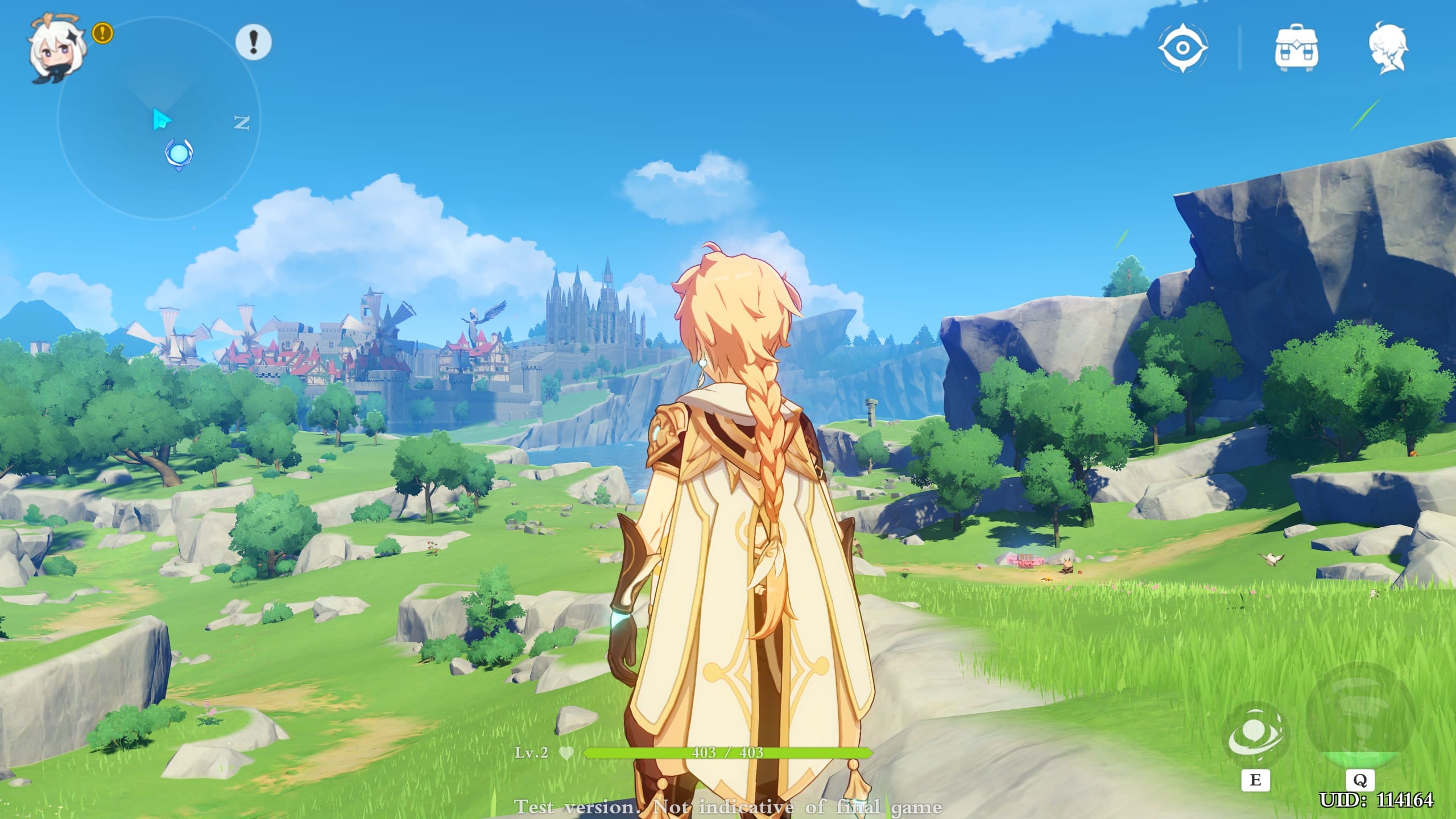
Setting up Genshin Impact on Windows takes only a few simple steps:
- Head over to the official HoYoverse Download Center and click Windows PC to download the setup launcher.
- Run the downloaded executable file, accept the terms, and select an installation folder on your fastest SSD with at least 120 GB of free storage.
- Launch the HoYoverse launcher and click Get Game to begin the full client package download and automatic file verification.
- Once installation completes, click Launch and sign in using your existing HoYoverse account to sync your characters, inventory, and adventure rank.
How to Improve Genshin Impact Performance on Windows
Genshin Impact is primarily GPU-bound on desktop systems. Fine-tuning a few specific graphics settings yields significant improvements in frame rates and frametime stability:
- Environmental Detail: Drop from High to Medium for the largest single FPS boost without significantly reducing visual quality.
- Shadow Quality: Lowering shadows from High to Medium or Low saves significant GPU overhead during intensive particle-heavy combat.
- Render Resolution: Keep set to 1.0 for native sharpness. Lowering below 1.0 creates a noticeably blurry presentation.
- V-Sync & Frame Capping: Disable in-game V-Sync and apply a driver-level frame cap. For NVIDIA users, our guide on best NVIDIA Control Panel settings for maximum FPS provides the optimal driver configuration.
Controller vs. Keyboard & Mouse: Which Plays Better?
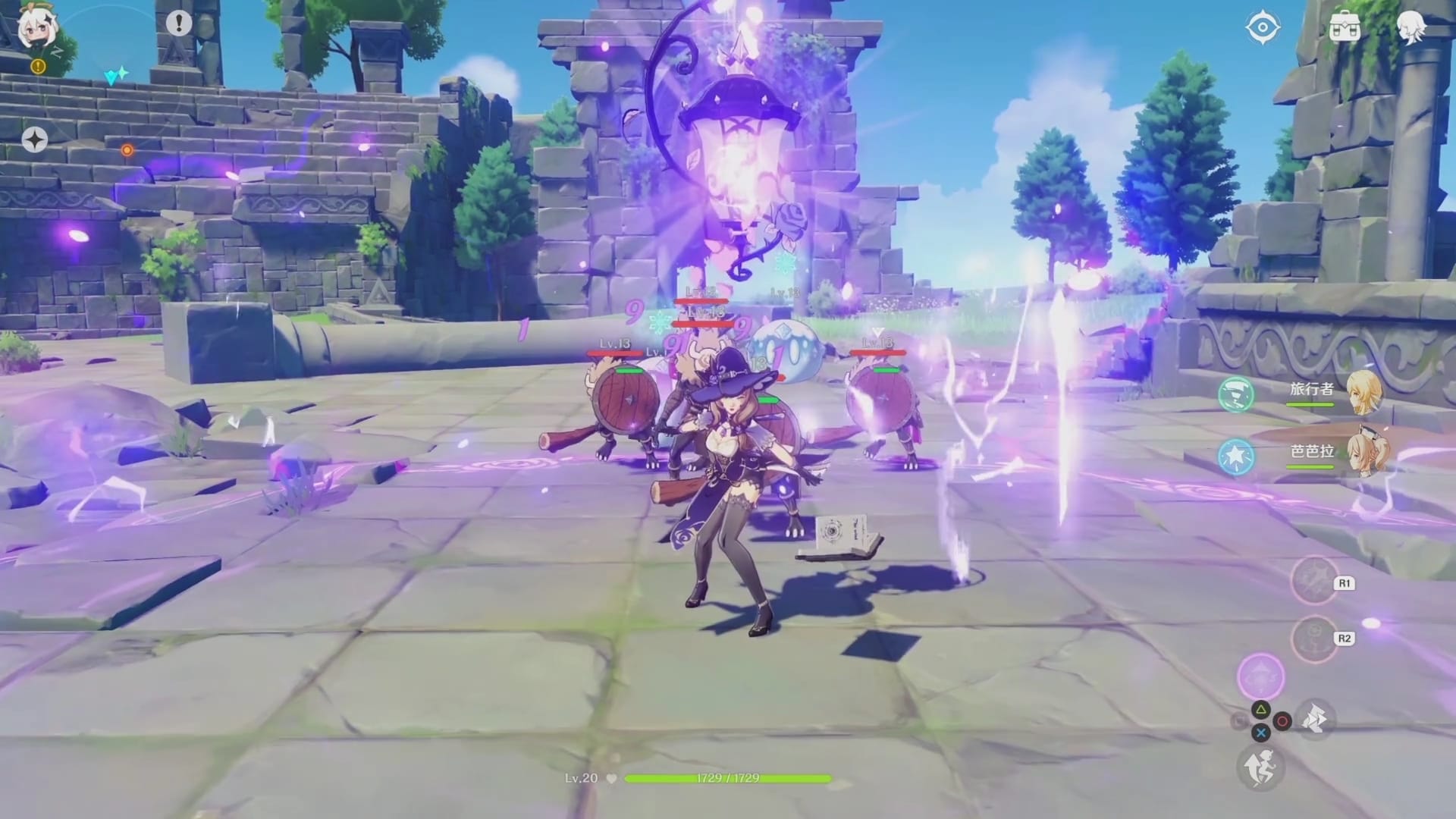
Genshin Impact features full native support for both input methods on Windows:
- Keyboard & Mouse: Ideal for precision aiming with bow characters (like Ganyu, Tighnari, or Lyney) and rapid hotkey switching between party members (1: 4).
- Gamepad Controller: Perfect for relaxed open-world exploration with analog movement control and full DualSense / Xbox controller haptic feedback.
If you enjoy expansive free-to-play adventures on Windows, check out our roundup of the best PC games in 2026 for more top-tier titles to explore on desktop.
Frequently Asked Questions
Is Genshin Impact completely free to play on PC?
Yes. The game is 100% free to download and play. All story content, regions, and regular updates are accessible without spending money.
Does my progress transfer from mobile to PC?
Yes. As long as you log in with the same HoYoverse credentials, your characters, weapons, primogems, and adventure rank sync across PC, iOS, and Android seamlessly.
Do I need an emulator to play Genshin Impact on Windows?
No. HoYoverse provides an official, native Windows client that runs directly on your computer with full hardware acceleration.
Conclusion
Playing Genshin Impact on Windows PC offers the premier way to experience Teyvat in 2026. With crisp high-resolution visuals, steady 60 FPS gameplay, full controller support, and seamless cross-platform account synchronization, the PC version delivers a vastly superior experience over mobile gaming.

Allen Wade is a Senior PC Hardware & Performance Analyst at PerfCore with over 8 years of experience benchmarking CPUs, GPUs, gaming laptops, and system architectures. He specializes in 1080p and 1440p frametime analysis, thermal dynamics, and budget component optimization. Allen’s hardware testing methodology relies on standardized test benches, repeatable CapFrameX frametime captures, and clean OS environments.